Loading...
Kling
Explore Kling Model Versions
Kling is best understood as a family of video models rather than a single fixed version. Start from the main Kling AI page to understand its core capabilities, then choose the right model for your budget, visual quality goals, motion quality, camera control needs, and iteration speed.
Kling AI Video Generator
Create realistic, smooth, professional videos from text, images, and reference assets with Kling AI
Kling AI is a family of AI video generation models developed by Kuaishou, the Chinese short-video platform. It is built for creators who need realistic motion, stable subjects, cinematic shots, and highly detailed visual quality. Use it for text-to-video, image-to-video, reference-to-video, camera movement, multi-shot shorts, and lip-sync content. With AnyAIHub, you can try Kling AI directly and compare Kling 3.0, Kling 2.6, Kling 2.5, Kling 2.1 Master, and Kling 2.1 Pro in one workflow to find the best version for your current project.
Core Kling AI Features
Kling AI does more than turn prompts into moving images. It is especially useful for transforming text, images, character references, product assets, and shot direction into controllable short videos, with stronger optimization for motion realism, visual detail, camera rhythm, and lip sync.
Text-to-Video Generation
Kling AI supports text-to-video generation, making it useful when you want to build a scene from a clear creative direction rather than produce a randomly moving clip. You can describe the action, setting, camera feel, and visual atmosphere in your prompt, then use Kling AI to test how the idea works in motion. It is especially effective for concept videos, cinematic scenes, advertising ideas, and narrative-driven clips.
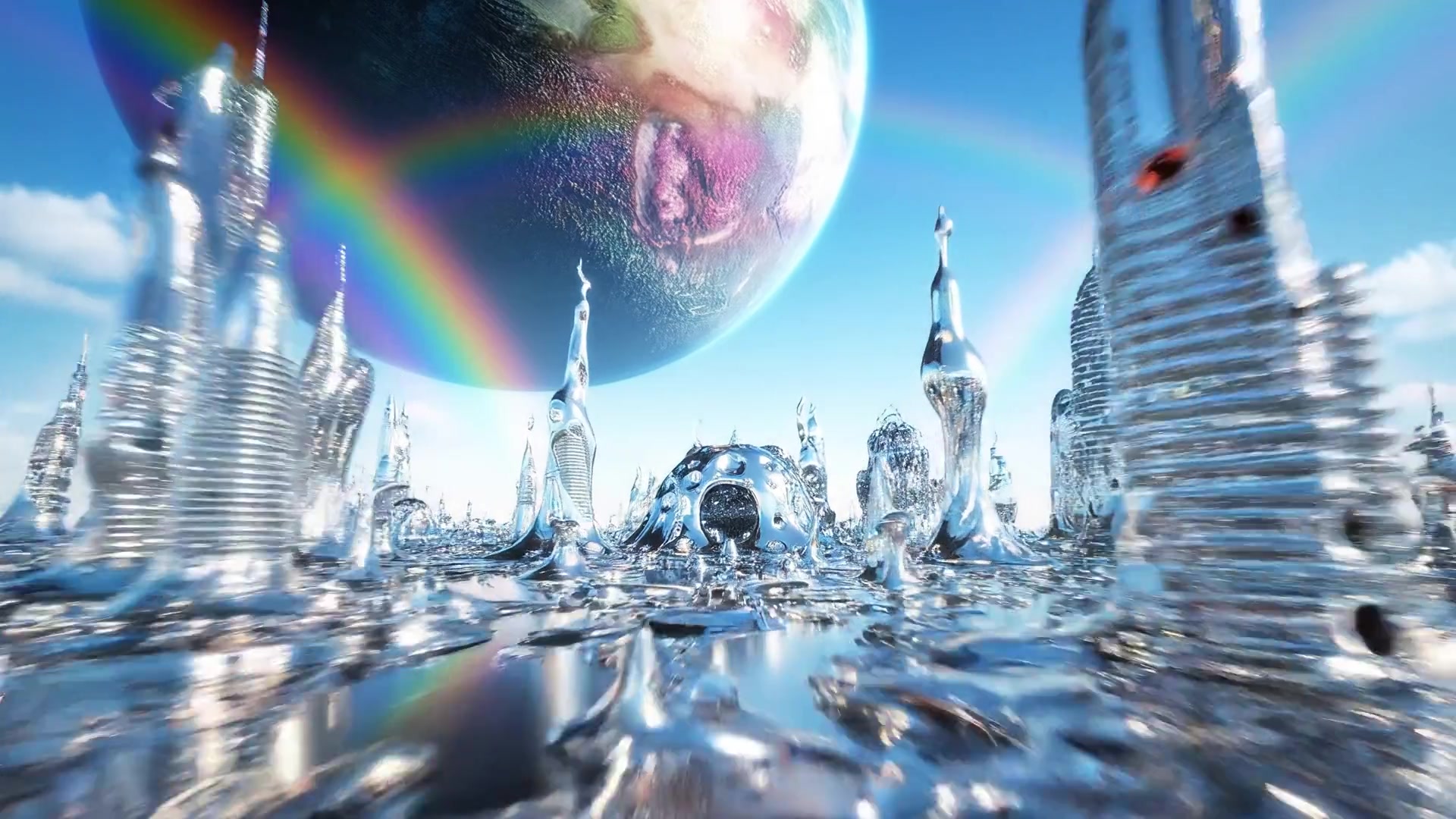
Image-to-Video Animation
Use image-to-video when you want to start from a specific first frame, character image, product photo, portrait, or concept artwork. Kling AI adds motion while preserving subject identity, composition, and product appearance, making it suitable for e-commerce showcases, character performances, advertising assets, and concept storyboards.
Reference-Based Generation
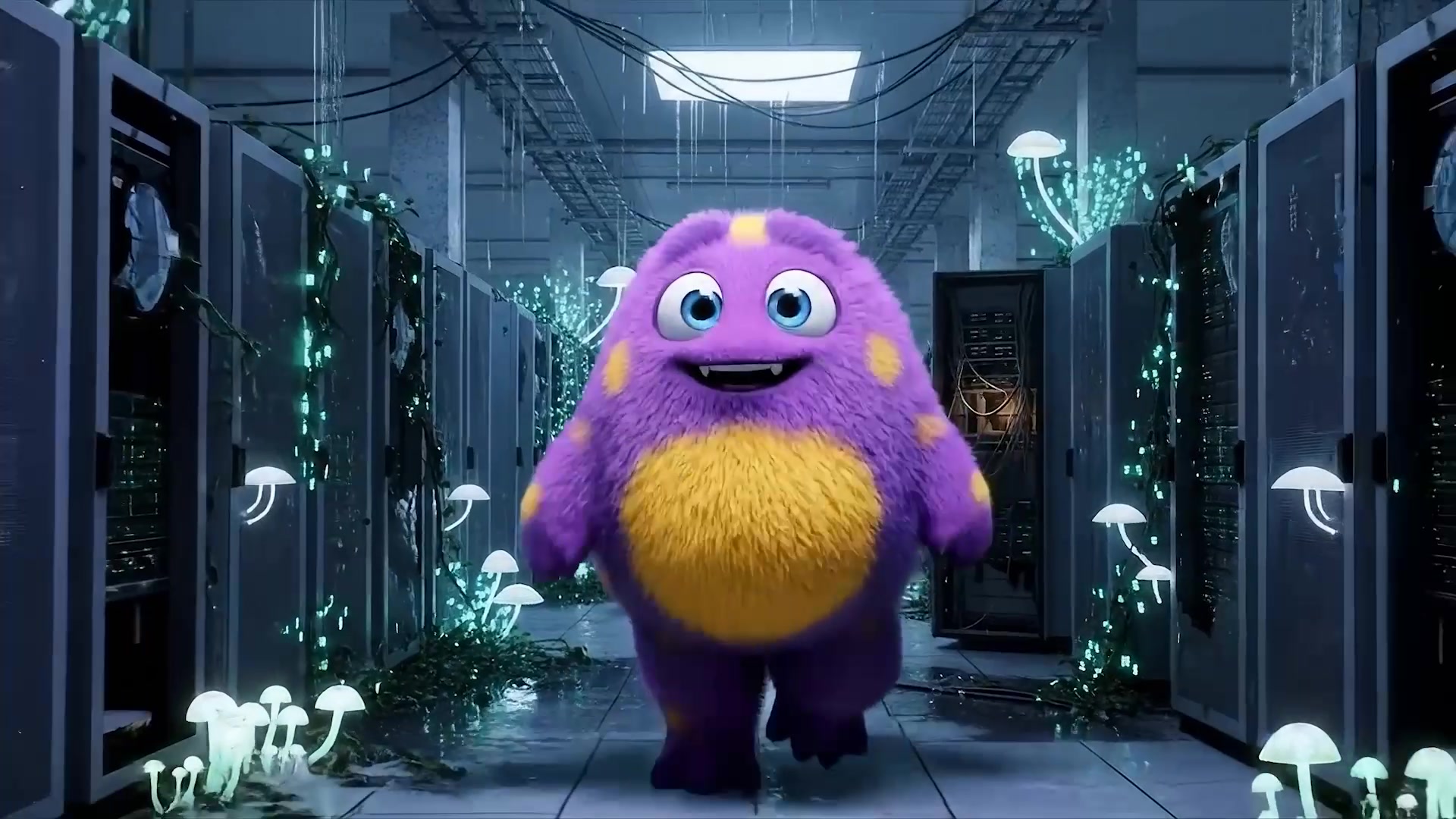
Kling AI can use visual references to guide character identity, product shape, style language, and overall look. Compared with pure text generation, reference assets provide visual context beyond the prompt, helping the result stay closer to the specified character, product, or creative direction while reducing randomness.
Realistic Motion Dynamics
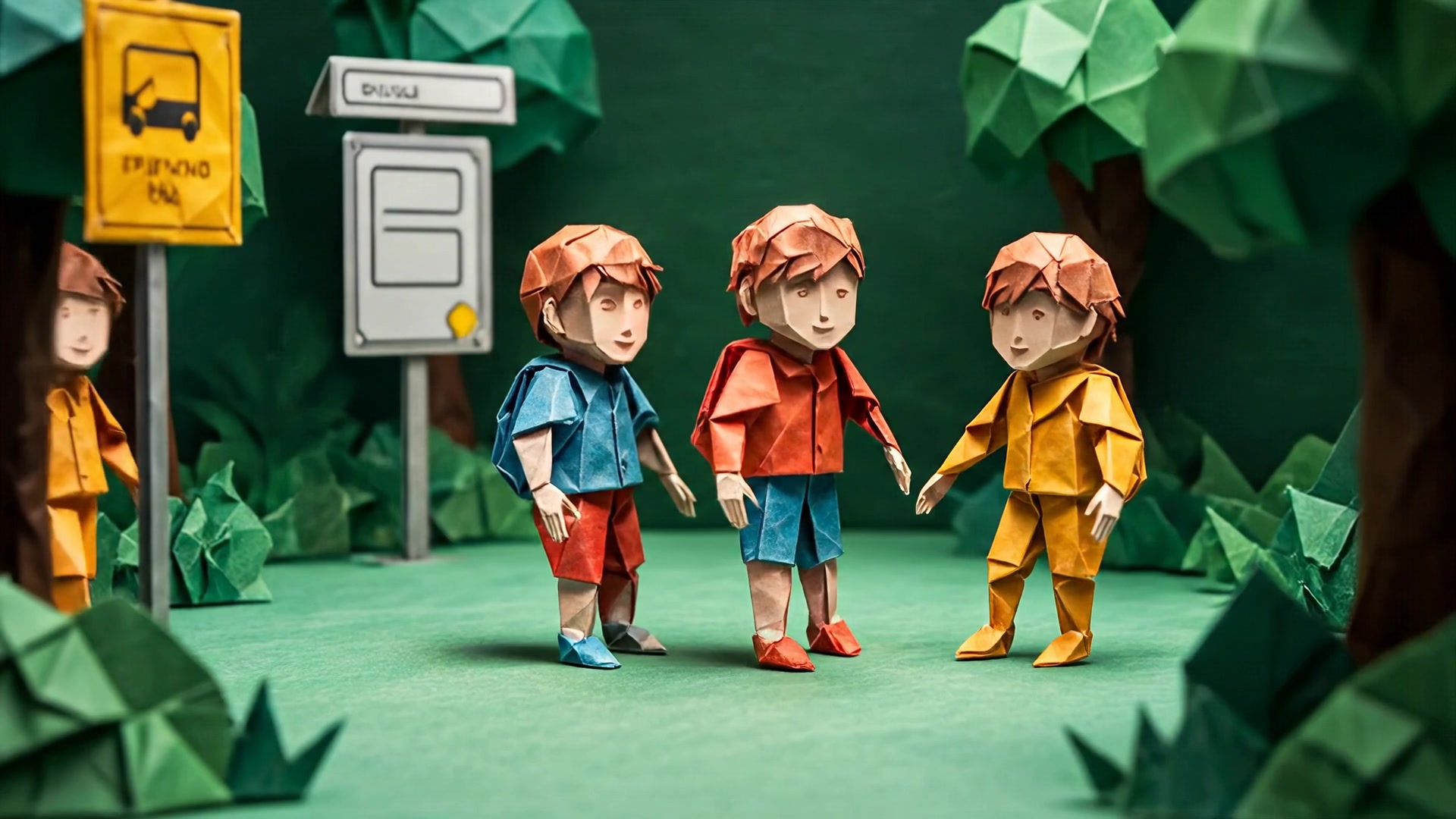
Kling AI becomes especially valuable when a scene depends on believable movement rather than just an attractive single frame. It is suited for walking, turning, object movement, cloth dynamics, and environmental changes, helping reduce stiff, floating, or unstable motion so AI videos feel closer to finished clips.
Cinematic Camera Control
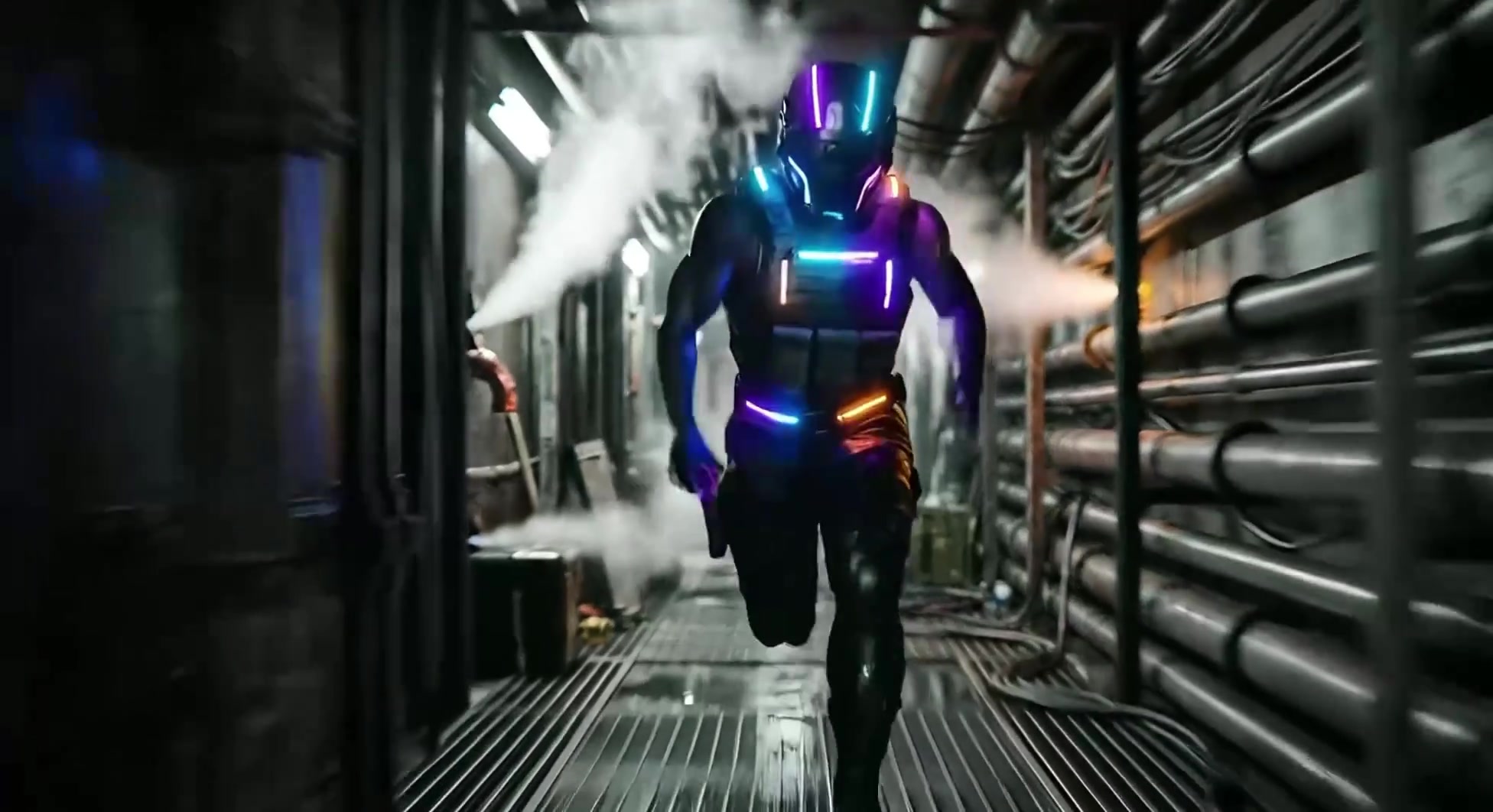
Kling AI supports prompt-guided zooms, pans, push-ins, tracking shots, angle changes, and perspective shifts. You can define more clearly how a scene should be presented, giving each clip a stronger sense of direction, clearer focus, and more intentional visual motion.
High-Detail Visual Quality
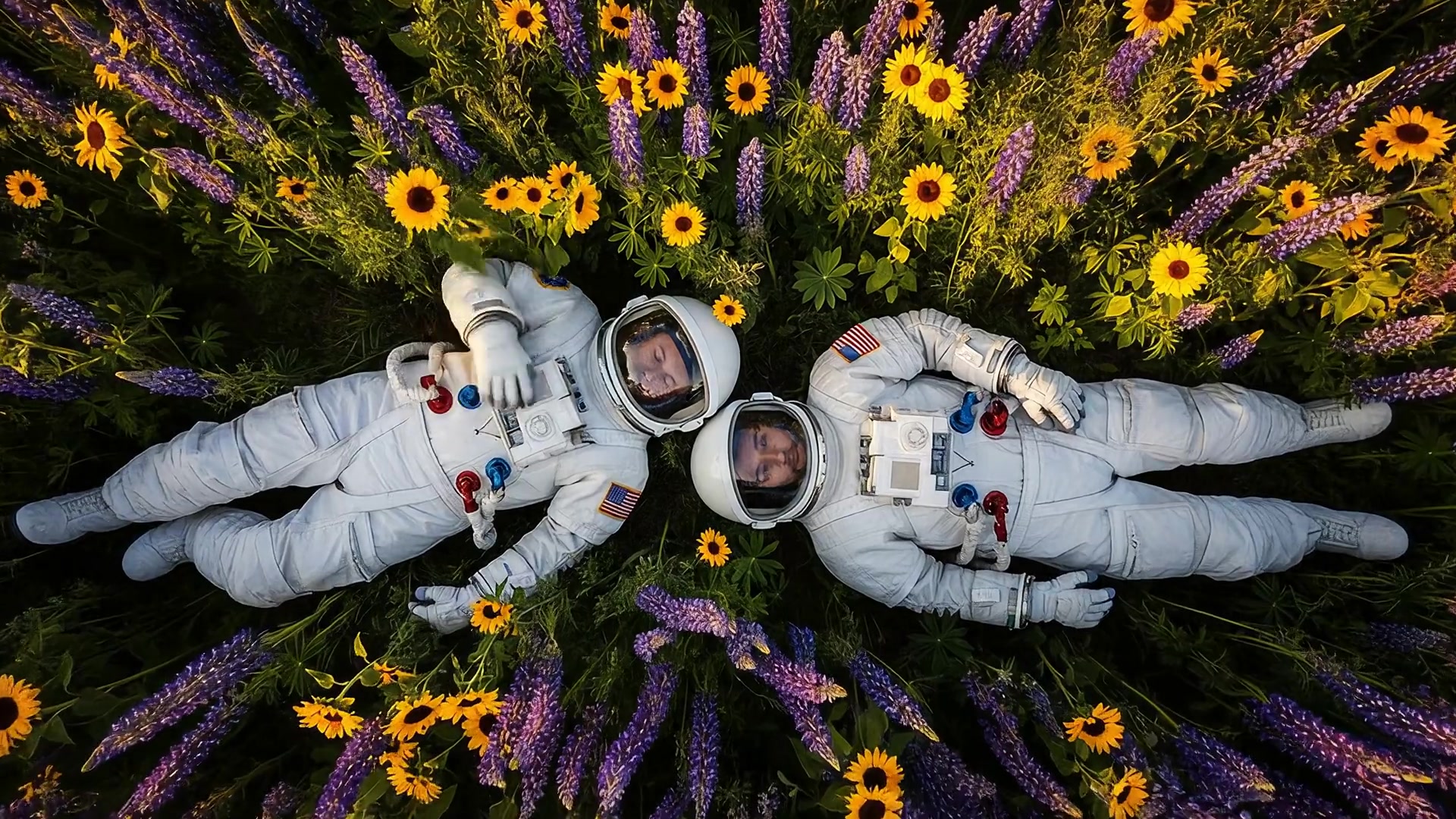
Kling AI can generate clips with more refined texture, lighting, color, and depth of field. Stronger detail helps scenes remain more coherent from frame to frame, especially for close-ups, cinematic shots, natural environments, product videos, and stylized concepts.
Multi-Shot Sequences
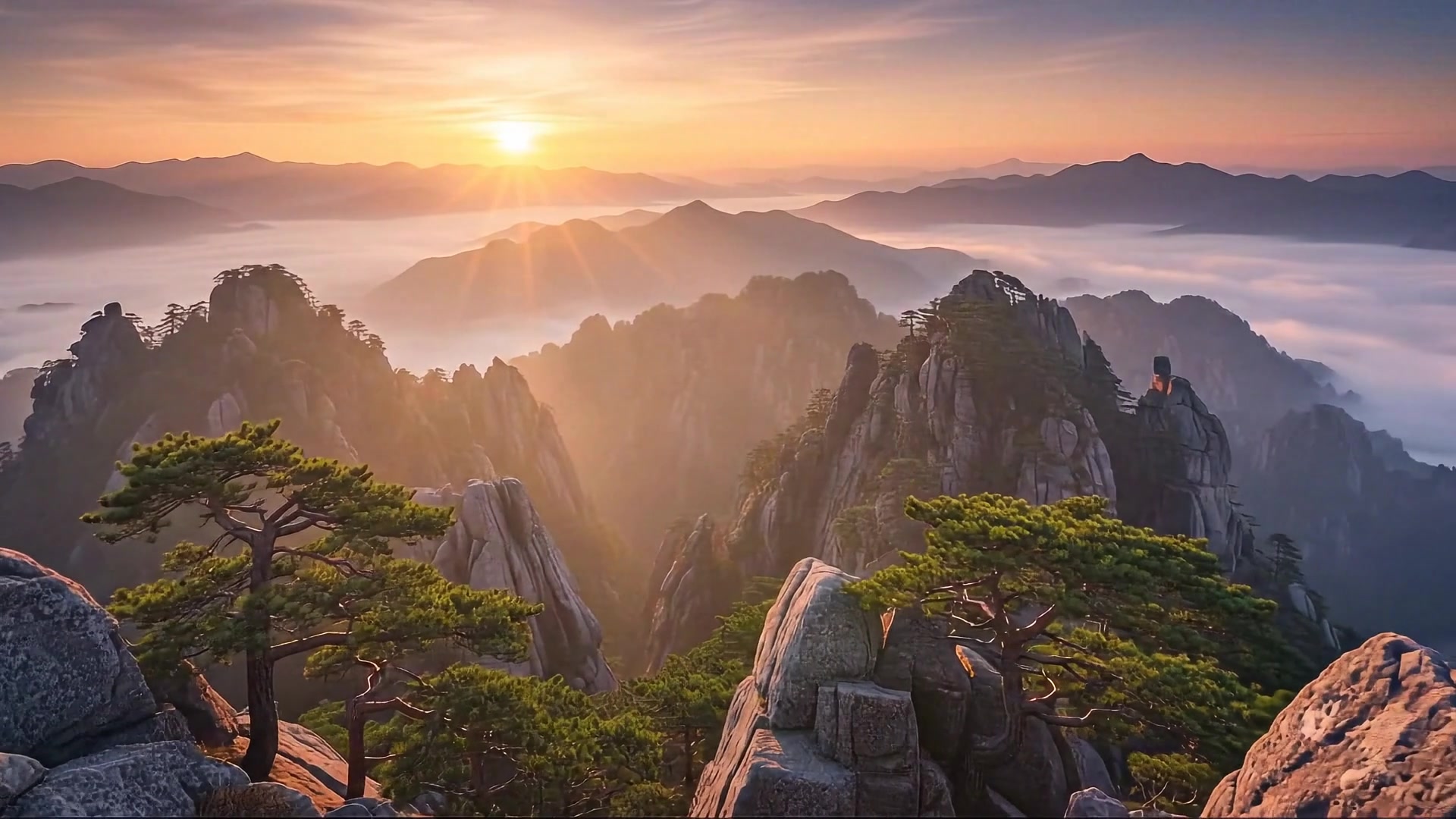
Kling AI can support video ideas that include multiple visual beats or connected scene moments. Instead of generating only a single action, you can explore short sequences with clearer setup, action, transition, and outcome, helping short videos feel more like complete narrative clips.
Dialogue Lip Sync
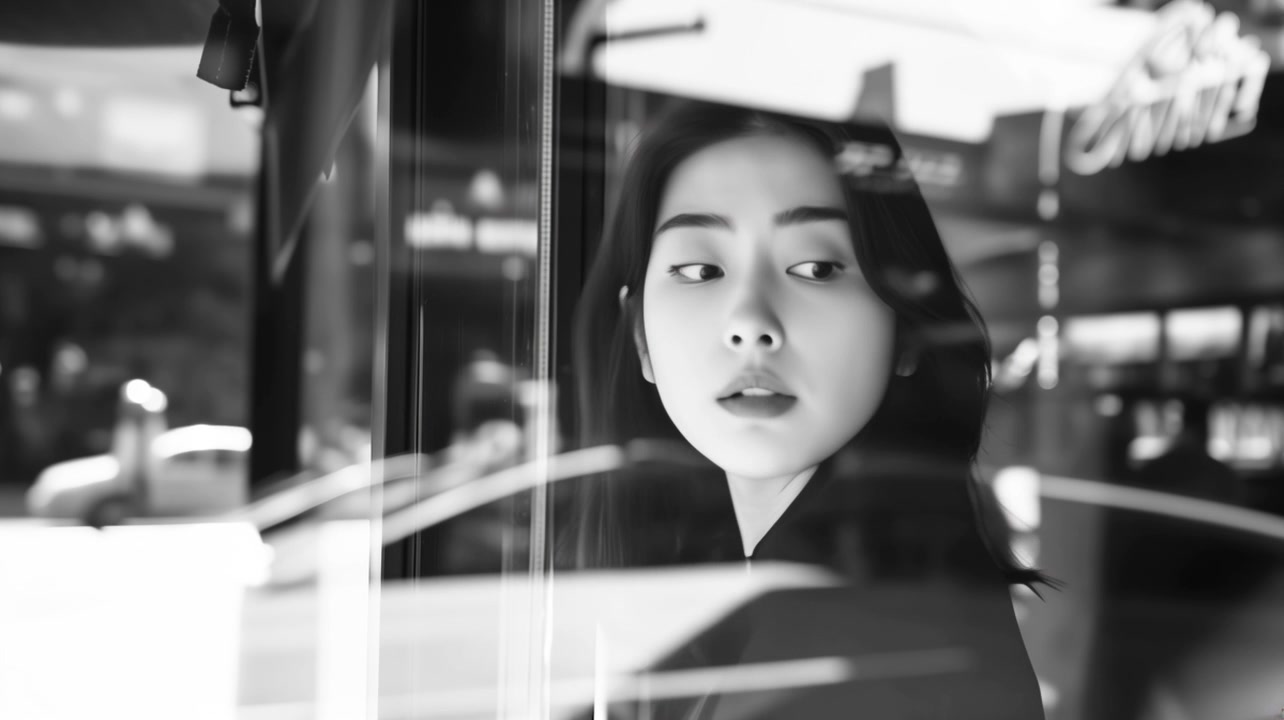
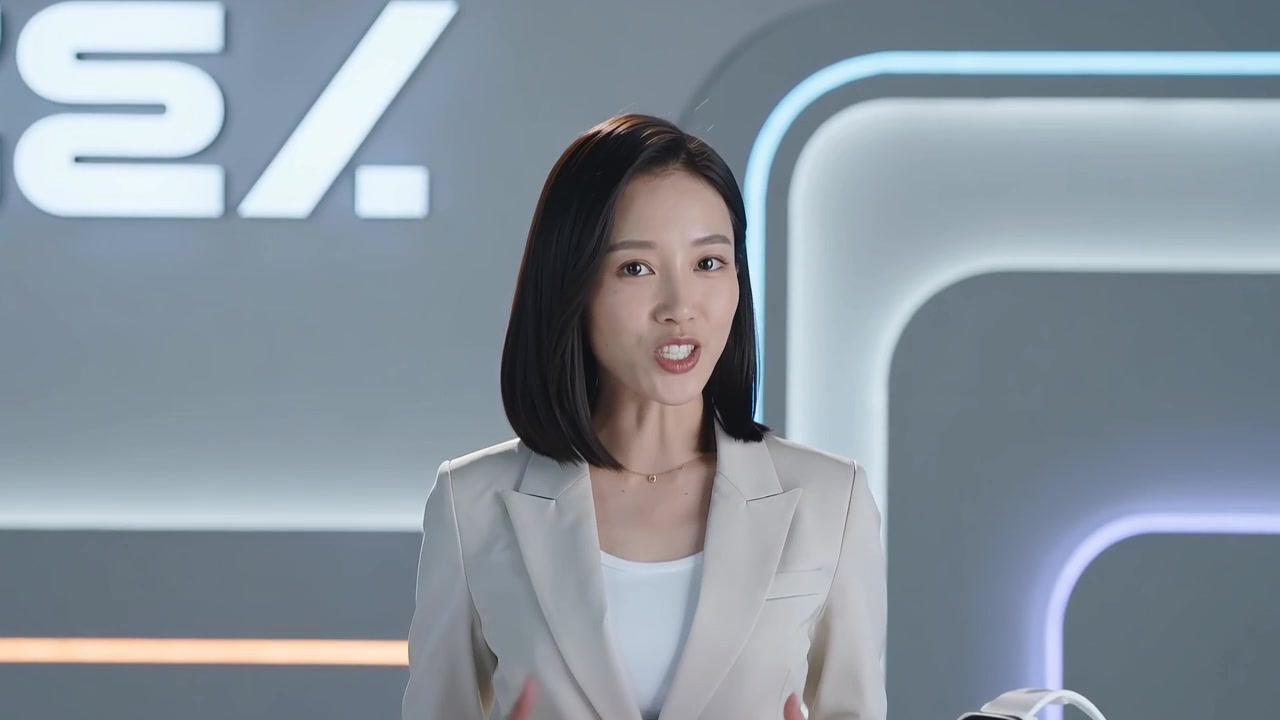
Kling AI provides lip-sync capability for speaking characters, presenter explainers, advertising voiceovers, social shorts, and simple narrative scenes. It focuses on matching mouth movement to speech so talking characters feel more naturally aligned with the audio.
How to Use Kling AI on AnyAIHub
To use Kling AI, first choose the right model version, then enter text, upload images, or provide reference assets, and finally generate and download your video. Instead of simply stacking style words, it is usually more important to clearly define the subject, action, camera movement, atmosphere, and reference goal.
1
1. Choose a Kling Model
Select Kling 3.0, Kling 2.6, Kling 2.5, or the Kling 2.1 series based on the task. Choose a higher tier when you need stronger final quality and camera performance, or a lighter version when you need faster iteration or tighter cost control.
2
2. Enter a Prompt and Upload Assets
Write a prompt that describes the subject, action, scene, style, and camera direction. Upload reference images when you need to preserve a character, product, or composition, and use lip-sync-related capabilities when your video requires dialogue.
3
3. Generate, Preview, and Save the Video
Submit the task and wait for Kling AI to render the result. Review subject consistency, natural motion, camera rhythm, and visual detail. If the result meets your expectations, download the video for ads, social content, storyboard validation, or further editing.
Kling AI free version and video generation guide
Learn about the real source of Kling AI, how it works, free trials, best use cases, generation speed, alternative models, and API access.
Which one is the real Kling AI?
Kling AI refers to the AI video generation model family released by Kuaishou, not a single fixed version. On AnyAIHub, you can access model entries organized around Kling 3.0, Kling 2.6, Kling 2.5, Kling 2.1 Master, and Kling 2.1 Pro, covering needs from rapid iteration to high-quality final output.
How does Kling AI work?
Kling AI turns text prompts, image references, visual references, and camera-control intent into video results. It focuses on subject motion, temporal continuity, camera movement, visual detail, and multimodal references, making the output closer to realistic short films or usable creative clips.
Can I use Kling AI for free?
On AnyAIHub, you can first check your current account trial allowance, bonus credits, and subscription status. If your account still has available credits, you can start with the Kling AI free experience. Actual usage depends on the model version, video duration, resolution, generation mode, and parameter settings.
What types of videos can Kling AI generate?
Kling AI is suitable for text-to-video, image-to-video, reference-to-video, short ads, product showcases, character performances, cinematic concept scenes, multi-shot shorts, lip-sync dialogue videos, and social media content.
Is Kling AI available in the United States?
Availability depends on the platform you use, regional policies, and your account status. On AnyAIHub, you can check whether Kling AI is currently available through the supported model entries and choose the matching generation workflow based on the page form.
How fast is Kling AI video generation?
Generation speed usually depends on the model version, video duration, resolution, mode, queue status, and task complexity. Lower-cost or shorter-duration tiers are better for fast iteration, while higher-quality, longer-duration, or more complex controlled outputs typically require more waiting time.
What is the best alternative to Kling AI?
If you care most about realistic motion, image-to-video workflows, camera control, and lip sync, Kling AI is often worth prioritizing. If you need different narrative control, audio capabilities, ecosystem integration, or cost structures, you can also compare Wan, Veo, Seedance, Sora, and other video models on AnyAIHub.
How can I access the Kling AI API?
If you want to integrate Kling AI into your own product or workflow, you can use an API service that supports Kling. Available models, authentication, billing, and parameter capabilities should follow the documentation of your chosen platform. On AnyAIHub, general users can first validate results through the web workflow.
Try Kling AI for Free on AnyAIHub
Experience the Kling AI video generator now and create smoother, more realistic, publication-ready AI videos from text, images, and reference assets.
