Loading...
Veo 3.1 Premium
Google Veo 3.1 AI Video Generator
Use text to video, image to video, first-to-last frame control, and native audio generation on AnyAIHub
AnyAIHub offers an online Google Veo 3.1 creation experience for creators, marketers, and brand teams that need high-quality AI video generation, image-guided video, first-and-last-frame transitions, character consistency, and more precise prompt control.
Core Capabilities of Veo 3.1
Veo 3.1 is not just about generating video. It combines first-and-last-frame control, up to three reference images, native audio generation, character consistency, advanced prompt understanding, and scene extension into a more controllable creative workflow.
Frames to Video (First & Last Frame Control)
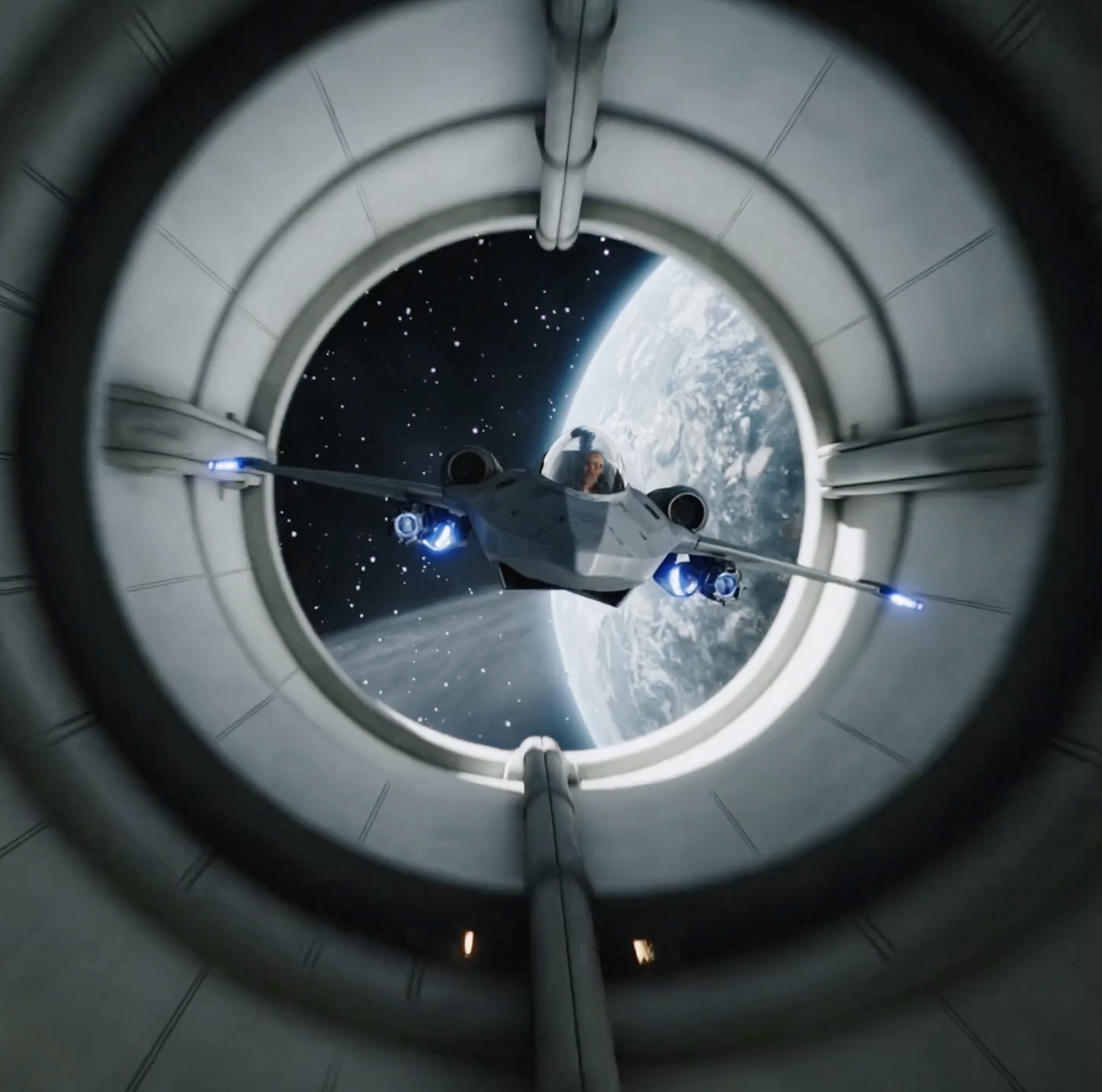
Veo 3.1 lets users provide a starting image and an ending image, then creates a smooth, natural transition between the two while generating the intermediate sequence and matching audio.
Ingredients to Video
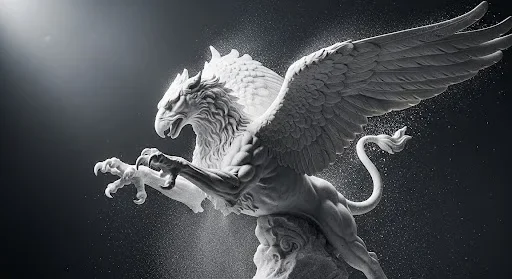
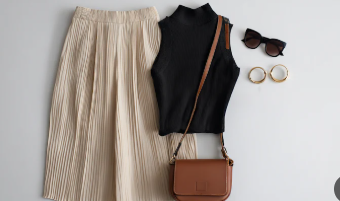
With the new ingredient-to-video workflow, you can shape the visual style of a video by providing up to three reference images of characters, objects, or scenes. This is especially useful for keeping a consistent look across multiple shots or enforcing a specific visual style throughout a project.
Richer Native Audio Generation
Veo 3.1 preserves the standout native audio generation that made Veo 3 so compelling. The model does not only create visuals. It also generates synced, context-aware soundscapes that bring videos to life with believable ambient audio, effects, and atmosphere.

Consistent Characters
One of the most requested AI video features is now here. Veo 3.1 performs especially well at keeping a character's appearance consistent across a video. Whether you are making a short story or a series of clips, your character stays recognizable and stable from shot to shot.

Advanced Prompt Understanding
The model shows excellent understanding of complex, detailed prompts. When you describe intricate scenes, specific camera movement, or a defined artistic style, Veo 3.1 translates language into visuals with impressive accuracy while better preserving context, emotion, and subtle creative direction.

Powerful Scene Extension
With scene extension, your story no longer has to stop at the initial output. Google Veo 3.1 creates new clips that intelligently connect to previous footage, using the last second of the earlier segment as the foundation for the next one while preserving visual and audio continuity.

How to Use Veo 3.1 for Video Generation
A common workflow for Google Veo 3.1 on AnyAIHub is to choose the input method first, refine the prompt and reference materials, and then generate and download the final video.
1
1. Choose the input method: text, first and last frames, or reference images
First decide whether you want to generate from a direct prompt, upload a start frame and an end frame, or use up to three reference images to guide the visuals. This choice directly affects how much control you have over the final result.
2
2. Write a clear prompt and set the aspect ratio and duration
Make the prompt as specific as possible by describing the subject, action, camera movement, scene, lighting, and mood. Then choose the right aspect ratio and video length based on how the video will be used.
3
3. Generate, review, and download the final video
After generation, review the visuals, motion, audio, and overall atmosphere. Once the result matches your goal, download the video for social media, advertising, brand content, or creative presentations.
Google Veo 3.1 guidance for AnyAIHub users
These FAQs are designed for users searching for the Google Veo 3.1 AI video generator, Veo 3.1 text-to-video, Veo 3.1 image-to-video, and first-and-last-frame control. They cover model differences, audio, ingredient-to-video generation, and professional production use cases.
What is Google Veo 3.1?
Google Veo 3.1 is an upgraded version of the Veo 3 AI video model. It adds first-and-last-frame video control, image-reference style guidance, and clearer prompt interpretation while preserving strong audio integration and character consistency.
What is the difference between Veo 3.1 and Veo 3?
Compared with Veo 3, Veo 3.1 offers more creative control. You can define specific starting and ending frames, use reference images to guide the visual style, and get more accurate responses to complex prompts. Audio generation and consistent character rendering remain top-tier.
Can I use Veo 3.1 for free on AnyAIHub?
Yes. You can try Google Veo 3.1 on AnyAIHub with free access for new users, including workflows such as text-to-video, image-to-video, first-and-last-frame control, and reference-image guidance. If you need more generations, you can continue with paid plans or credit packages.
Does Veo 3.1 generate audio with the video?
Yes. Veo 3.1 can generate native synced audio, from dialogue to ambient sound effects, helping create a more immersive video experience.
What is the frame-to-frame feature in Veo 3.1?
It allows you to upload a starting image and an ending image. Veo 3.1 then generates the in-between motion, which makes it useful for smooth transitions, transformation effects, and storytelling sequences.
How does the ingredient-to-video feature work in Veo 3.1?
It lets you combine multiple creative source materials into one coherent video by using Veo 3.1's stronger understanding and generation capabilities.
Is Veo 3.1 suitable for professional video creation?
Yes. With precise motion control, style guidance, and strong character consistency, Veo 3.1 is a solid choice for filmmakers, marketers, and creators who want polished, professional-quality AI videos.
Does Veo 3.1 support combining reference images with complex prompts?
Yes. One of Veo 3.1's key upgrades is stronger reference-image guidance and more accurate prompt understanding. On AnyAIHub, you can combine reference images, first-and-last-frame control, and detailed prompting to get more stable and predictable results.
Try Google Veo 3.1 for Free on AnyAIHub
Use the Google Veo 3.1 AI video generator on AnyAIHub today. Upload first and last frames or reference images, enter your prompt, and quickly create AI videos for marketing, social media, brand storytelling, and creative pitches.