Loading...
GPT Image 2
GPT Image 2 AI Image Generator
Accurate text rendering, 4K output, stronger instruction following, and precise pixel-level editing
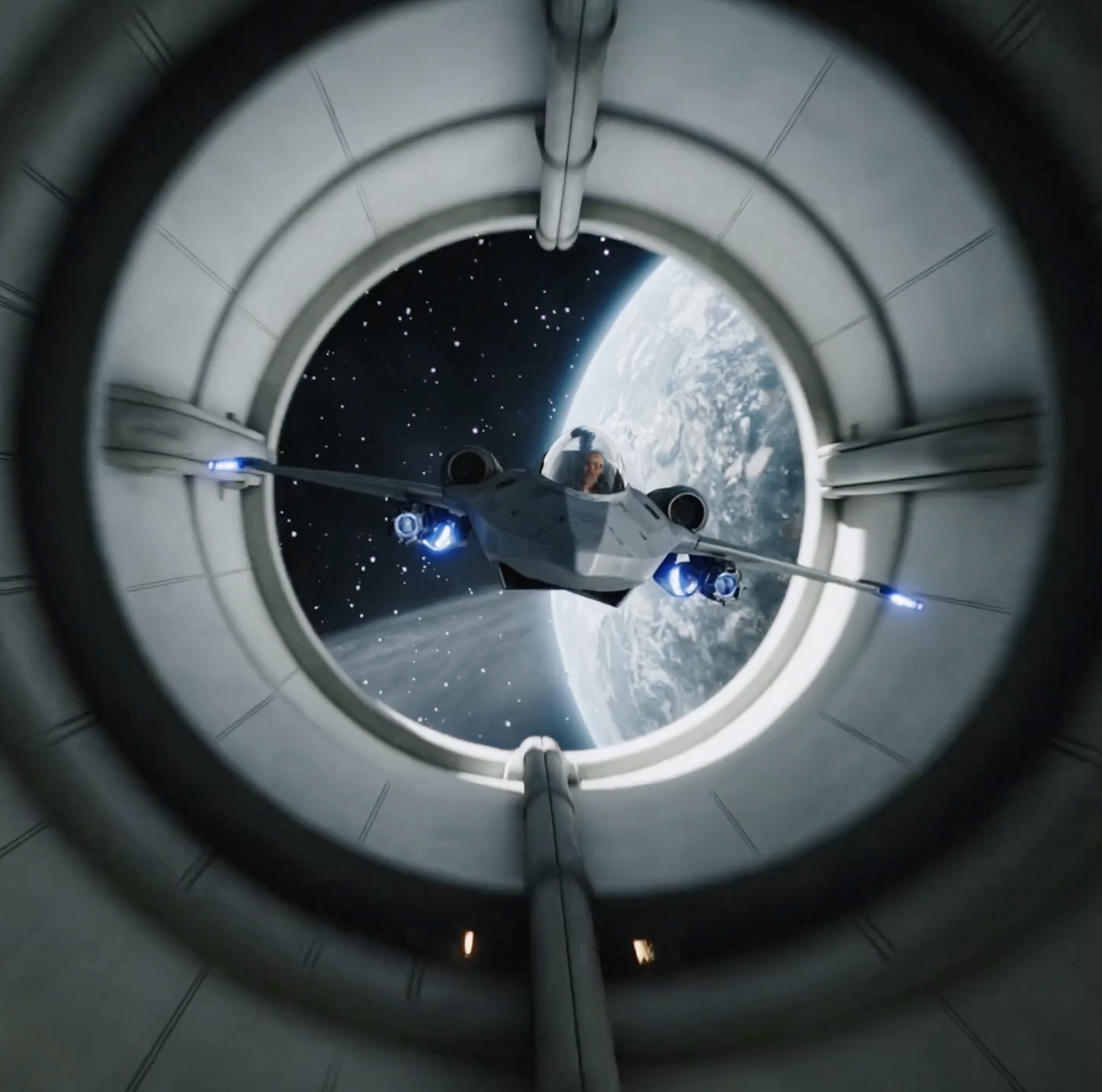
GPT Image 2 feels less like a quick image toy and more like a model built for real production work. It performs especially well on long text rendering, hard-knowledge subjects, complex commercial layouts, multi-subject scene control, and seamless local edits. That makes it a strong fit for posters, ecommerce visuals, world maps, medical illustrations, product ads, and premium publishing assets.
Key Capabilities of GPT Image 2
Five core strengths across text rendering, realism, 4K output, instruction following, and local editing
Based on the current model profile, GPT Image 2 is especially strong in near-perfect text rendering, world-knowledge-driven realism, production-grade 4K output, better instruction fidelity, and pixel-level precision editing.
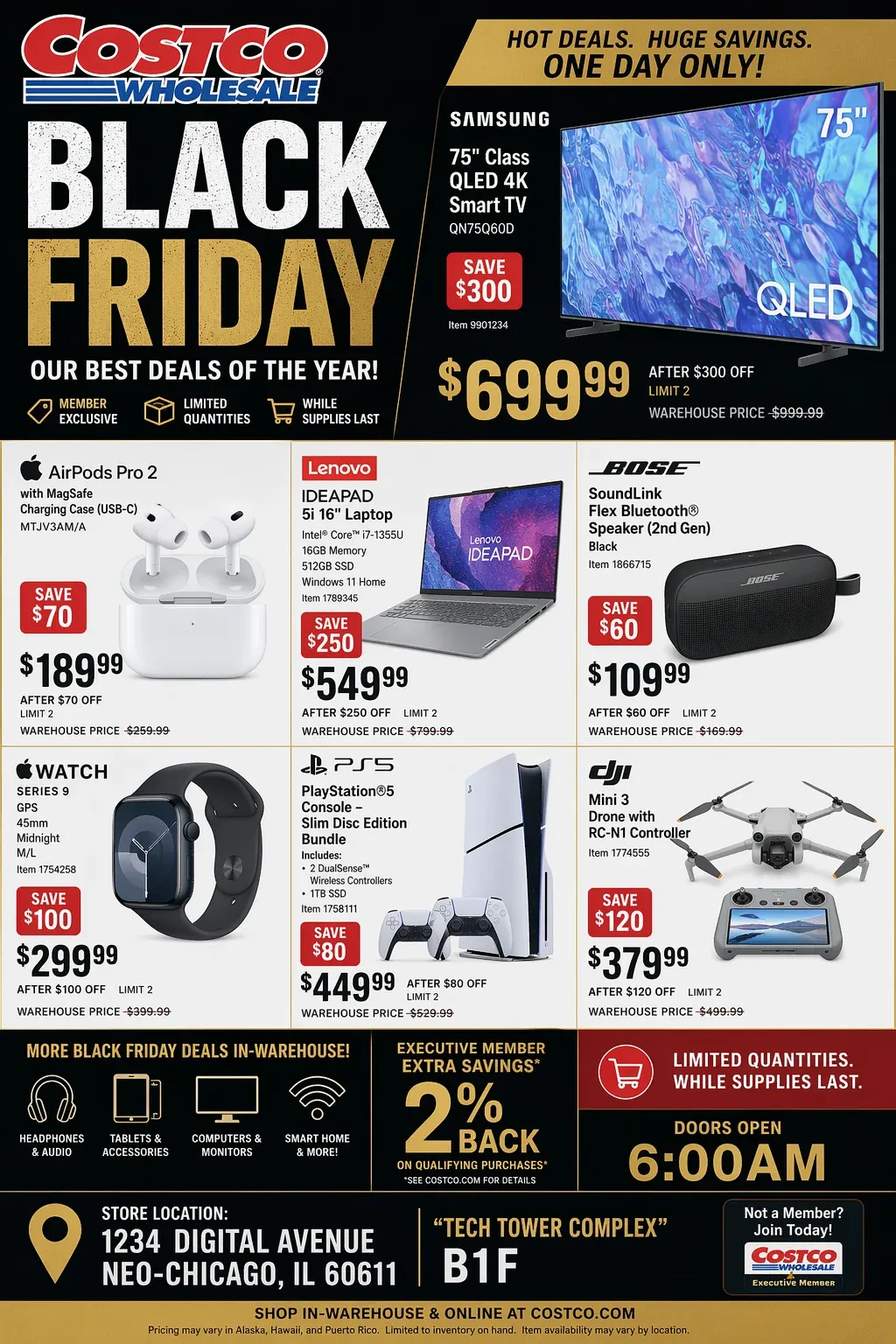
Near-perfect text rendering
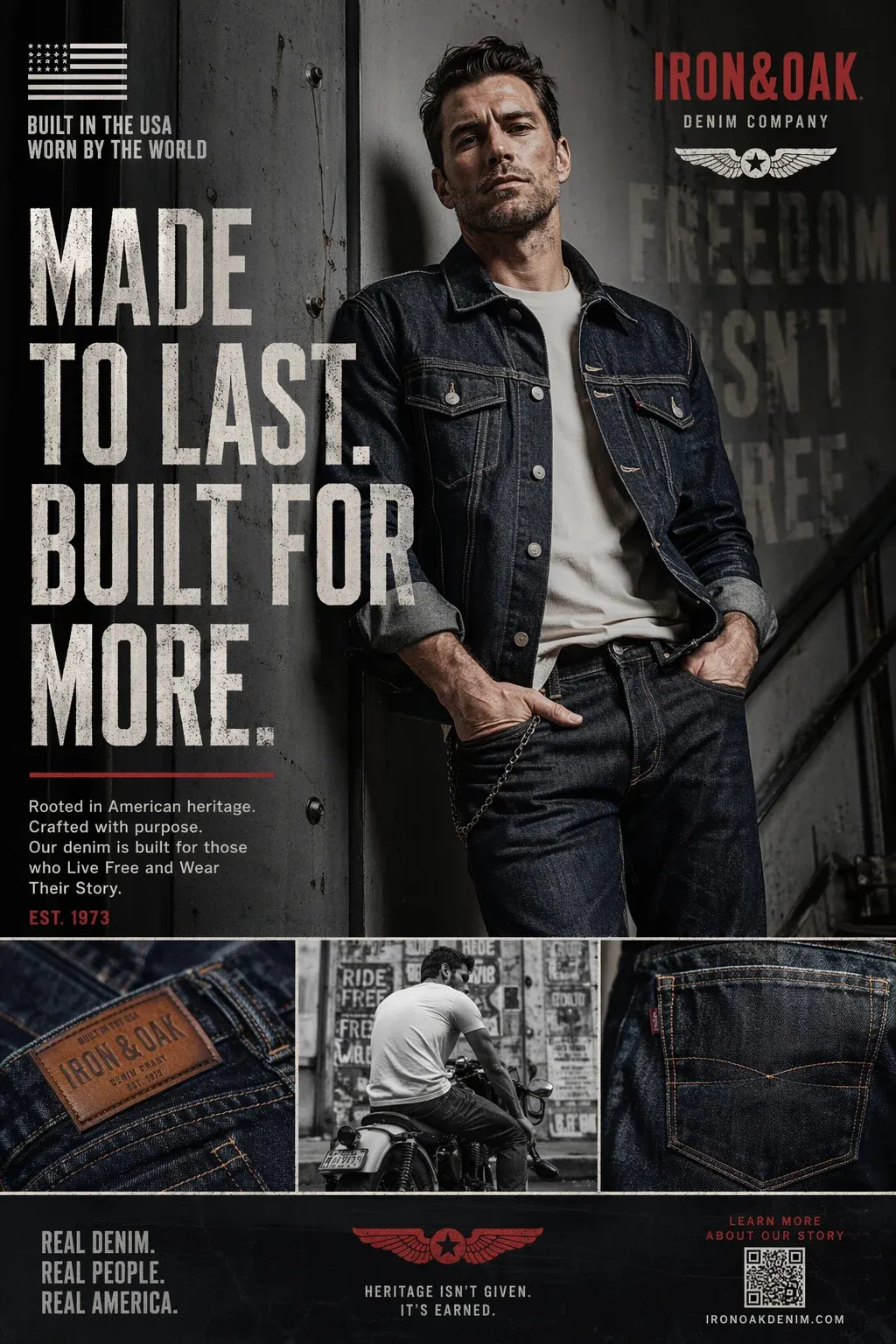
GPT Image 2 makes a noticeable leap in text-heavy image generation. It is much better at rendering long phrases, multi-word labels, and layout-sensitive copy with consistent styling. It also handles capitalization, punctuation, and complex typography more reliably, which makes it especially useful for UI mockups, multilingual product labels, movie posters, newspaper layouts, and retail graphics where the text itself must be usable.
World-knowledge-driven realism
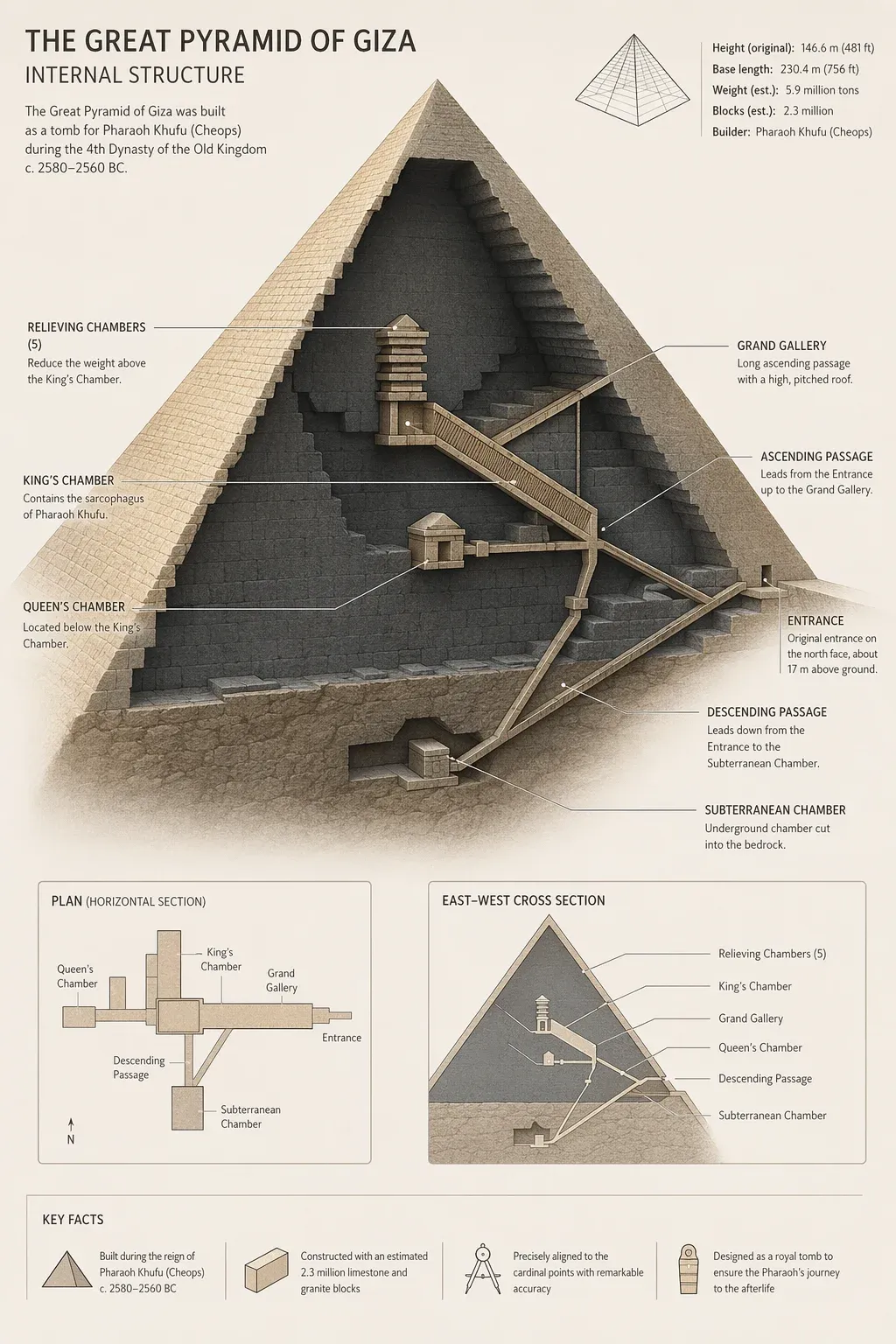
GPT Image 2 appears to integrate world knowledge much more effectively, which helps reduce common AI hallucinations. In practice, it is stronger at generating medically structured visuals, world maps, and explanation-first imagery that depends on factual structure rather than pure style. That gives it an edge for knowledge-heavy, educational, publishing, and professional communication use cases.
Production-ready 4K output
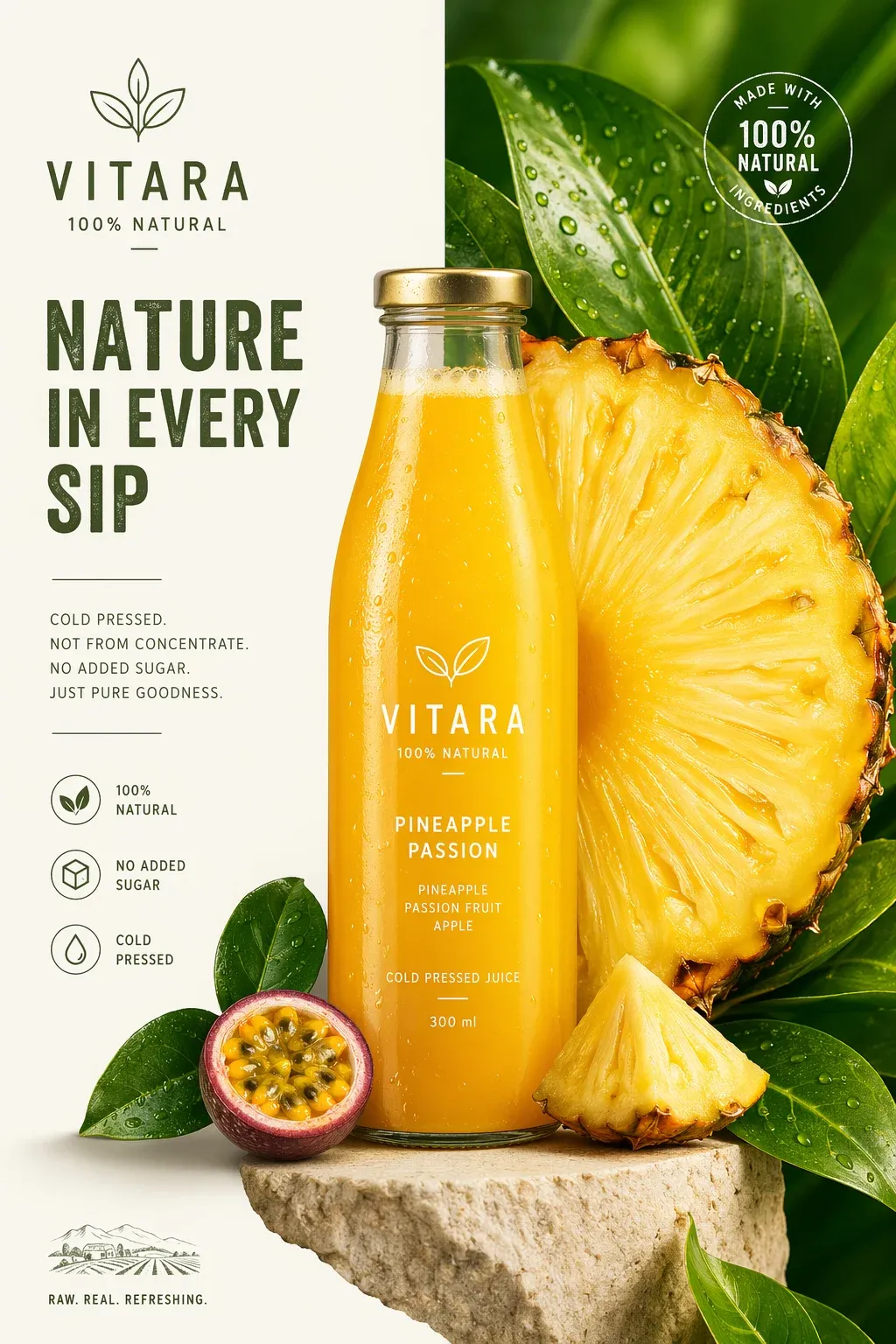
GPT Image 2 is designed for professional workflows, supporting high-resolution outputs up to 4096×4096 along with flexible aspect ratios. The model profile also emphasizes extra-wide compositions, including formats like 3:1. That makes it a practical choice for detailed product ads, large-format banners, digital publishing layouts, and commercial deliverables where output resolution matters.
Stronger instruction following
GPT Image 2 is much better at understanding long, layered prompts. You can define visual hierarchy, color systems, wardrobe details, and subject relationships within a single request, and the model tends to preserve those constraints more faithfully. That makes it especially useful for ecommerce layouts, fashion campaigns, commercial posters, product presentations, and design tasks with more structural complexity.
Pixel-level precision editing
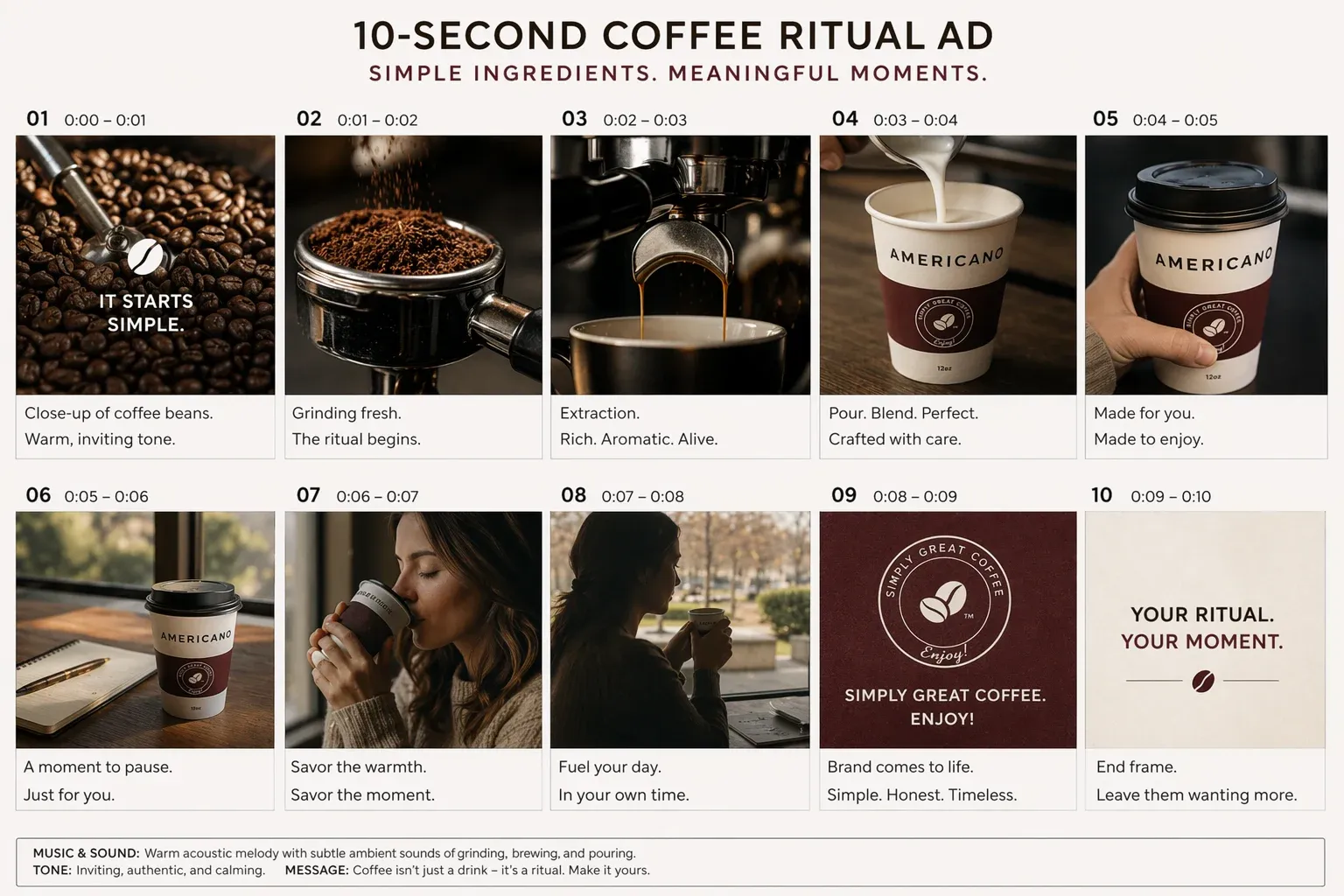
GPT Image 2 introduces more surgical local editing. When you add or change elements, the updated content blends much more naturally with the original lighting, shadows, and overall visual environment instead of breaking the rest of the image. That makes it better suited for high-precision revisions on existing assets rather than full-image re-generation every time.
How to use GPT Image 2 on AnyAIHub
The workflow is simple: open the GPT Image 2 workspace, describe what you want, adjust the right settings for the task, and generate or download the result.
1
Open the GPT Image 2 workspace
Start directly from the GPT Image 2 page on AnyAIHub. If you enter through the broader image workspace, you can also switch to GPT Image 2 from the model selector and continue from there.
2
Describe the task and set the details
Write a clear prompt that covers subject, style, composition, lighting, text, and relationships between elements. Then choose the right aspect ratio, reference image setup, and other controls to match the type of output you need.
3
Generate, review, and download
Generate the image and preview the output in a few seconds. If the result is close but not quite right, refine the prompt and rerun it. Once it matches your goal, download the final asset and move it into production.
Four core audience groups across commercial layout work, interface design, knowledge visuals, and high-fidelity creative delivery
GPT Image 2 is a stronger fit for teams and creators who care about more than visual style alone. If text accuracy, structural logic, layout stability, and high-resolution deliverables matter to your workflow, this model is much closer to a production tool than a simple inspiration engine.
Marketing, advertising, and brand content teams
A strong fit for teams producing social creatives, paid ad visuals, campaign KV, ecommerce banners, and brand-heavy visual content at scale. GPT Image 2 is especially useful when the copy inside the image must be usable, not just decorative.
UI/UX, product, and ecommerce design teams
Useful for interface mockups, landing page visuals, packaging concepts, labeled product imagery, and multilingual ecommerce assets. Compared with style-first image models, GPT Image 2 is better suited to work that depends on clean structure, accurate information, and clear spatial relationships.
Education, research, and knowledge visualization workflows
Well suited for teaching visuals, scientific diagrams, structured explainers, world maps, and content that depends on factual framing. Its stronger grasp of real-world knowledge and logical structure makes it a better fit for teams that need both readability and correctness.
Publishing, creative studios, and concept design
A practical option for book covers, editorial art, magazine layouts, movie posters, and high-resolution concept visuals. When a project needs 4K delivery, complex composition, text accuracy, or precise local revisions, GPT Image 2 is much closer to production-ready output.
Common questions about GPT Image 2 capabilities, use cases, and workflow
These answers cover the most common questions around GPT Image 2, including what the model is, why it stands out, what kinds of images it handles well, and how to start using it on AnyAIHub.
What is the GPT Image 2 model?
GPT Image 2 is a next-generation multimodal image model from OpenAI. It improves on text rendering, high-resolution output, complex instruction following, and conversational pixel-level editing, making it a stronger option for professional image workflows that need precision and usability.
Why choose GPT Image 2?
GPT Image 2 is especially useful for production workflows that depend on more than pure aesthetics. It is better at rendering labels, buttons, poster copy, and structured layout text while also showing stronger understanding of real-world detail, visual logic, and scene consistency. That makes it a strong choice for UI mockups, commercial posters, ecommerce packaging, and scientific or explanatory visuals.
Can I use GPT Image 2 for free?
Yes. AnyAIHub gives new users a limited amount of trial usage to explore image models like GPT Image 2. You can start generating after signup. If you need higher usage volume, larger allowances, or a more sustained commercial workflow, you will usually need to upgrade or purchase additional credits.
What kinds of images can GPT Image 2 generate?
GPT Image 2 can generate a wide range of outputs, including photorealistic scenes, historical reconstructions, infographics, modern UI and UX wireframes, ecommerce packaging visuals, branded posters, labeled commercial graphics, and layout-driven visuals where both structure and readability matter.
Do I need prompt engineering skills to use it?
No. GPT Image 2 handles natural language well, so you can describe what you want in plain everyday language. Whether you are generating from scratch or asking for a targeted edit on an existing image, clear instructions are usually enough to get strong results.
Can GPT Image 2 render text accurately inside images?
Yes, and that is one of its biggest advantages. GPT Image 2 is much more reliable on multi-word labels, poster headlines, packaging text, buttons, and other layout-sensitive copy. It helps reduce the garbled text, broken spelling, and distorted layout issues that are common in many other image models.
Use GPT Image 2 for production-grade AI image workflows
If you need more than beautiful pictures — if you need multilingual layout quality, knowledge-aware visuals, printable 4K commercial assets, and precise local editing — GPT Image 2 is a much stronger fit for real production work.