Loading...
Z-Image Turbo
Z-Image Turbo Gallery
See how Z-Image Turbo performs in speed, realism, and text rendering.

Open-source Z-Image Turbo: faster outputs, more reliable typography
Z-Image (Zaoxiang) is open-sourced by Tongyi-MAI, and Z-Image Turbo is optimized for high-frequency content production: it can generate usable images with fewer steps, and stays more stable in poster/cover tasks where text matters.
For model details, license, and release notes, visit Tongyi-MAI/Z-Image (GitHub).
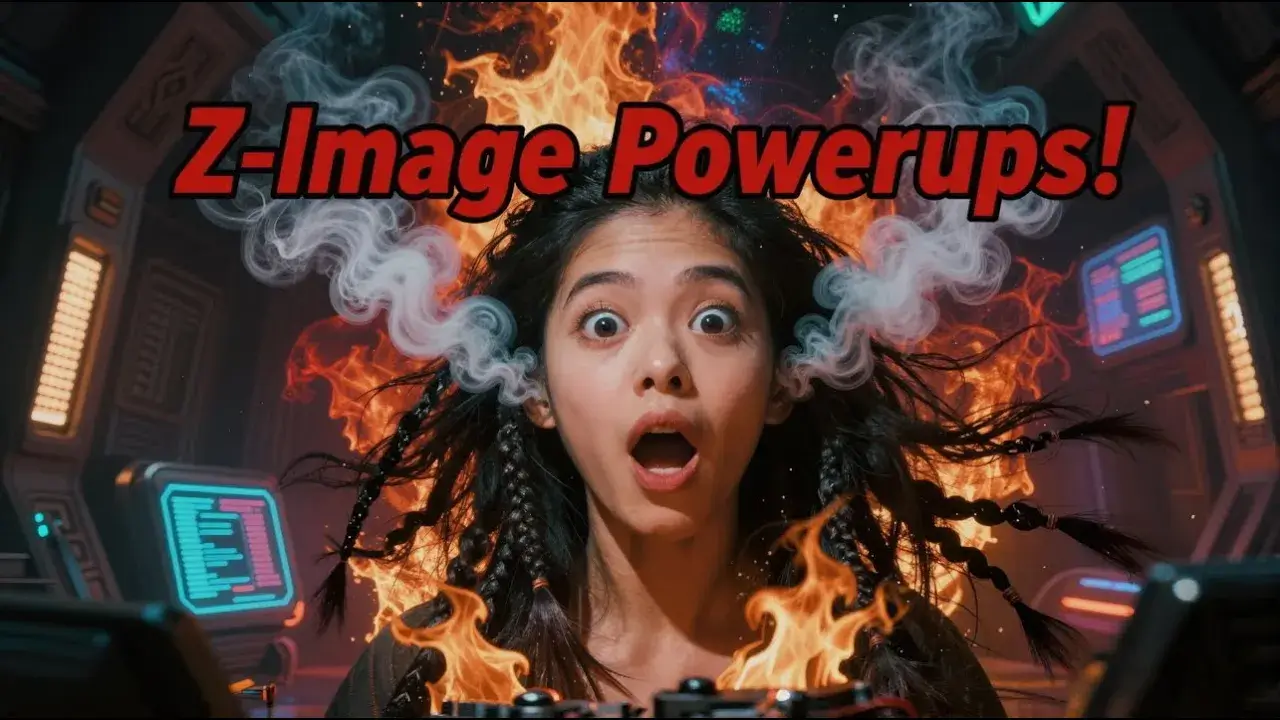
Key Advantages of Z-Image Turbo
Built around speed, photorealistic texture, and text rendering, Z-Image Turbo is a stable choice for workflows that need fast, usable visuals.
Turbo-level speed: ideal for rapid iteration and batch drafts
When you revise often, run A/B variants, or validate concepts quickly, waiting is a real cost. Z-Image Turbo helps you move from “waiting for results” to continuous iteration.

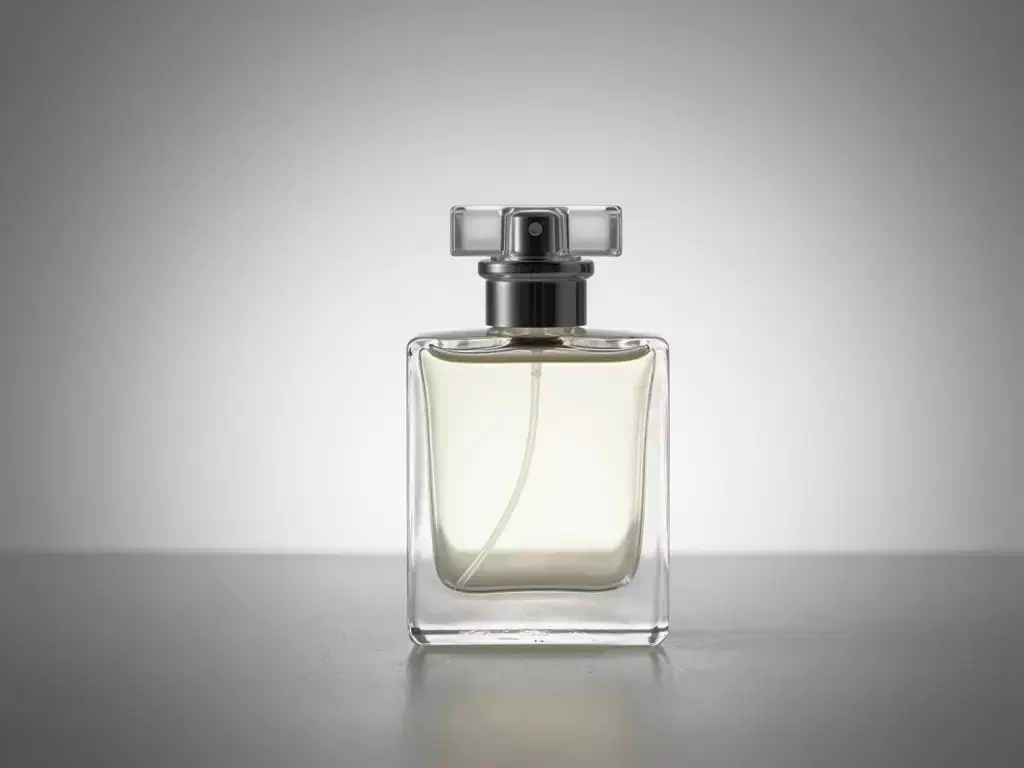
Photoreal texture: looks more like photography than a filter
For marketing and e-commerce visuals, texture, reflections, and lighting make an image feel trustworthy. Z-Image Turbo is more consistent on realistic details and natural lighting, making outputs easier to use in production.
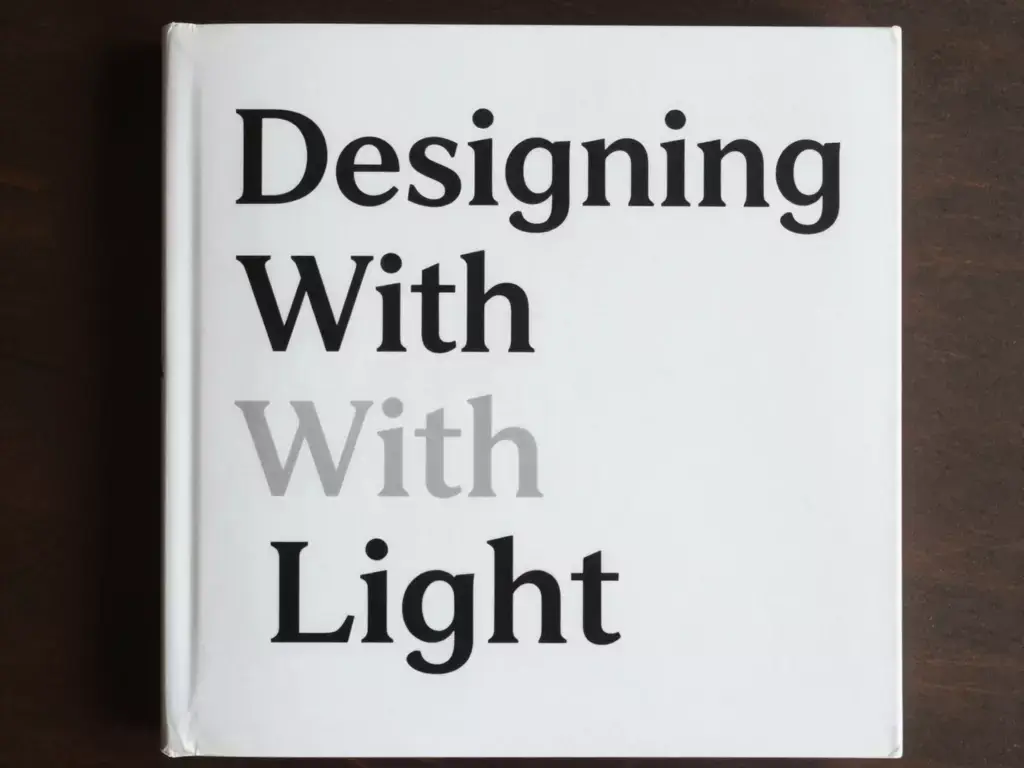
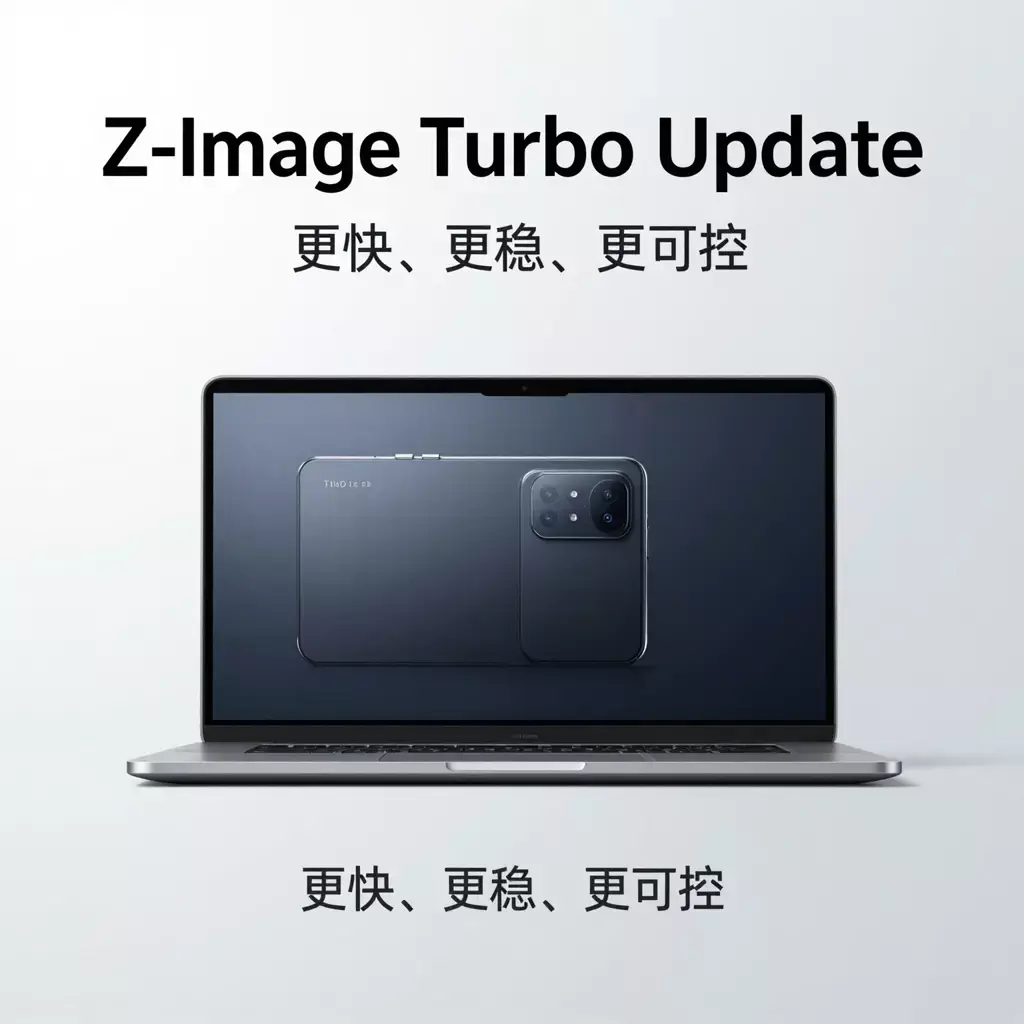
More reliable Chinese/English text rendering for posters and covers
Text-in-image is one of the easiest places for models to fail. Z-Image Turbo is friendlier to bilingual characters and layout, making it better for event posters, book covers, labels, and title-driven designs—and reducing rework caused by typos or garbled text.
Open-source and traceable: transparent origin and updates
If you care about provenance, versions, and licensing, open-source means more transparency and traceability. You can review model notes, changelogs, and usage guidance in the official repository for long-term adoption.
Start with Z-Image Turbo in 3 steps
No complex setup—follow these steps to create usable images quickly.
1
Select the Z-Image Turbo model
Choose Z-Image Turbo on the image generation page to enter fast text-to-image mode.
2
Write a prompt and set parameters
Use a clear prompt and adjust aspect ratio, steps, guidance, and seed based on your needs.
3
Generate, compare, and download
Generate quickly, pick the best version, and download for posters, e-commerce, or social content.
Answers about capabilities, parameters, and usage
Check these common questions to get stable results faster.
What is Z-Image Turbo?
Z-Image Turbo is a 6B text-to-image model from Tongyi-MAI that emphasizes high speed and practical image quality for day-to-day high-frequency content production.
Where does the speed advantage come from?
It can produce usable images with fewer inference steps, which makes it better for rapid iteration and batch drafting than traditional high-step workflows.
Does it support Chinese/English text rendering in images?
Yes. It is more stable for bilingual text embedding, making it suitable for posters, covers, and label-like designs.
What are recommended starter settings?
Start from 1024×1024, 8–10 inference steps, and guidance scale 0, then fine-tune for your style needs.
Why is guidance scale often set to 0?
For Turbo-style models, lower guidance is often more natural and provides a better balance between speed and visual quality.
Can I use the results commercially?
It can be used in commercial creative workflows. For production use, review compliance and licensing requirements based on your business needs.
What types of images is it best for?
Realistic portraits, product images, brand key visuals, and social posters—anything that benefits from fast output with believable texture.
How do I get more consistent outputs?
Keep a stable prompt structure, and use seed + aspect ratio consistently. Iterate gradually instead of rewriting the prompt from scratch every time.
Speed up your content production with Z-Image Turbo
Faster generation, more reliable text rendering, and lower trial-and-error cost. Start your next high-quality AI image now.