Loading...
GPT Image 1.5
OpenAI GPT Image 1.5
More Stable AI Image Generation and Precise Image Editing
GPT Image 1.5 is built for image workflows that need strong prompt adherence and targeted local editing. Whether you are creating marketing posters, product visuals, brand assets, or character concepts, you can generate and revise results more reliably from either text or a single reference image.
Key Capabilities of GPT Image 1.5
Four core strengths across prompt understanding, targeted editing, scene consistency, and detail rendering
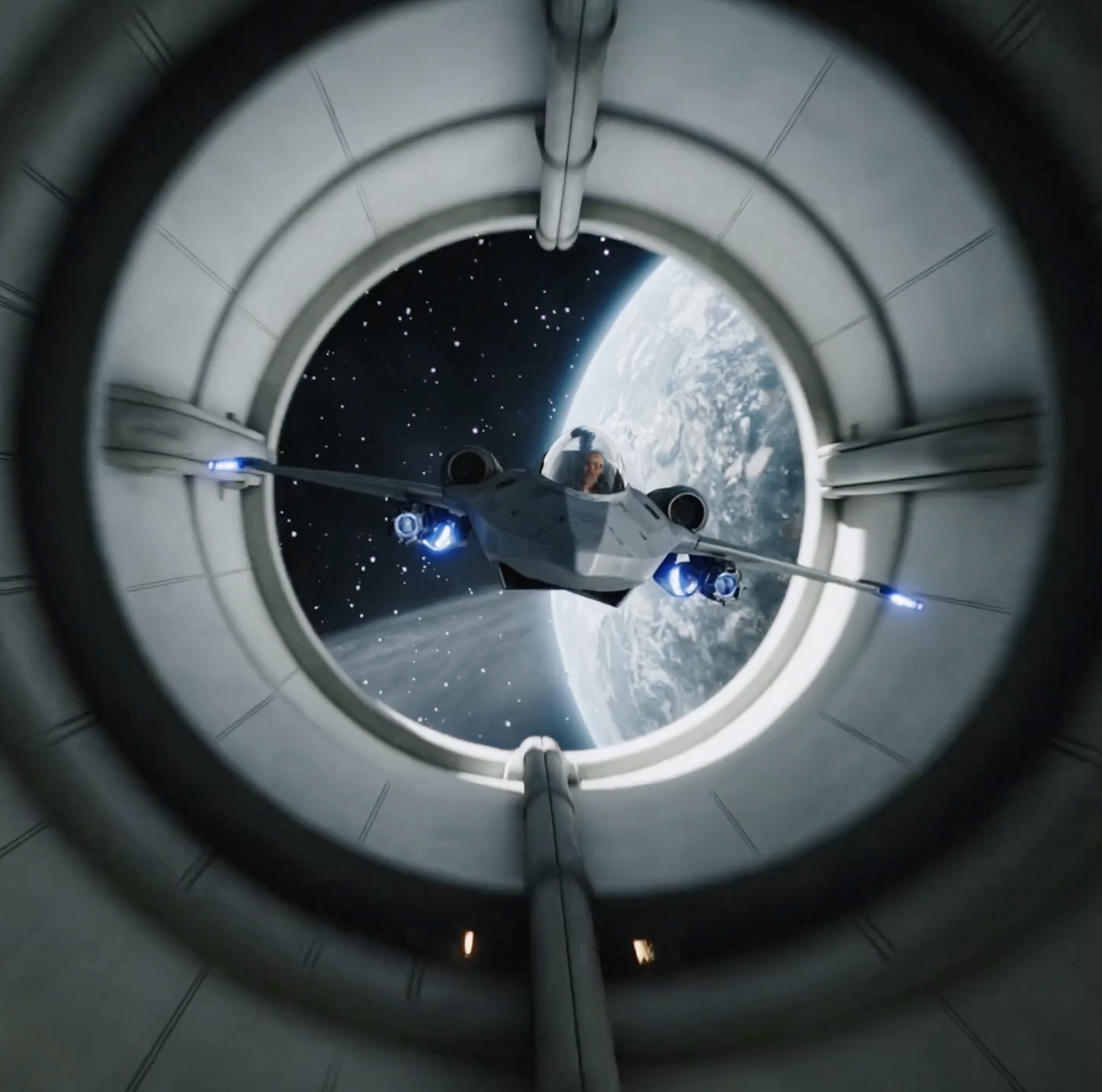
GPT Image 1.5 stands out in complex prompt execution, stable local editing, scene continuity, and fine-detail preservation. Below are four example prompts you can copy directly to test the model and adapt into your own creative workflow.
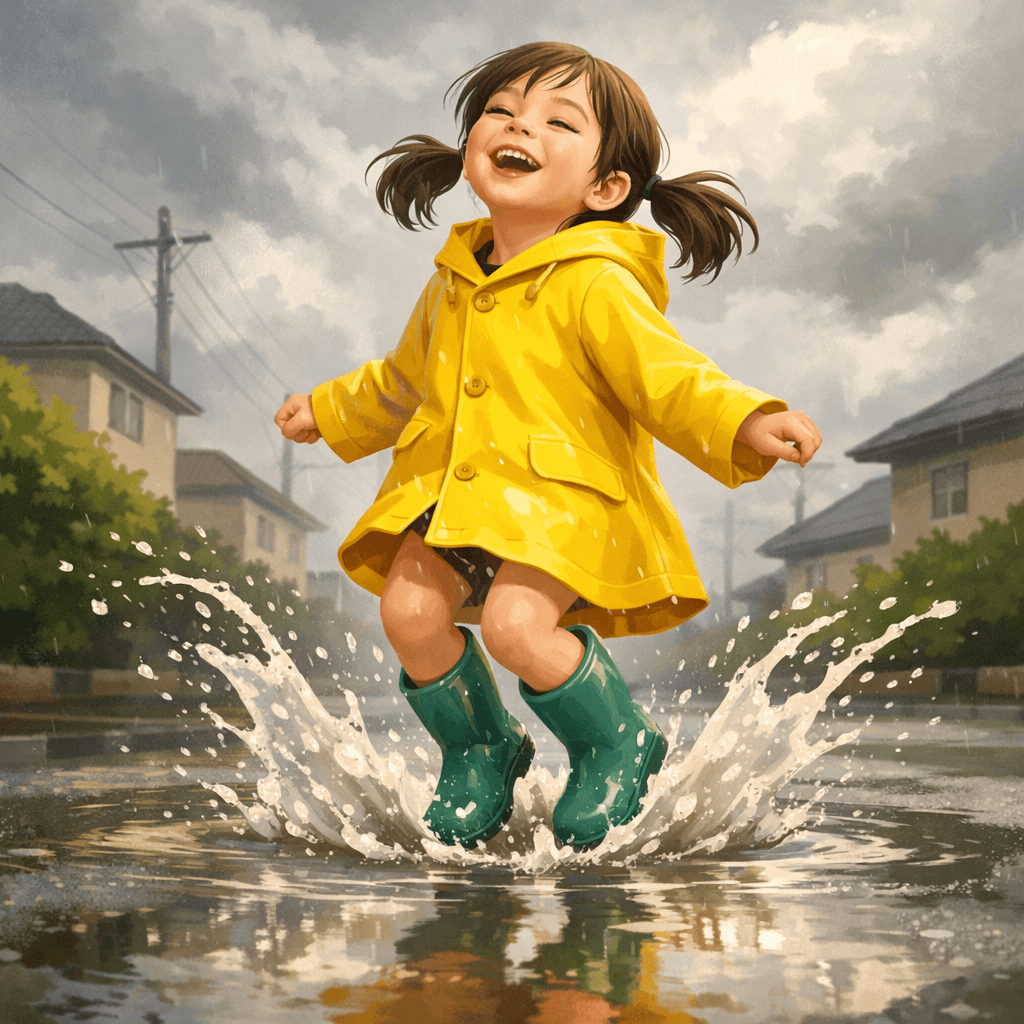
Accurate Prompt Interpretation
GPT Image 1.5 is better at handling prompts with clear structure and multiple constraints. Whether you want to define a subject's pose, camera angle, weather mood, color direction, or overall visual style, it is more likely to organize those details into one coherent image instead of only capturing the broad idea and ignoring important constraints.
Targeted Edit Control
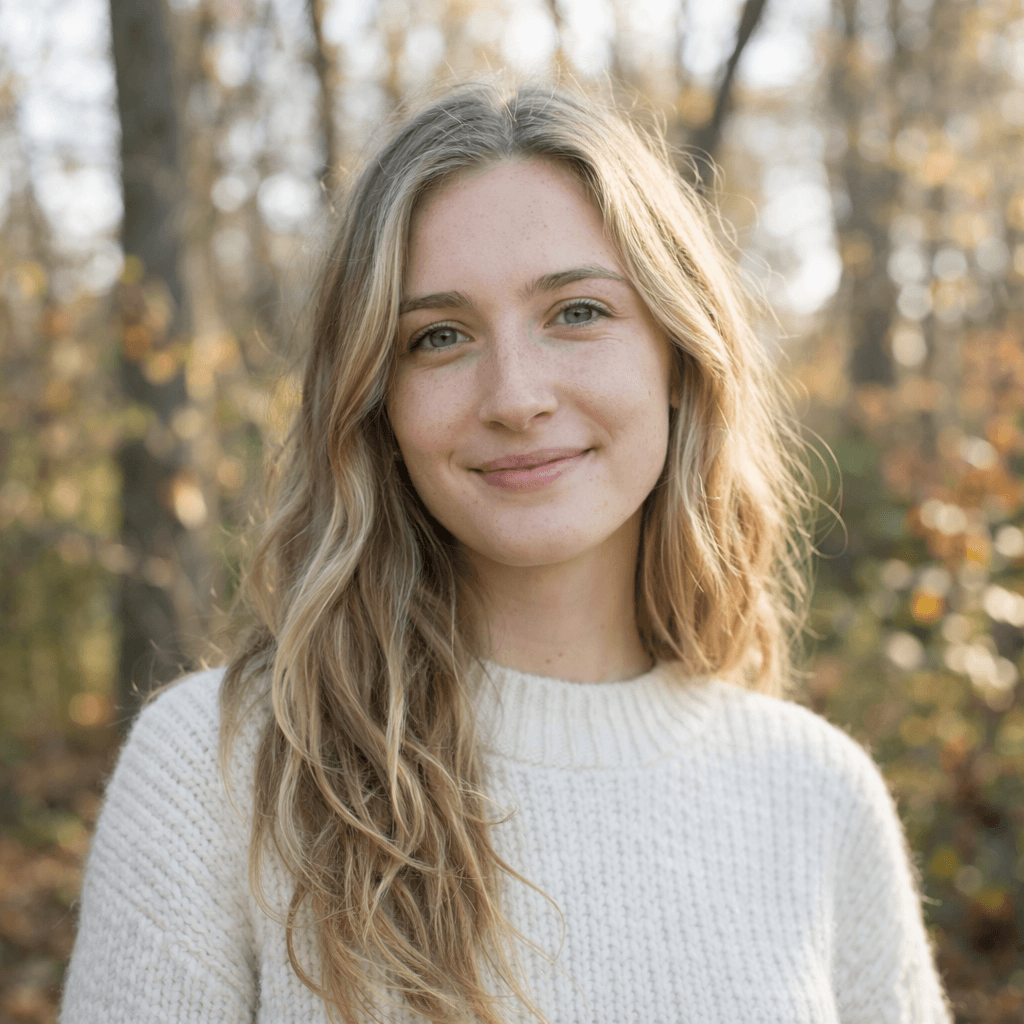
This is useful when you want to change only one part of an image without recalculating the whole composition. You can explicitly ask the model to edit only the hair, clothing, one background region, or a local element on a product while preserving the subject's face, expression, composition, and environmental lighting as much as possible. That helps reduce full-image drift during local edits.
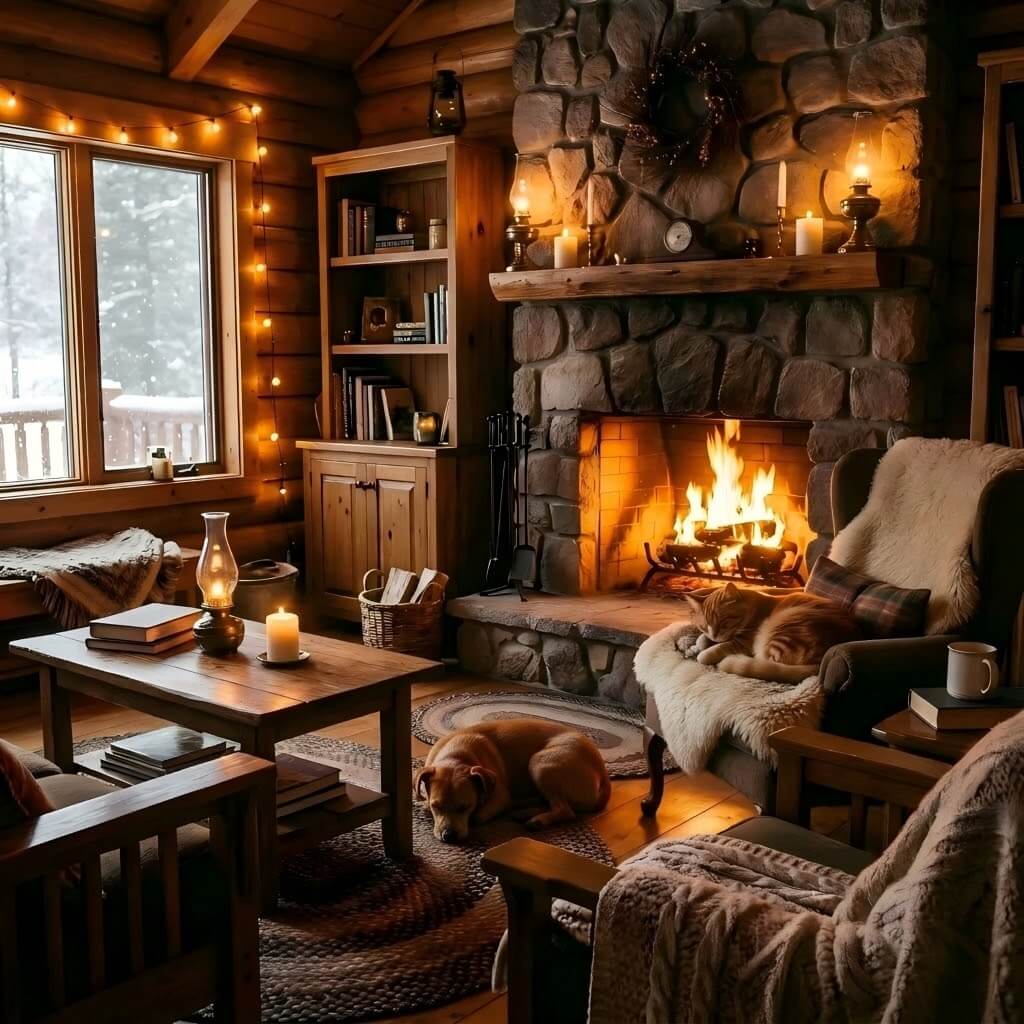
Visual Consistency Preservation
Many models tend to disrupt stable spatial relationships, lighting direction, and visual tone during edits. GPT Image 1.5 is better at blending new elements into the original scene instead of forcefully repainting everything, which makes it more suitable for adding objects, swapping accessories, or filling in background elements while preserving the original atmosphere.
Fine Detail Rendering
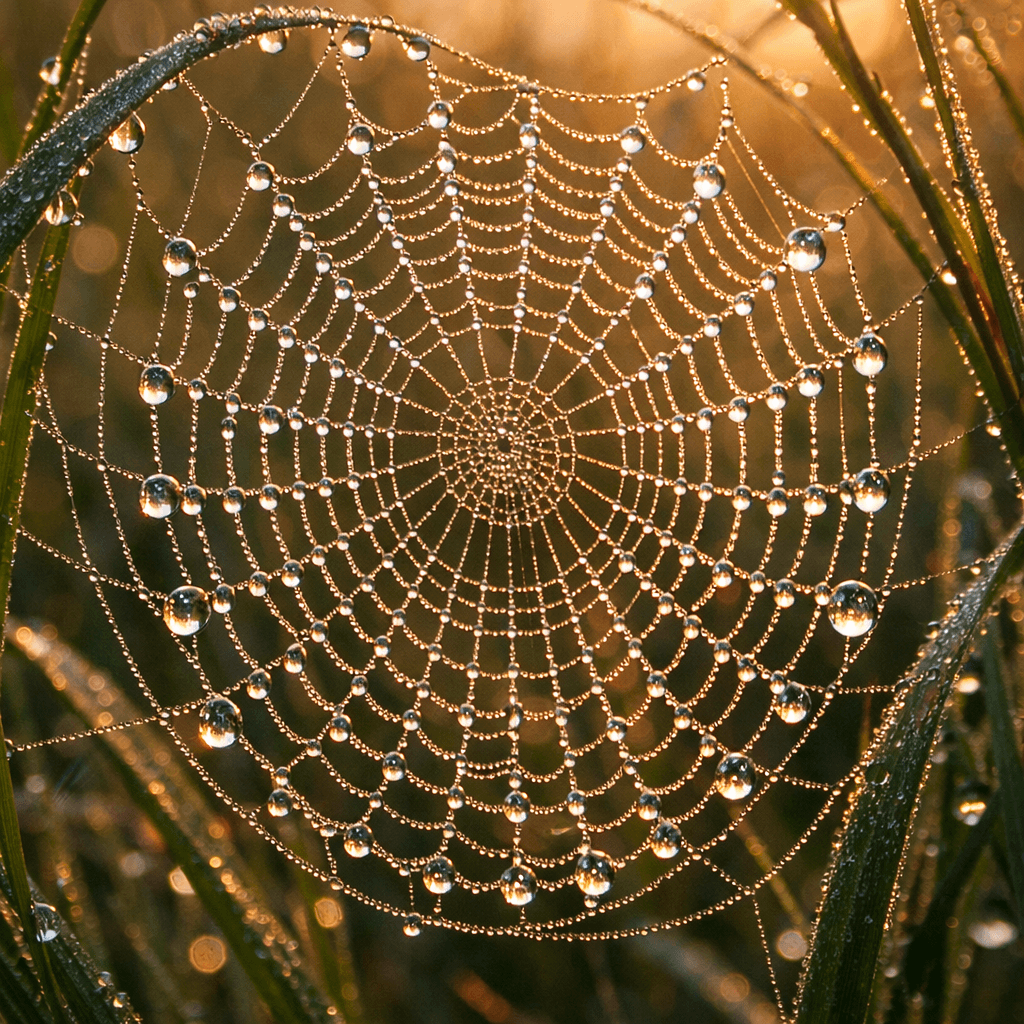
In images that rely on close-up texture, dense surface detail, and subtle highlights, GPT Image 1.5 is better at pushing results from 'pleasant but blurry' toward 'locally readable and materially convincing.' This is especially useful for jewelry, cosmetics, textiles, insects, plants, and still-life macro imagery.
How to Use GPT Image 1.5 on AnyAIHub
The workflow for using GPT Image 1.5 on AnyAIHub is straightforward: open the image workspace, choose the model, enter a prompt or upload one reference image, then adjust parameters as needed and generate the result. The experience is especially suitable for workflows that involve repeated prompt testing and local image edits.
1
Choose GPT Image 1.5
Go to the AnyAIHub AI image workspace or open the dedicated GPT Image 1.5 page directly, then select GPT Image 1.5 from the model list. If you are already inside the general image workflow, you can also switch models and continue the current task there.
2
Enter Creative Details
Write a text prompt or upload one reference image to constrain the subject, product, style, and composition. You can also start from the sample prompts on this page, then replace the subject, color, camera angle, material, or local editing request to move the result closer to your goal.
3
Generate and Download the Image
If needed, adjust the resolution, aspect ratio, style direction, or single-reference-image settings first, then click Generate. Once the result is ready, you can download it directly or return to the workspace to adjust the prompt and parameters before generating again.
Common questions about GPT Image 1.5 capabilities and usage
These questions cover the model's strengths, suitable use cases, trial access, and editing barrier so you can quickly judge whether it fits your workflow.
Why choose the GPT Image 1.5 image model?
GPT Image 1.5 is a better fit for workflows that need stable output and targeted revisions. It performs more reliably in complex prompt interpretation, local edit precision, detail control, and preservation of untouched areas, making it more suitable for results that approach professional delivery standards.
Can I use the GPT Image 1.5 image model for free?
Yes. AnyAIHub provides new users with a limited amount of trial credits, so you can start testing GPT Image 1.5 after signing up. If you need higher usage volume, more credits, or long-term commercial workflows, you will usually need a subscription plan or additional credits.
What kinds of images can I create with GPT Image 1.5?
You can use it for photo-real scenes, ad creatives, product imagery, UI concept visuals, posters, illustrations, and highly detailed macro content. You can also combine it with a single reference image for style matching and local replacements. It works both for generating from scratch and for making targeted edits to an existing image.
Do I need technical experience to edit images with GPT Image 1.5?
No. You can describe editing goals directly in natural language, such as local repainting, style conversion, object replacement, lighting changes, or wardrobe recoloring, and add constraints like 'keep everything else unchanged.' As long as the goal is clear, the model can usually execute it in a stable way.
Is GPT Image 1.5 better for creating new images or editing existing ones?
It works well for both, but its advantage is especially obvious when editing existing images. It is better at understanding detailed constraints and making targeted changes without breaking the overall composition, lighting, and style. At the same time, it is also suitable for generating complex scenes from scratch when the prompt is clear and detail-rich.
Try GPT Image 1.5 for Online Image Generation and Precise Editing
If you need more than fast outputs and care about stable prompt execution and local image editing, GPT Image 1.5 is much closer to a production-ready image model for real-world workflows.