Logo
  • Home
  • Effects
  • Tools
AI Generations
  • AI Video
  • AI Image
Models
  • SoraSora 2
    HotNew
  • GoogleVeo 3
    Hot
  • Nano Banana ProNano Banana Pro
    New
  • Nano Banana 2
    HotNew
  • Nano Banana
  • DoubaoSeedream
  • Z-Image Turbo
  • GrokGrok Imagine
  • OpenAIGPT Image
  • Upgrade Plan
  1. Home
  2. AI Image
  3. Image Upscaler
Logo

Create Professional-Grade Works at Ultra-Low Cost with AnyAI Hub Integrated AI Models Workflow

Email
Models
  • Sora 2
  • Veo 3
  • Nano Banana
  • Seedream
  • GPT Image
Effects
  • Ghibli Generator
  • Action Figure Generator
  • Face Swap
  • Image Upscaler
Company
  • About
  • Contact
  • Pricing
Legal
  • Cookie Policy
  • Privacy Policy
  • Terms of Service
  • Refund Policy
© 2026 AnyAIHub All Rights Reserved.

Sample Images

Upscale and Enhance Images Online in Seconds

Our AI image upscaler analyzes edges, structure, and texture to increase resolution while improving clarity. No manual editing needed. Upload your image, choose a scale factor, and get a cleaner HD result fast.
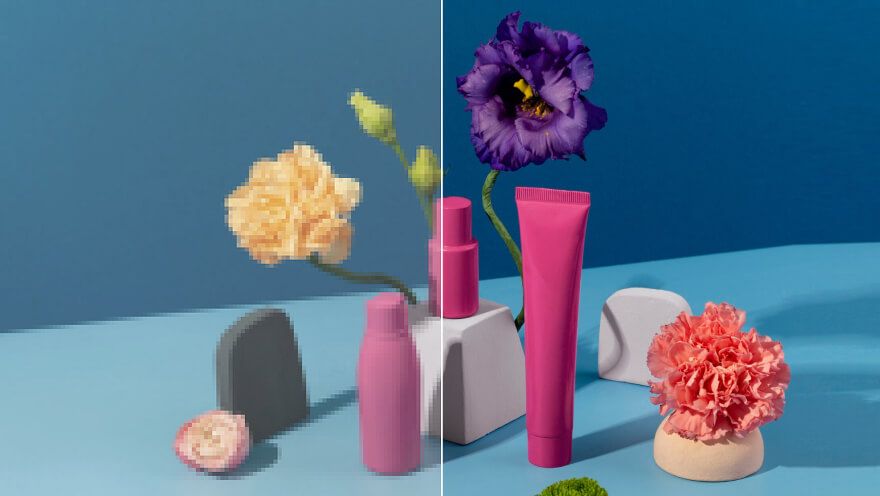
Upscale and Enhance Images Online in Seconds

Professional AI Upscaling for Clearer HD Results

Powered by super-resolution, detail reconstruction, and smart denoise enhancement to improve visual quality and output usability across real business workflows.

Upscale Resolution up to 4x

Increase image size with 2x and 4x scaling while keeping important visual details, ideal for low-resolution photos, product images, and old assets.
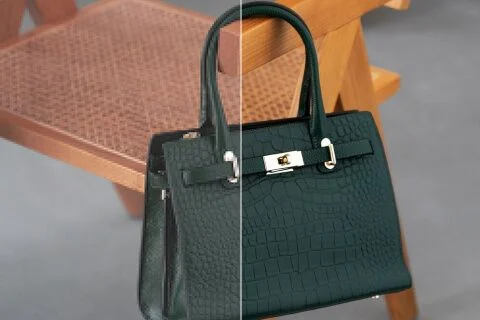
Upscale Resolution up to 4x

Recover Fine Texture and Sharpness

AI restores edge definition and local texture details to reduce softness and improve readability in portraits, product shots, and illustrations.
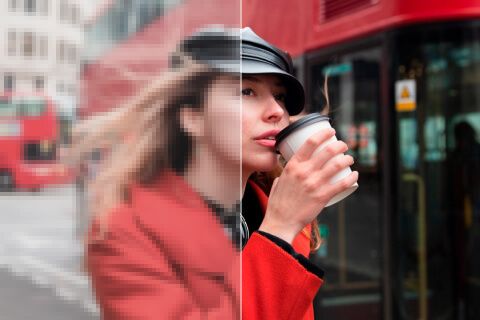
Recover Fine Texture and Sharpness

Reduce Blur and Compression Noise

Clean up grain, compression artifacts, and jagged edges for a more natural and polished look that is ready for publishing and presentation.
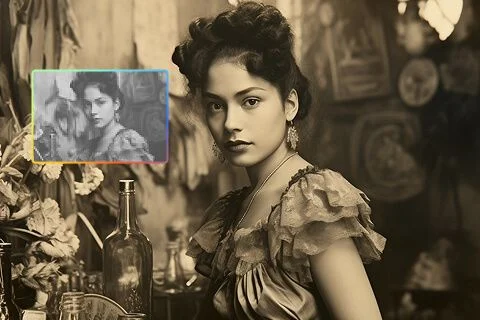
Reduce Blur and Compression Noise

Built for E-commerce, Social, and Design

Generate high-quality visuals for product listings, ad creatives, social media banners, and marketing materials with a faster production workflow.
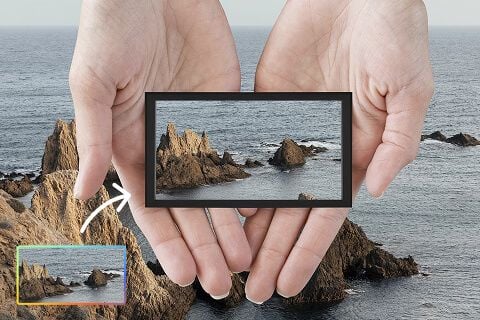
Built for E-commerce, Social, and Design

How to Use the AI Image Upscaler

Upscale and enhance your image in 3 simple steps.

1

Upload Your Image

Upload a JPG, PNG, or WEBP file. Clear source images with visible subjects generally produce better enhancement quality.

2

Choose Scale and Start

Select 2x or 4x upscale. The AI model automatically performs super-resolution, detail enhancement, and denoise optimization.

3

Preview and Download

Get your upscaled result in seconds, preview quality improvements, and download the HD image for your next project.

Common Questions

Answers about AI image upscaling, quality enhancement, and supported use cases.

You can upscale images by 2x and 4x. Choose the scale factor based on your target usage and desired output resolution.

No. The tool uses AI super-resolution instead of simple stretching, so it reconstructs details and usually delivers cleaner, sharper results.

JPG, PNG, and WEBP are supported. For best results, upload source images with clear subjects and minimal heavy distortion.

Most jobs finish in a few seconds to around a dozen seconds, depending on image size, complexity, and current queue load.

Yes, for most scenarios. You should still ensure you have legal rights to the source image and comply with copyright and platform policies.

Typical use cases include product image enhancement, social media asset upgrades, old photo restoration, design output optimization, and lightweight print preparation.

Upscale Images with AI and Improve Quality Now

Turn low-resolution images into cleaner, sharper, and more professional HD visuals in one click.
Your browser does not support the video tag.