Loading...
Happyhorse 1.1
Happy Horse 1.1 AI Video Generator
Generate AI videos with native audio, lip sync, and reference consistency using Happy Horse 1.1
Happy Horse 1.1 is an advanced AI video generation model from Alibaba, built for short-video creation where sound, motion, and visual consistency all need to work together. It can generate high-quality short videos from text prompts or reference images, with stronger support for native audio, multilingual dialogue lip sync, image-to-video subject preservation, reference-based identity control, and stable 1080p short-video motion. Use it to create ads, product videos, presenter clips, brand promos, social media videos, and cinematic creative scenes.
Core Features of Happy Horse 1.1
Happy Horse 1.1 does more than animate visuals. It is designed to combine prompts, reference images, sound design, and shot intent into presentable short videos, with stronger capabilities around native audio, dialogue mouth movement, subject preservation, reference consistency, and scene control.
Native-Audio Video Generation
Happy Horse 1.1 can process visuals, dialogue, ambient sound, and action sounds while generating the video. For product ads, atmospheric scenes, presenter clips, and short videos that need synchronized sound and visuals, it reduces the burden of post-production voiceover and editing, making results feel closer to preview-ready footage.

Multilingual Dialogue Lip Sync
When a video needs a character to speak, lip sync directly affects realism. Happy Horse 1.1 is suitable for spokesperson videos, localized ads, virtual character explainers, training intros, and short narrative scenes, helping speech rhythm, mouth movement, and facial expressions work together more naturally.
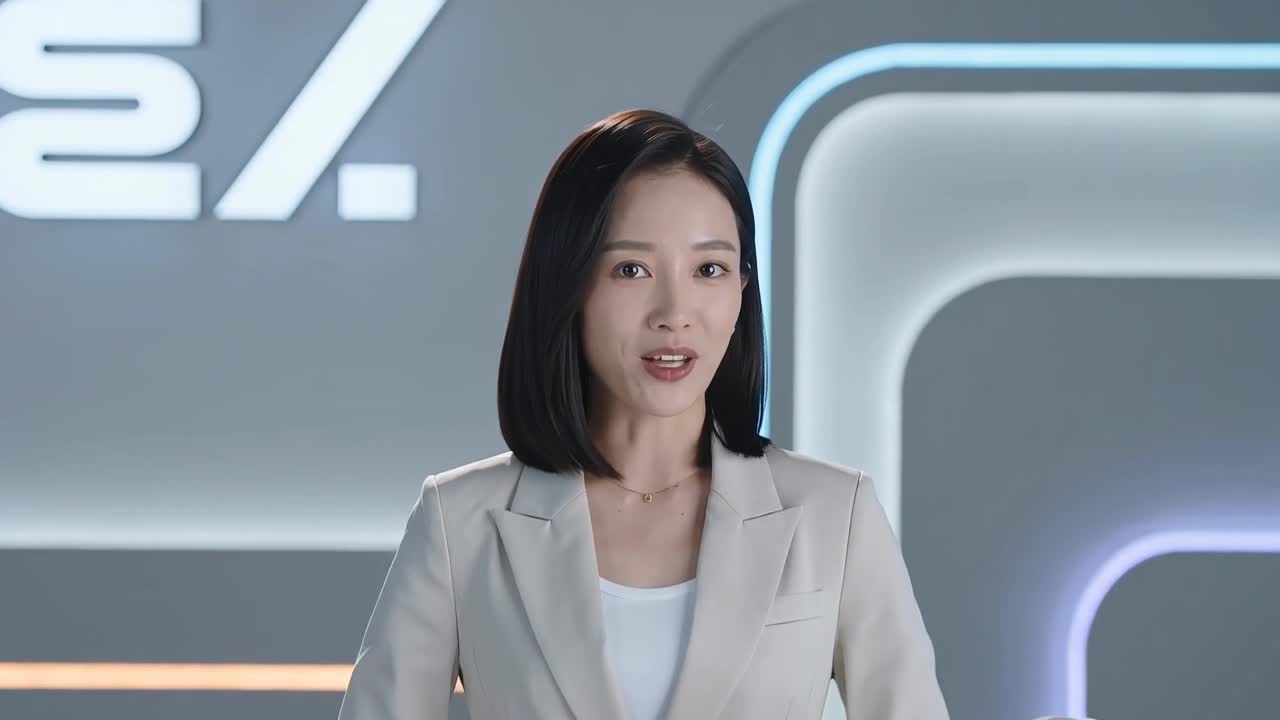
Image-to-Video Subject Preservation
For ecommerce, branding, and character animation, the subject's appearance cannot drift during motion. Happy Horse 1.1 is well suited for image-to-video generation from product images, portraits, concept art, fashion looks, or first-frame scenes, while preserving appearance, structure, color, materials, and key identifying details.
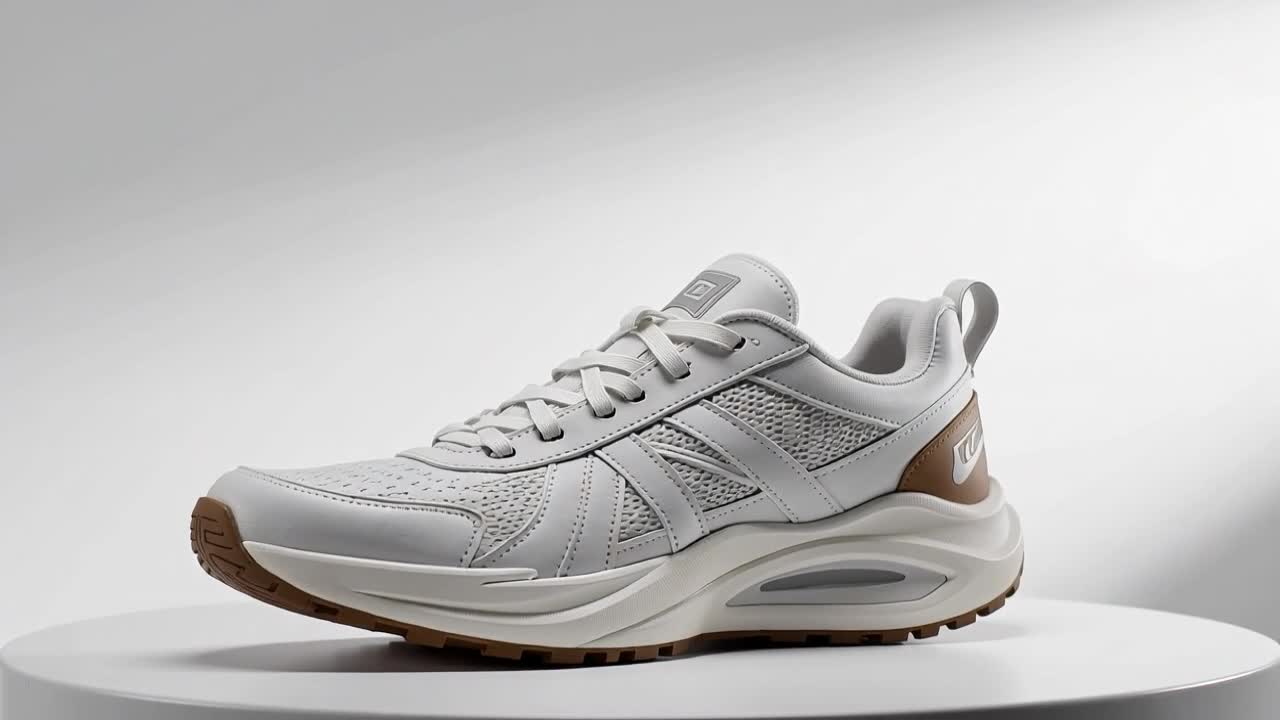
Reference-Based Identity Control
Reference control is essential when you need the same character, product, outfit, or environment to remain consistent across shots and variations. Happy Horse 1.1 is a stronger fit for product campaigns, recurring characters, brand mascots, storyboard exploration, and ad testing where identity consistency matters.
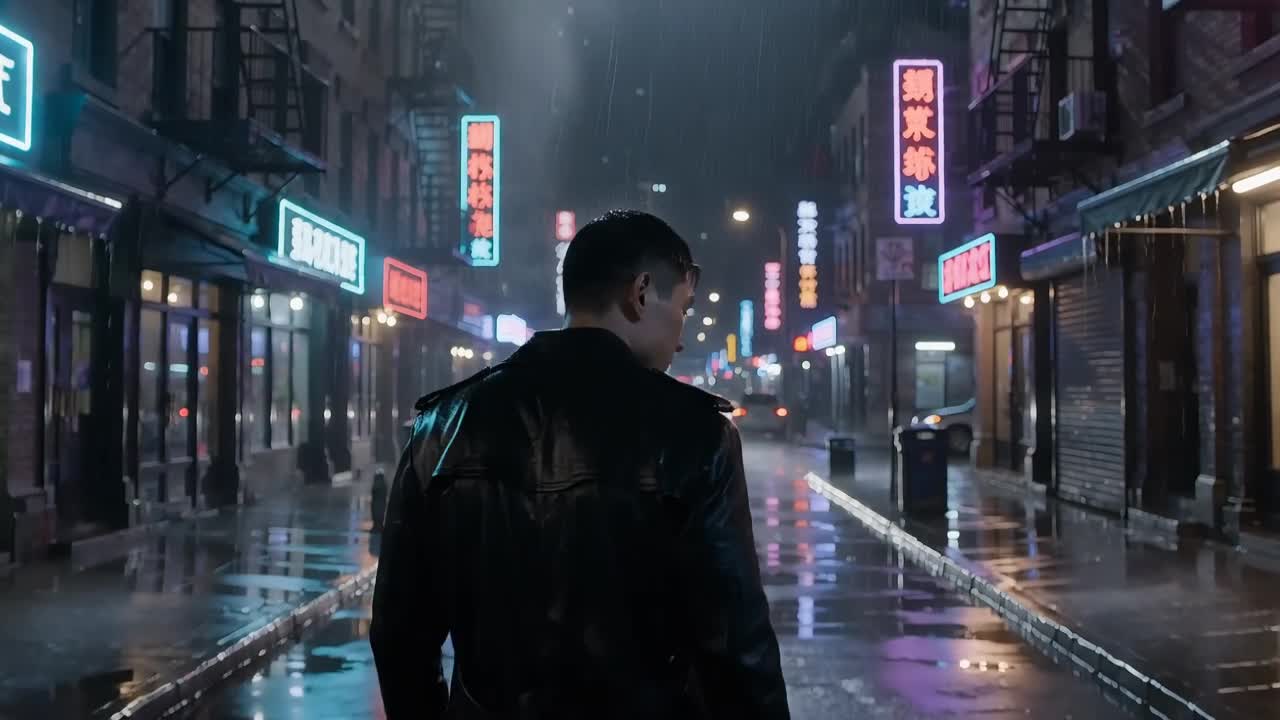
Stable 1080p Short-Clip Motion
Happy Horse 1.1 focuses on short-video creation rather than single-frame effects. It is suitable for ad hooks, trailer shots, product footage, music-video snippets, atmospheric B-roll, and social clips, with better frame-to-frame stability, motion continuity, and subject coherence in 1080p output.
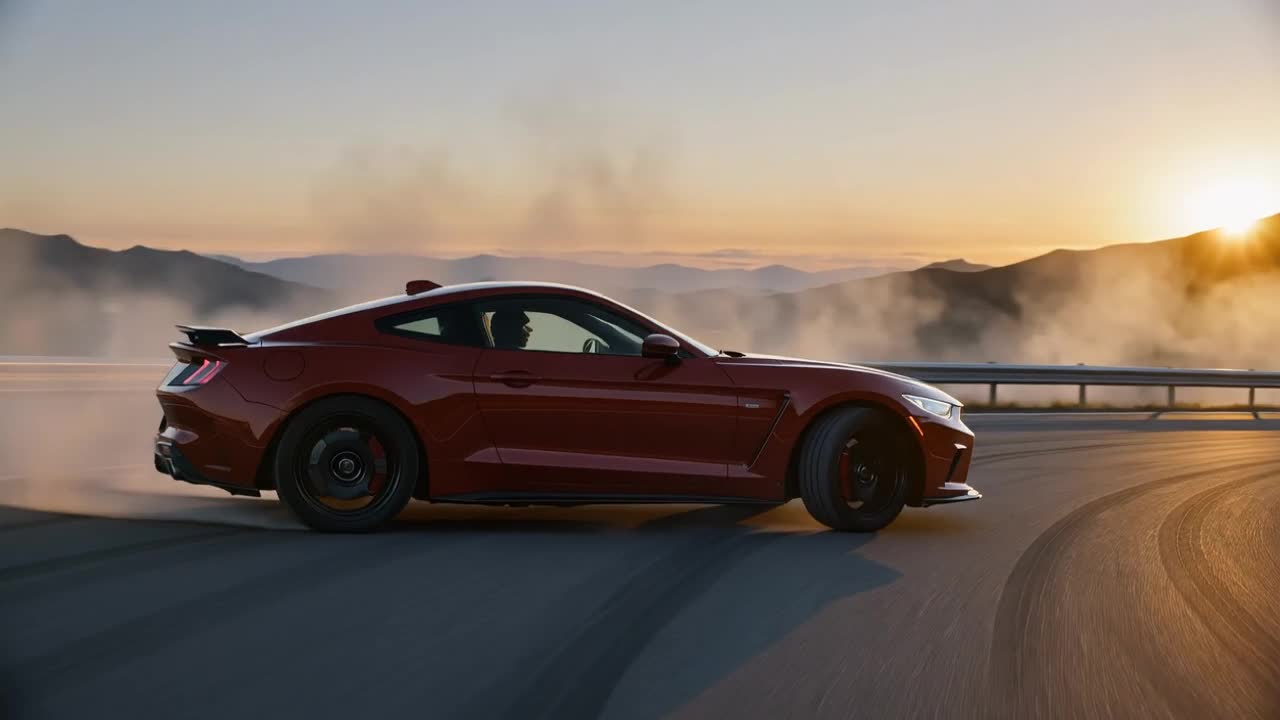
Prompt-Guided Scene Direction
Happy Horse 1.1 is better at understanding prompts that combine subject action, sound cues, lighting, visual atmosphere, and shot rhythm. With more specific prompting, you can control whether the scene feels quiet or intense, how the subject moves, how energetic the camera feels, and how cinematic the overall result becomes.
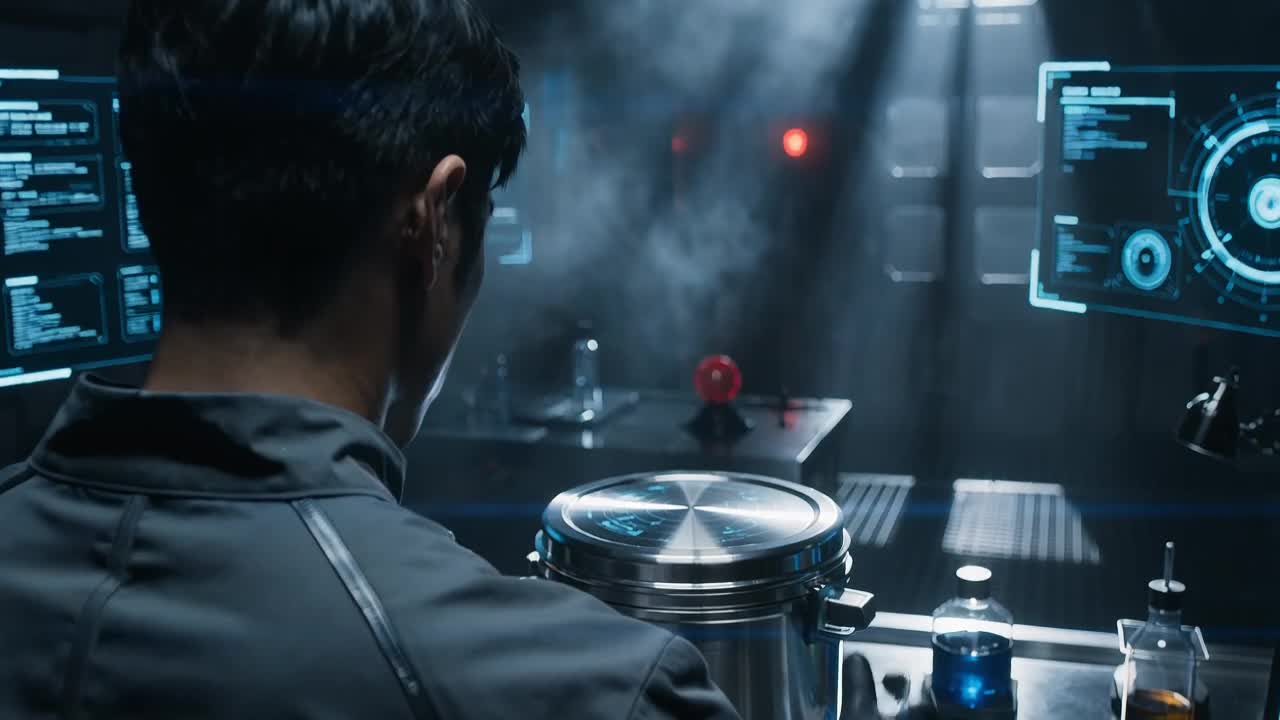
How to Use Happy Horse 1.1
When using Happy Horse 1.1, first decide whether you want text-to-video, image-to-video, or reference-controlled video. Then describe the visuals, action, sound, and camera work clearly before previewing and downloading the result.
1
1. Select the Happy Horse 1.1 model
On the Happy Horse 1.1 page, choose the input method that fits your current task. Use text-to-video when you only have an idea. Use image-to-video when you already have a character, product, or first-frame visual. Use reference input when identity consistency matters.
2
2. Enter a prompt and upload reference assets
Describe the subject, action, scene, lighting, camera, sound effects, and dialogue. If you need to preserve a character or product, upload a clear reference image and specify which appearance and identity details must remain consistent.
3
3. Generate, review, and download the video
After generation, check whether the sound and visuals are synchronized, the lip sync feels natural, the subject remains stable, and the motion is coherent. If the result meets your expectations, download it for ads, product showcases, social publishing, or further editing.
Happy Horse 1.1 Free Version and Video Generation Guide
Learn about Happy Horse 1.1 native audio, image-to-video generation, lip sync, prompt writing, and best-fit use cases.
What is Happy Horse 1.1?
Happy Horse 1.1 is an AI video generation model from Alibaba, focused on short-video creation with native audio. It supports text-to-video, image-to-video, reference-based identity control, dialogue lip sync, and stable 1080p short-clip motion.
How is Happy Horse 1.1 different from other AI video models?
Its core difference is native audio-video generation. Happy Horse 1.1 emphasizes processing visuals, dialogue, ambience, and action sounds together during generation, making it suitable for dialogue scenes, product sound effects, cinematic ambience, and synchronized action-sound shorts.
Does Happy Horse 1.1 support image-to-video generation?
Yes. You can upload product photos, portraits, character references, concept art, or first-frame scenes and let Happy Horse 1.1 generate dynamic video while preserving important appearance details.
Can Happy Horse 1.1 generate lip-sync videos?
Yes. It is suitable for multilingual dialogue lip sync, spokesperson videos, localized ads, virtual character explainers, and short narrative scenes. Your prompt should clearly specify the dialogue language, tone, character expression, and camera position.
What is the best way to write prompts for Happy Horse 1.1?
A good structure is: subject + action + sound or dialogue + reference details + output type. For example, describe the product or character first, then the motion, ambience, dialogue rhythm, reference-image purpose, and whether the result should feel like an ad, trailer shot, explainer video, or dialogue scene.
Can I use Happy Horse 1.1 for free?
You can start by opening the Happy Horse 1.1 page in AnyAIHub and trying it there. The actual number of generations, video length, resolution, and available quota depend on your current account credits and the platform's billing rules.
Try the Happy Horse 1.1 AI Video Generator Online
Use Happy Horse 1.1 to turn prompts, images, and reference assets into AI videos with native audio, lip sync, and stable motion. It is suitable for ads, product showcases, presenter clips, social content, and cinematic creative shorts.
