Loading...
Seedance 2.5
Seedance 2.5 AI Video Generator
Multimodal references with precise frame control
Seedance 2.5 supports prompt-driven video generation, first and last frame guidance, and multimodal reference inputs. Configure the duration, aspect ratio, resolution, optional audio generation, and web search settings that match your project.
Seedance 2.5 capabilities
Use the controls that are currently available in AnyAIHub to build short-form video drafts and production variations.
Multimodal reference inputs
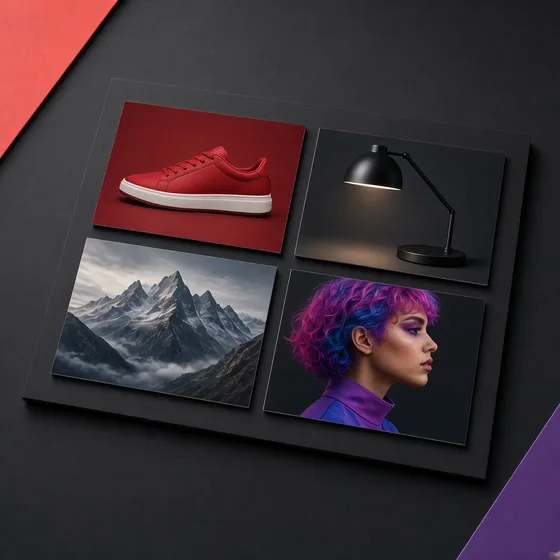
Guide a generation with reference images and videos. The current integration accepts up to 30 reference images and 10 reference videos.
First and last frame guidance
Set a first frame, then optionally add a last frame to guide a transition. Frame guidance is handled separately from the multimodal reference workflow.
Flexible output controls
Choose a 4–30 second duration and 480p, 720p, or 1080p resolution. Supported aspect ratios include adaptive, landscape, portrait, square, and ultrawide options.
Optional audio and web search settings
The current form exposes optional audio generation and web search controls. Turn them on only when they fit the prompt and the intended workflow.
How to use Seedance 2.5
Start with a prompt, add the inputs that matter, then review the generated result.
1
Describe the scene
Write the prompt and explain the subject, motion, camera, and timing you want to explore.
2
Add references and parameters
Choose frame or reference mode, then set duration, aspect ratio, resolution, audio, and web search options.
3
Generate and review
Submit the task, wait for the provider result, and preview or download the completed video from your history.
Frequently asked questions
Key details about the current Seedance 2.5 integration.
What inputs does Seedance 2.5 support?
The current integration supports text prompts, a required first frame with an optional last frame, reference images, and reference videos. Reference inputs are capped at 30 images and 10 videos.
What duration and resolution can I choose?
The available duration range is 4–30 seconds. The available resolutions are 480p, 720p, and 1080p, subject to the options shown in the form.
Can I combine frame inputs with reference media?
No. First and last frame inputs are mutually exclusive with the multimodal reference input workflow in the current integration.
Does Seedance 2.5 generate audio?
The form includes an optional Generate Audio control. Enable it when synchronized speech, ambient sound, or sound effects are appropriate for the request.
How many credits does Seedance 2.5 use?
Credits are calculated from the settings you select and shown before you submit. Refer to the calculator in the form for the current estimate; pricing may change as the product is updated.
Generate with Seedance 2.5
Bring prompts, frames, and reference media into one short-form video workflow, then adjust the output controls before you submit.