Loading...
Seedream 5.0 Lite
Seedream 5.0 Lite for fast image generation and focused edits
Seedream 5.0 Lite is ByteDance's lighter Seedream model for everyday visual production. Start with a text prompt or upload one image to guide an edit, then choose the aspect ratio that fits your deliverable. Its streamlined workflow is useful for testing concepts, adapting product visuals, creating campaign variants, and drafting polished social content without a complex editing setup.
Key Features of Seedream 5.0 Lite
A practical workflow for generating and editing images
Seedream 5.0 Lite combines prompt-based creation, single-image guidance, consistent visual direction, and useful text rendering in one focused image workflow.
Create Images Directly from a Prompt
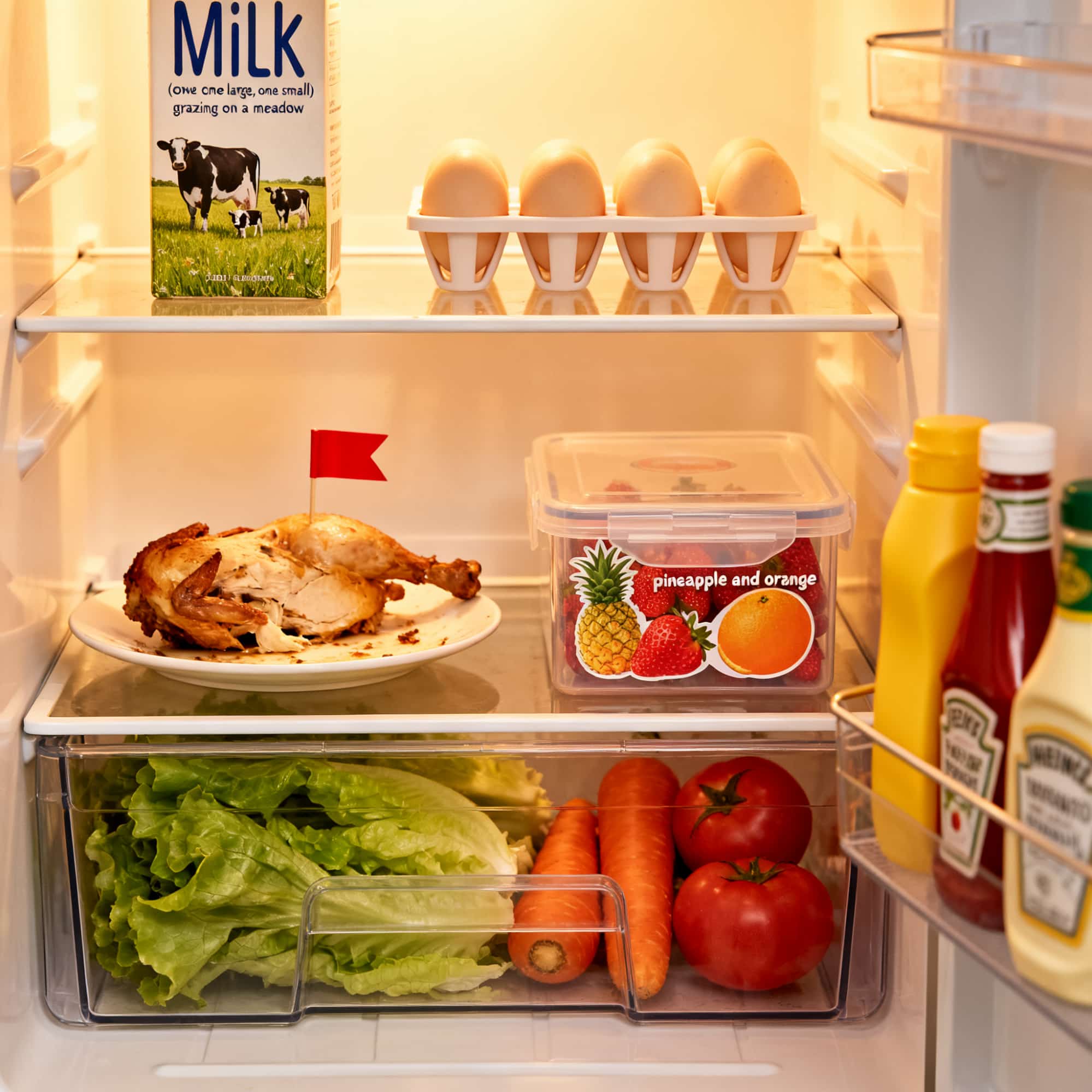
Describe the subject, setting, composition, lighting, and style you need. Seedream 5.0 Lite turns that direction into a complete image, making it easy to explore campaign concepts, editorial scenes, product backdrops, and visual ideas before committing to a final direction.
Edit with One Reference Image
Upload one JPEG, PNG, or WebP image and describe the change in plain language. You can revise a background, adjust clothing or colors, and redirect the overall mood while using the source image as visual guidance.
Media preview unavailable
Keep Subjects and Style Visually Consistent
Use a clear reference and a precise prompt to carry important subject traits and art direction into a new scene. This helps when drafting character concepts, product variations, branded illustrations, or a sequence of related campaign images.
Media preview unavailable
Build Posters and Product Visuals with Readable Text
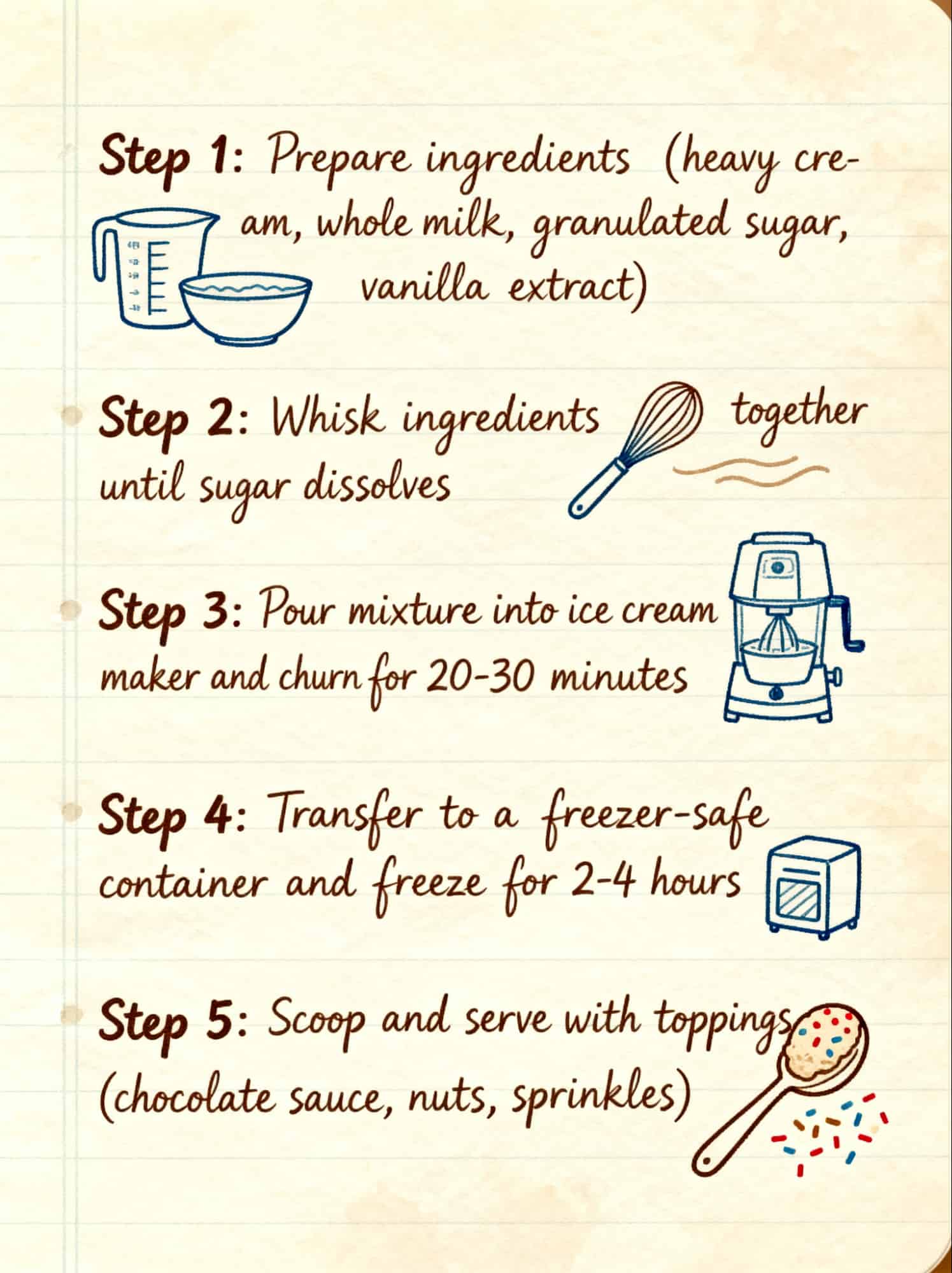
Include short headlines, product copy, or signage in the prompt to draft promotional graphics in one pass. This is useful for early poster concepts, e-commerce layouts, and social ads; always proofread generated text before publishing.
Where Seedream 5.0 Lite Fits Best
Use the model when you need a direct path from an idea or one source image to a practical visual draft.
Advertising and Campaign Variants
Explore multiple art directions, backgrounds, headlines, and aspect ratios for paid ads and campaign concepts.
E-Commerce and Product Scenes
Place a product into a new setting, adjust its presentation, or draft promotional layouts from one reference image.
Social Media and Editorial Visuals
Create posts, article images, thumbnails, and event graphics in square, landscape, portrait, or ultrawide formats.
Concept Art and Story Planning
Turn written ideas into scenes and use a reference image to keep visual direction more consistent across iterations.
How to Use Seedream 5.0 Lite
Choose the model, describe what you want, and generate a new image or a guided edit in three steps.
1
Step 1: Select Seedream 5.0 Lite
Open the Seedream generator and choose Seedream 5.0 Lite from the family model selector.
2
Step 2: Write a Prompt and Optionally Add One Image
Describe the desired subject, scene, style, and changes. For an edit, upload one JPEG, PNG, or WebP image up to 10 MB, then choose one of the eight supported aspect ratios.
3
Step 3: Generate, Review, and Download
Generate the result, review important details and any rendered text, then download the image or revise the prompt for another version.
Seedream 5.0 Lite Frequently Asked Questions
Answers about generation modes, reference images, formats, aspect ratios, credits, and commercial workflows.
What is Seedream 5.0 Lite?
Seedream 5.0 Lite is a lighter ByteDance image model available in AnyAIHub. It supports text-to-image generation and image-to-image editing through a streamlined workflow for everyday visual creation.
Can Seedream 5.0 Lite edit an existing image?
Yes. Upload one reference image and describe the change you want. The model uses that image as guidance for changes such as backgrounds, colors, styling, or overall art direction.
How many reference images can I upload?
Seedream 5.0 Lite accepts one reference image per generation. The supported upload formats are JPEG, PNG, and WebP, with a maximum file size of 10 MB.
Which aspect ratios does Seedream 5.0 Lite support?
It supports 1:1, 16:9, 9:16, 4:3, 3:4, 3:2, 2:3, and 21:9, covering common square, landscape, portrait, and ultrawide layouts.
Can I try Seedream 5.0 Lite for free?
AnyAIHub uses a credit-based system. New users can use the available credits in their account to try the model, while the current generation cost is shown directly in the interface before submission.
Can I use the results in commercial projects?
The model can support advertising, e-commerce, editorial, and other commercial workflows. Before publishing, review the generated image for accuracy and make sure your prompts, source images, and intended use comply with applicable rights and platform terms.
Create Your Next Image with Seedream 5.0 Lite
Generate from text or guide an edit with one reference image, then adapt the result to the aspect ratio your project needs.
