Loading...
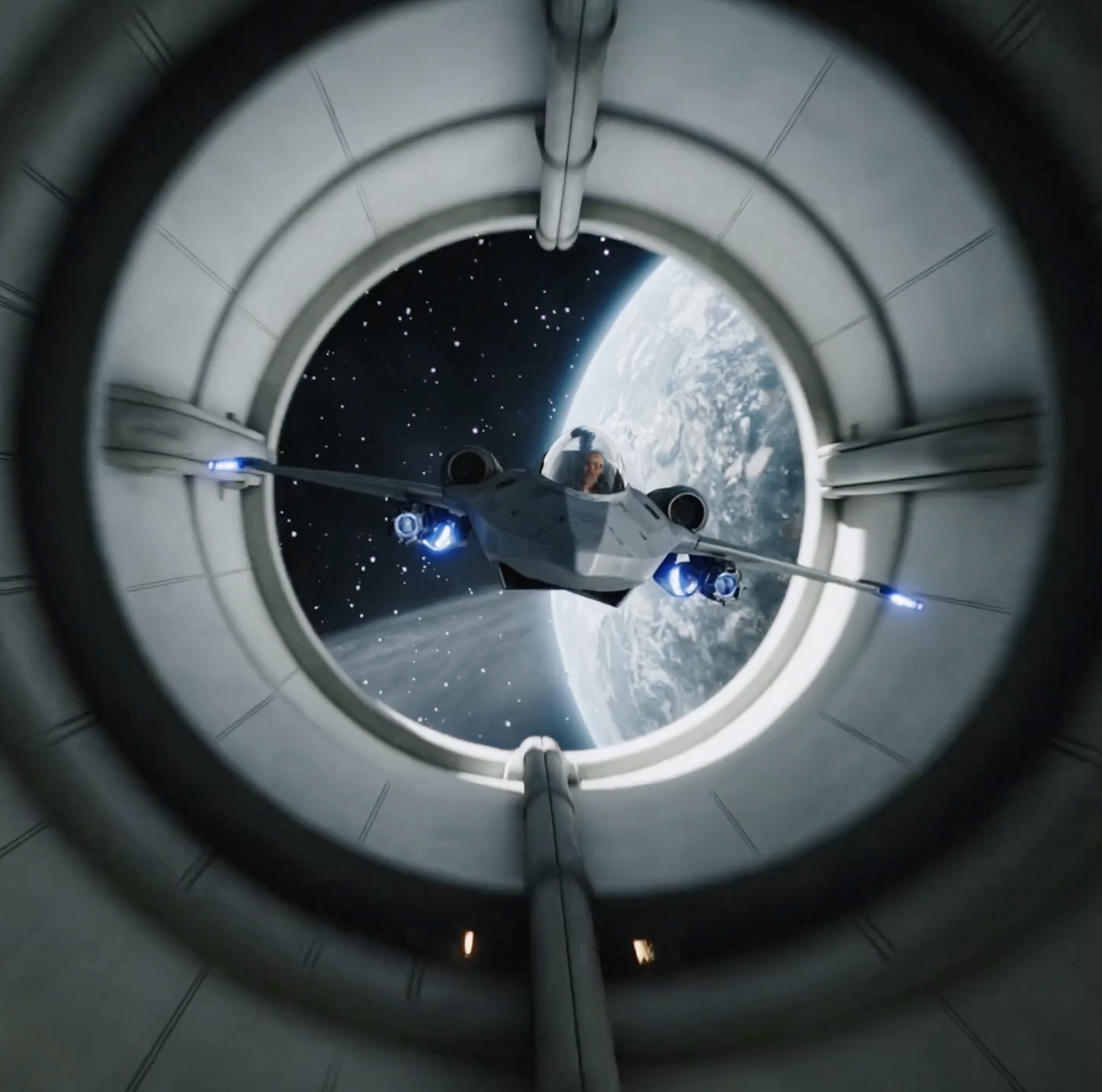
Text-to-Image · Image-to-Image · Stylized Art · Cinematic Characters
Grok Imagine Image model is launched by xAI, a next-generation AI image model built for precise control. It generates cinematic characters with consistent faces, expressive lighting, and strong composition. It excels at stylized art like anime or cyberpunk, bringing your creative vision to life. Try it for free on our <a href="/image" target="_blank" rel="noopener noreferrer" class="text-f-primary hover:underline">AI Image Generator</a> now!
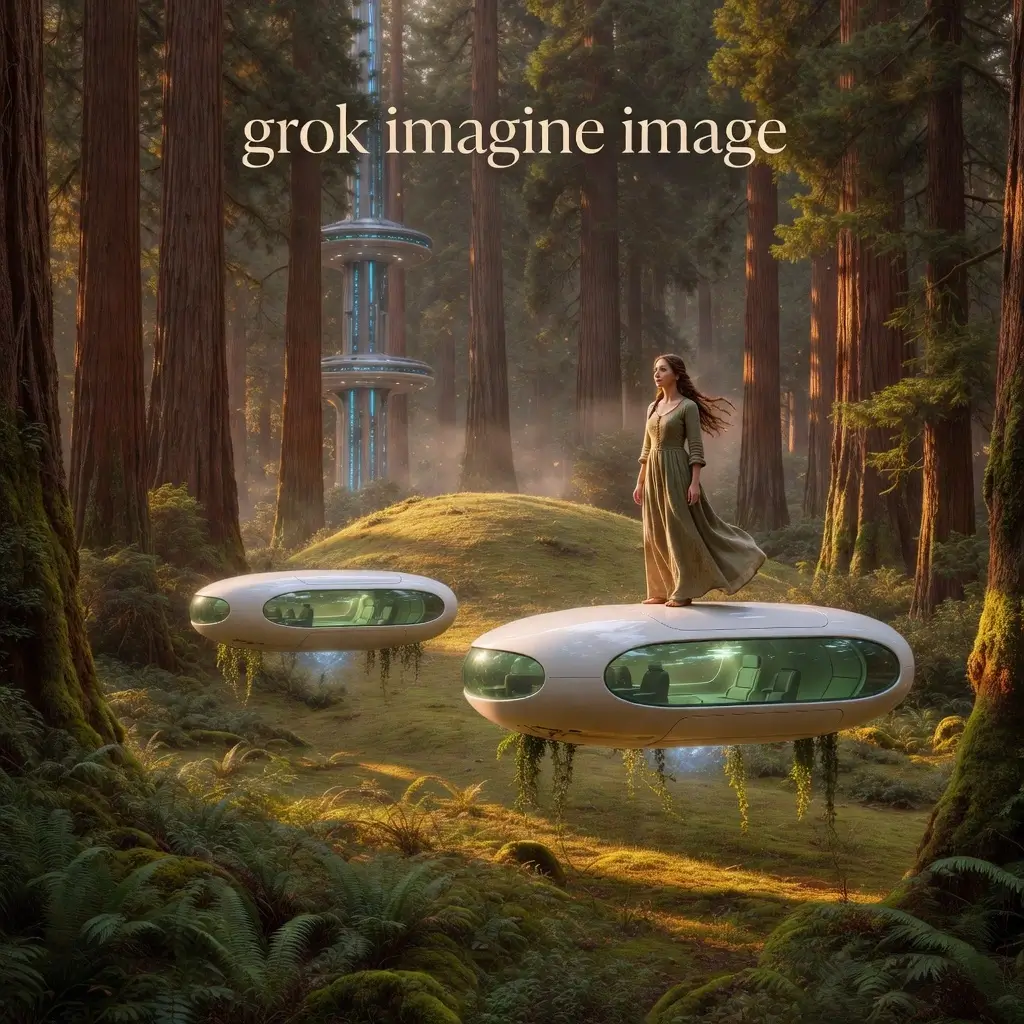
Five Core Features of Grok Imagine Image
From cinematic character rendering to precise prompt control, Grok Imagine Image provides professional-grade AI image creation capabilities. Each feature has been tested and verified with real generation examples.
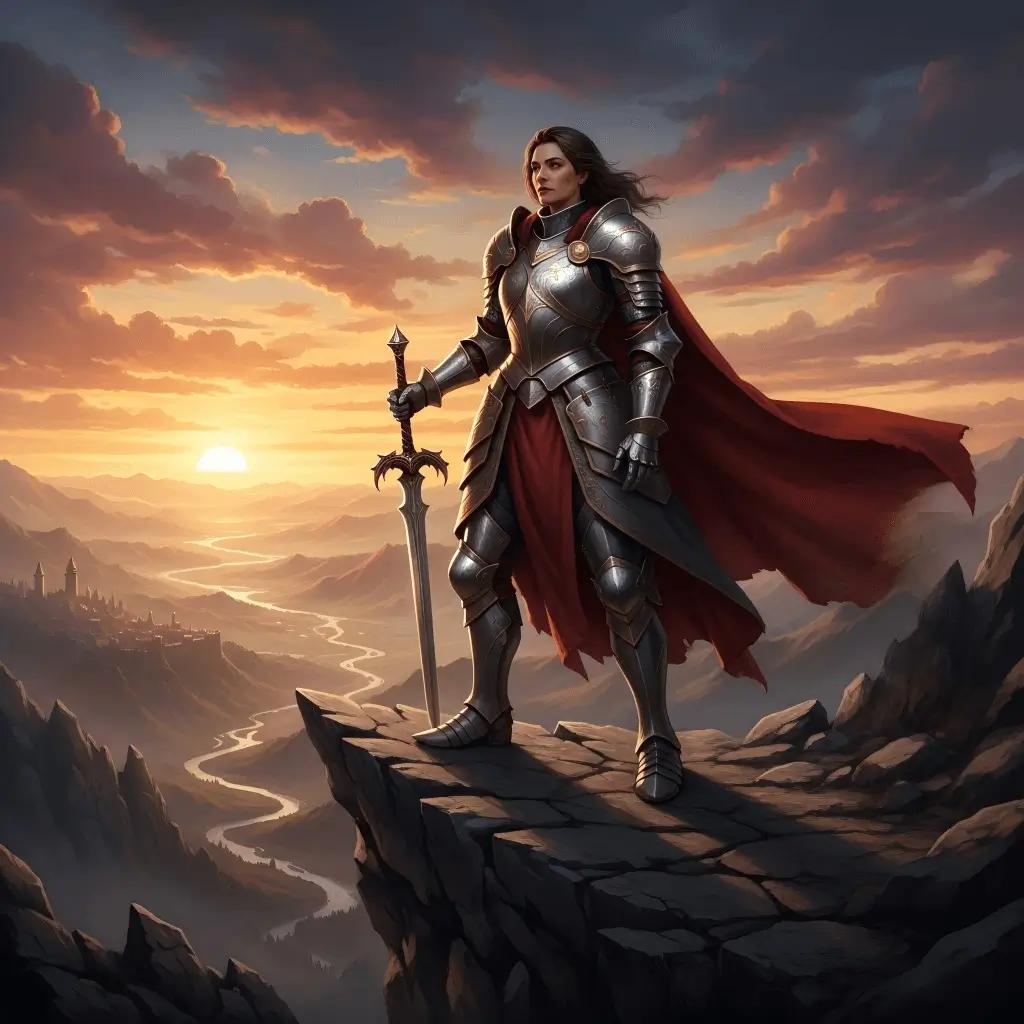
Cinematic Character Rendering - Consistent Faces · Expressive Lighting · Strong Composition
Grok Imagine Image generates cinematic characters with consistent facial features, realistic lighting, and perfectly balanced composition. Each character looks polished and expressive, with clear facial details, natural expressions, and rich lighting layers. Particularly suitable for: 1) Character design and concept art; 2) Social media character content; 3) Visual storytelling; 4) Brand image design. Whether realistic or stylized characters, it maintains high visual consistency and professional quality.
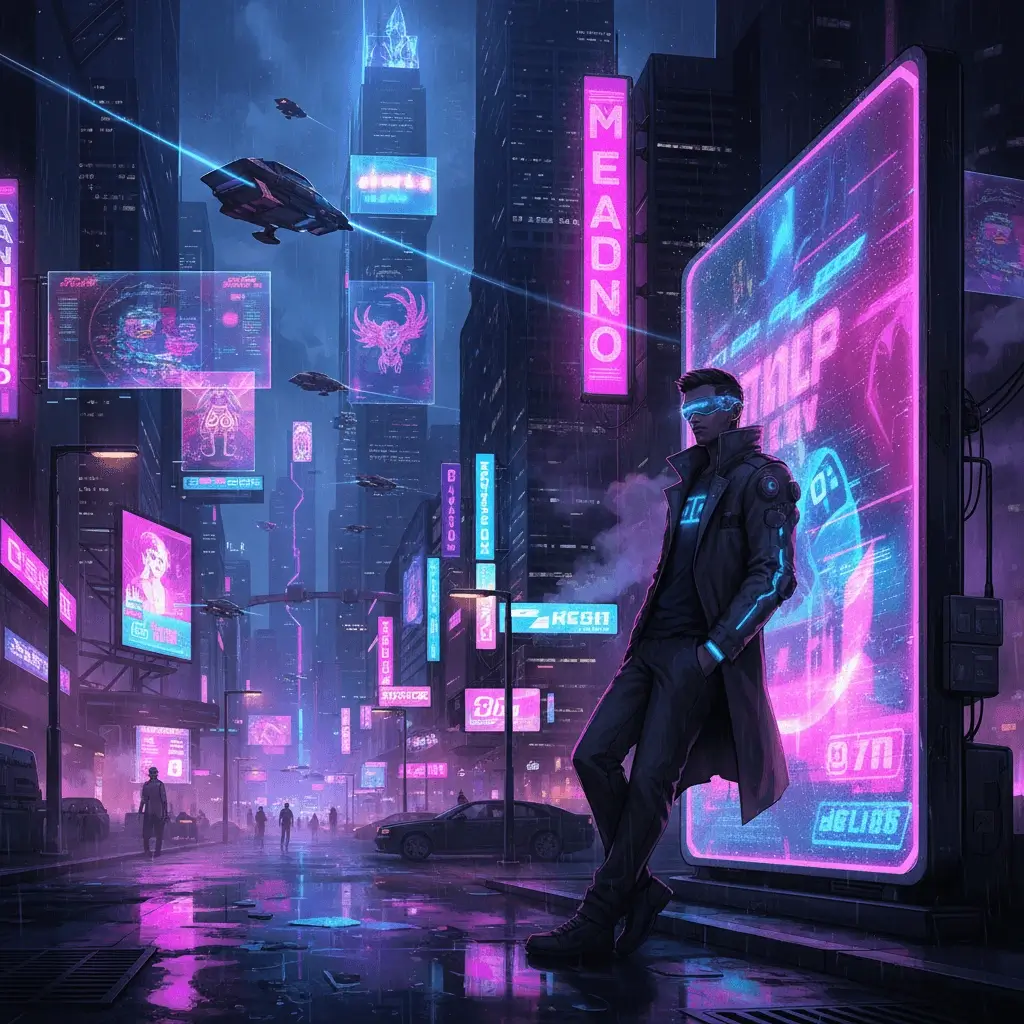
Stylized Aesthetic Excellence - Anime · Cyberpunk · Neon Aesthetics
Bring your imagination to life with bold, stylized visuals. Grok Imagine Image excels at stylized art, specializing in: 1) Anime style - sharp lines, exaggerated expressions, dynamic composition; 2) Cyberpunk - neon lighting, futuristic tech, dark atmosphere; 3) Retro aesthetics - 80s, vaporwave, pixel art; 4) Fantasy style - magical elements, mysterious scenes. Vivid neon lighting, eye-catching layouts, and dramatic color schemes make it perfect for creating attention-grabbing social content, concept art, or thematic illustrations that demand strong visual impact.
Spicy Creative Mode - Surreal · Fantasy · Artistic Exploration
Turn on 'Spicy Mode' to boost creativity! This mode adds bold, imaginative flair to your images, letting you explore more surreal, unconventional, or artistic directions while maintaining visual coherence. Use cases: 1) Fantasy art creation - magical scenes, mysterious creatures, supernatural elements; 2) Dreamlike illustrations - surreal compositions, impossible geometry, abstract expression; 3) Viral social media - eye-catching visual impact, unique creativity; 4) Artistic experimentation - breaking conventions, exploring new styles. Spicy mode enhances visual expressiveness and artistic appeal while keeping the theme clear.
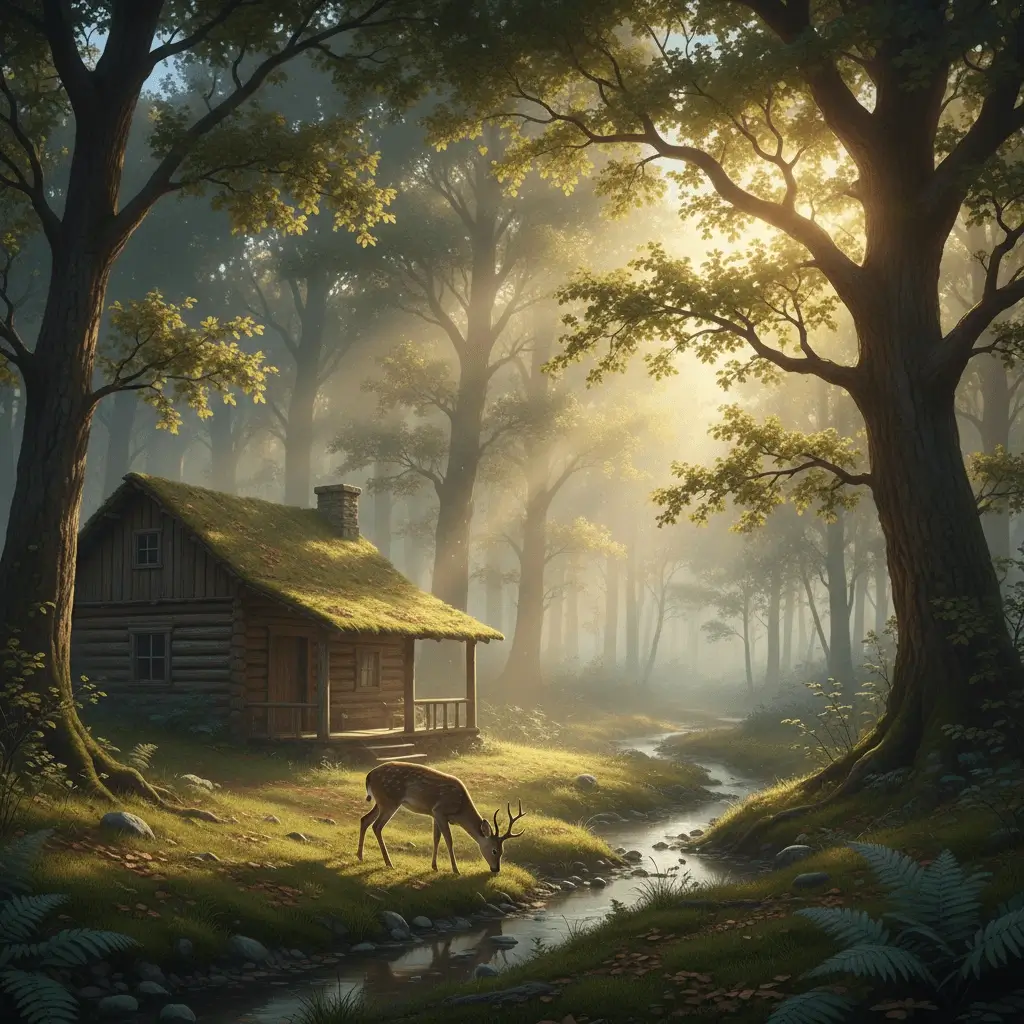
Precise Prompt Control - Local Editing · Maintain Consistency
Take full control of your edits. Grok Imagine Image allows you to make specific changes while keeping the rest of the scene intact. Supports: 1) Local modifications - only change clothing, hairstyle, accessories, or other specific elements; 2) Background replacement - keep the subject unchanged, swap scene environment; 3) Lighting adjustment - from day to night, from sunny to rainy; 4) Detail optimization - add or remove specific objects. This precise control capability is perfect for iterative creative workflows, precise visual storytelling, and maintaining brand content consistency. No need to regenerate the entire image, just describe what you want to change.
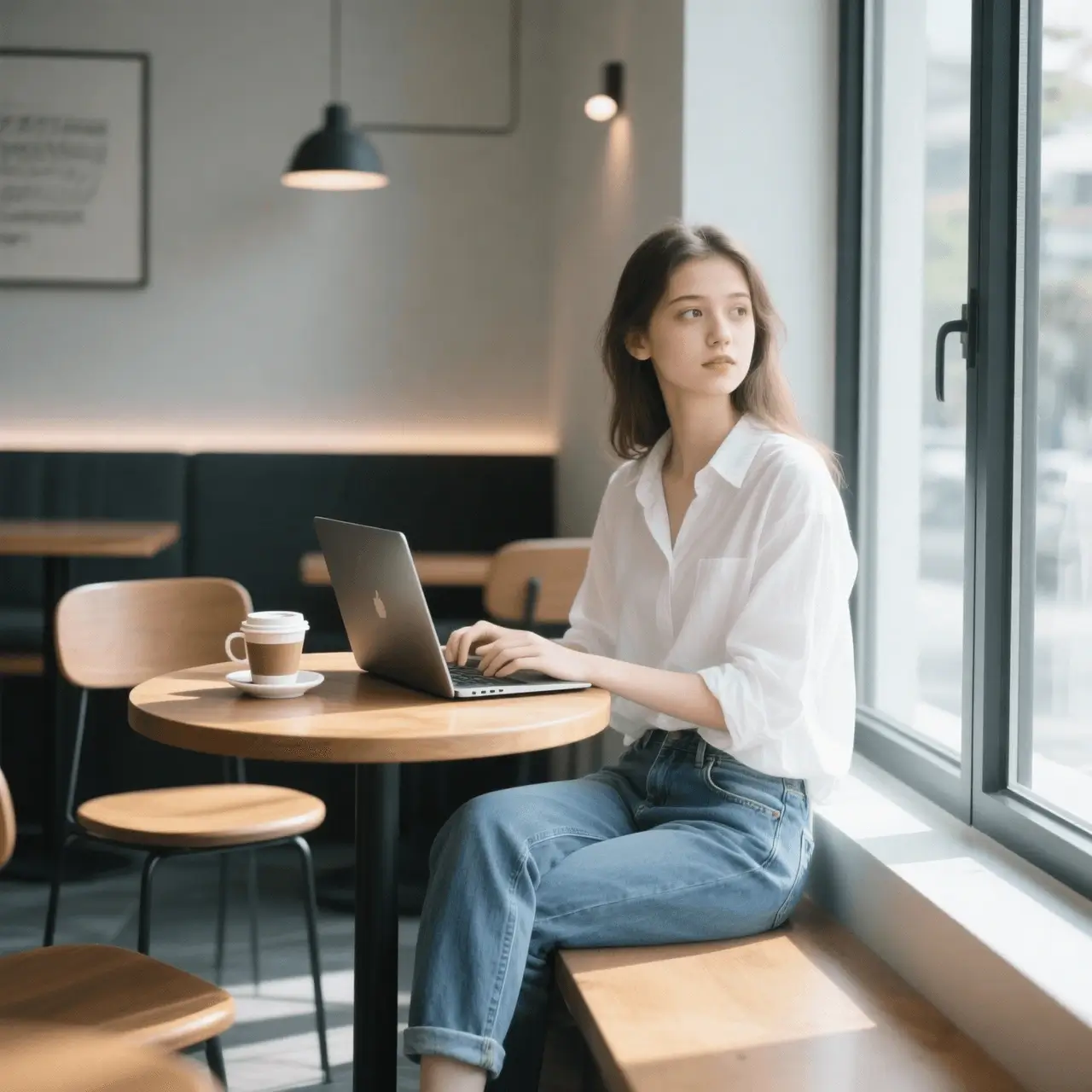
Fast and Seamless Image Generation - Second-Level Output · High Resolution
Speed meets quality. Grok Imagine Image generates high-resolution, professional-grade images in seconds, enabling rapid experimentation and iteration. Generation speed: standard images 5-15 seconds, complex scenes 15-30 seconds. Image specs: resolution up to 2048x2048; supports multiple aspect ratios (1:1, 16:9, 9:16, 4:3, 3:4); format PNG/JPEG. No long waits—quickly test ideas, create multiple variants, and bring your concepts to life. Particularly suitable for: 1) Content creators - rapidly produce social media assets; 2) Designers - quickly iterate design solutions; 3) Storytellers - quickly visualize story scenes; 4) Marketers - quickly generate advertising materials.
How to Use Grok Imagine Image for Free on AnyAIHub
1
Select Grok Imagine Image Model
Go to the AI Image Generator, then select Grok Imagine Image from the dropdown menu.
2
Enter Prompt or Upload Reference
Enter a text prompt or upload a reference image to guide the AI. Adjust any optional settings as needed.
3
Generate Your Image
Click "Create" and wait for Grok Imagine Image to generate your high-quality, cinematic, and stylized image.
Create striking visuals with Grok Imagine
Use Grok Imagine when you want more attitude, stronger mood, and more stylized visual storytelling from your prompts.