Loading...
Nano Banana
Keep Exploring the Nano Banana Series
This page focuses on the original Nano Banana. If you need stronger typography and layout control, continue to Nano Banana Pro. If you need 4K output and more production-grade constraints, move on to Nano Banana 2.
Google Nano Banana AI Image Editor
SOTA image generation, natural-language editing, multi-image fusion, and strong character consistency
Google Nano Banana AI is essentially Gemini 2.5 Flash Image. Its value is not just generating one more image, but combining high-quality image generation, stable context consistency, and natural-language editing in the same workflow. Whether you want a brand-new image with precise style control, repeated edits around the same character, or a final image fused from multiple references, Nano Banana is a better fit for controllable, fast-paced image creation and editing work.
Key Features of Google Nano Banana AI
Five core capabilities built around output quality, editing precision, and processing speed
Based on the source page, Nano Banana’s main strengths are SOTA image generation, strong character consistency, natural-language image editing, multi-image fusion, and ultra-fast image processing.
State-of-the-art image generation
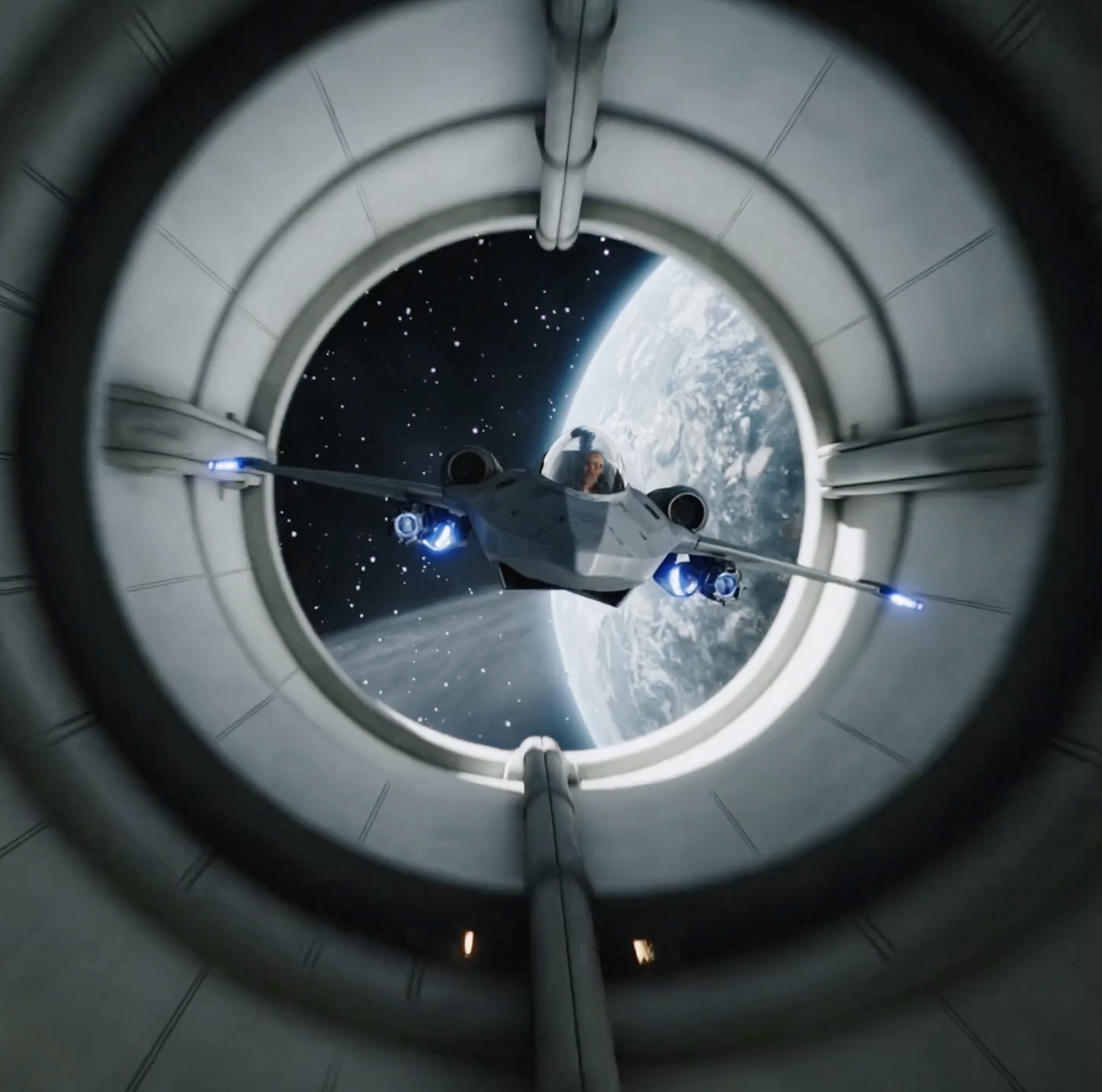
Google Nano Banana AI, technically Gemini 2.5 Flash Image, delivers strong prompt understanding and highly stable contextual consistency. Its overall quality can compete with many leading image models. Whether you want photorealism, abstract art, surrealism, or another visual style, it is better at understanding natural language and producing polished, high-quality results that match the requested direction.

Perfect character consistency
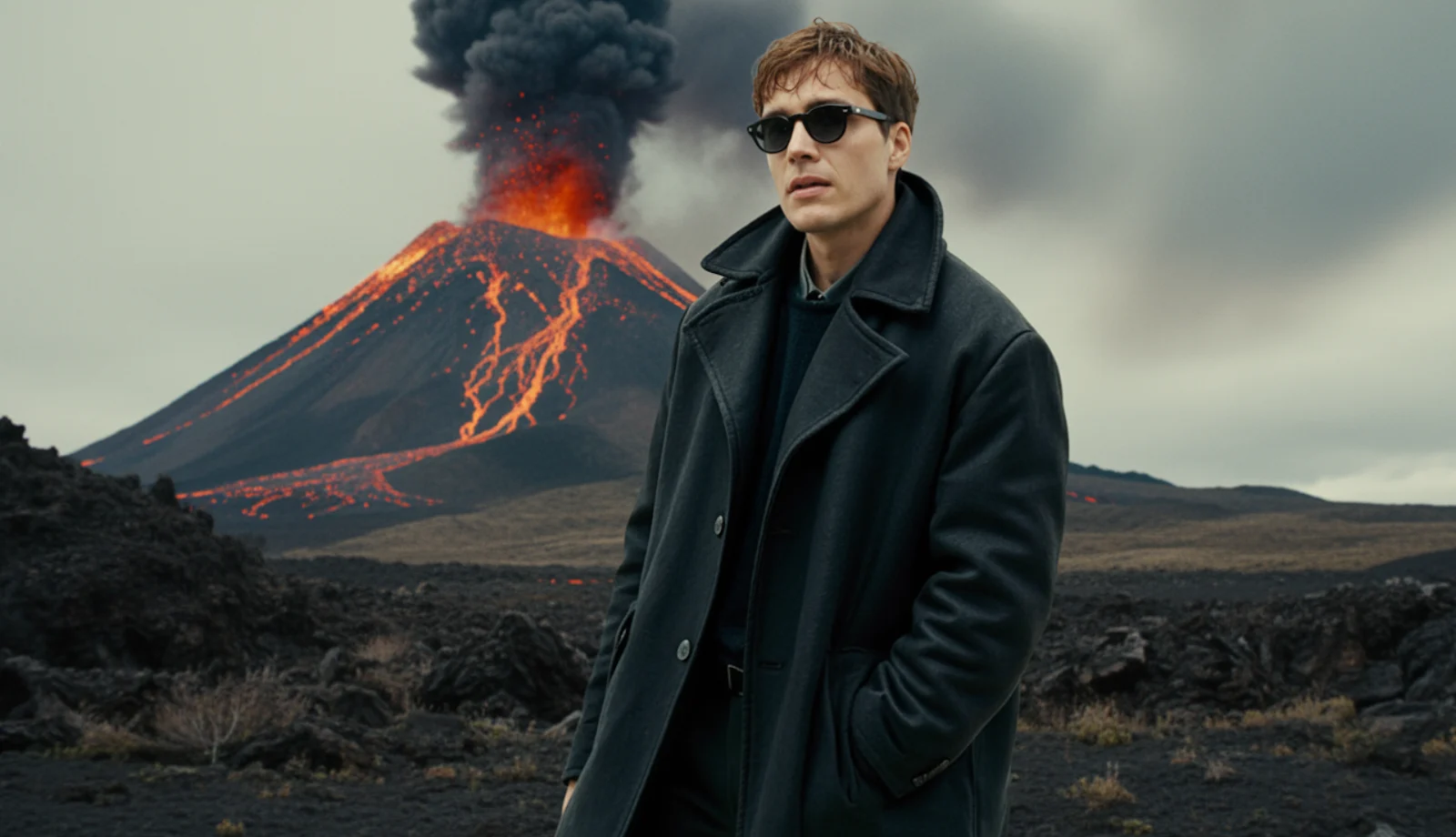
With Nano Banana AI, you can apply specific edits while keeping the core subject and scene elements intact. Whether you add, remove, or adjust the background, lighting, objects, or camera angle, the model is much better at preserving identity and visual consistency across repeated edits.

Natural-language image editing
By using simple, natural descriptions, Nano Banana can detect the editable region in an image and make impressively precise changes without manual retouching, layers, or masks. Whether you want to blur the background, remove blemishes or people, change a pose, or colorize a black-and-white image, you can often achieve it just by describing the edit.
Smooth multi-image fusion
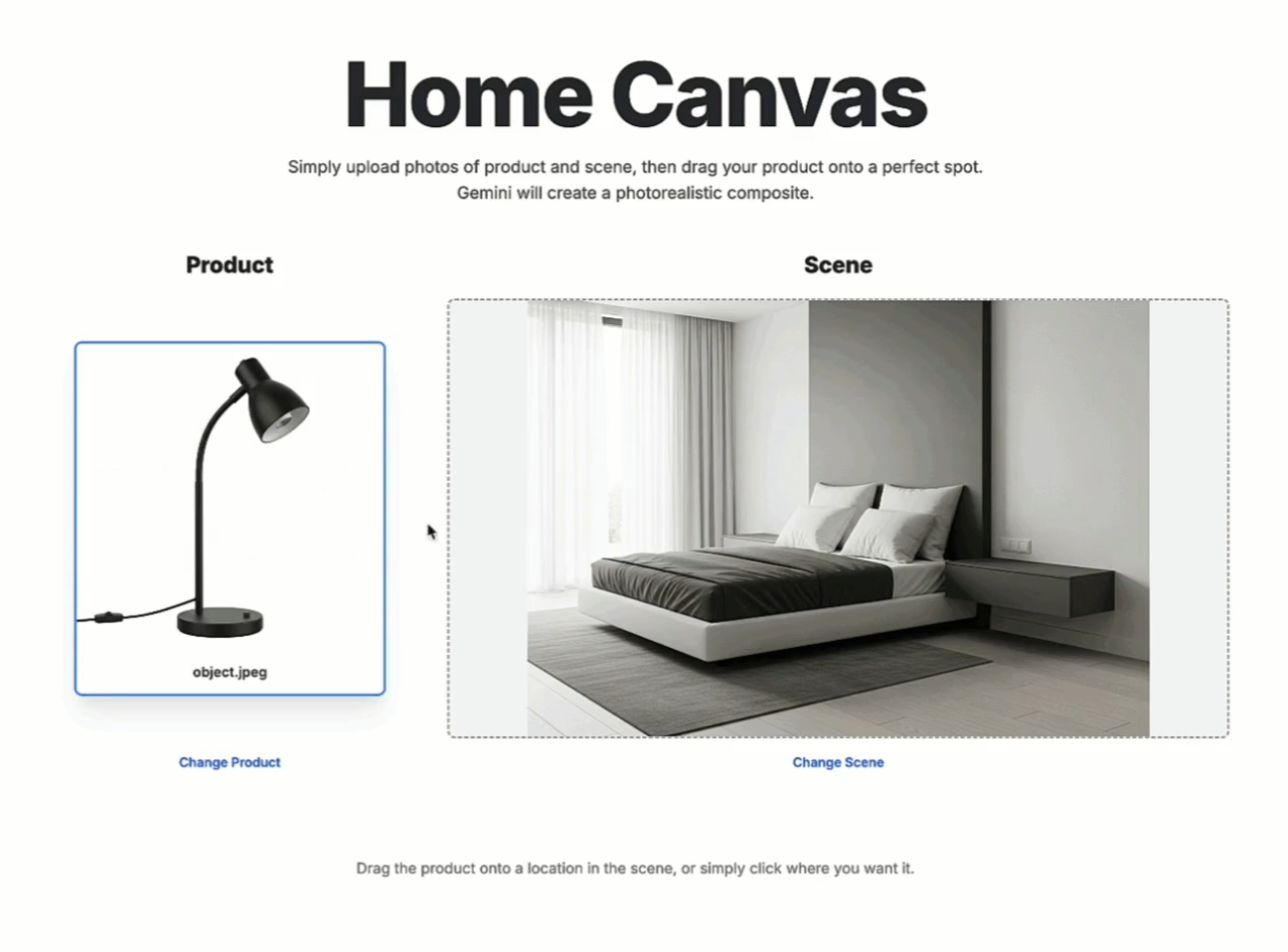
Gemini 2.5 Flash Image can easily understand and fuse multiple input images. Whether you want to insert an object into a scene, redesign a room with new colors or textures, or merge multiple visuals into a single composition, one natural-language instruction can already produce a striking result.
Ultra-fast image processing
Compared with many other AI image models, Google Nano Banana AI pushes speed to another level. It does not work on a “wait dozens of seconds” rhythm. That makes it a strong fit for quick ideation, rapid experimentation, and fast iterative editing, helping creators produce better work with less friction.
How to use Nano Banana
The ideal Nano Banana workflow is simple: upload your base image or reference images, describe the change in natural language, then keep refining from the result.
1
Upload a base image or multiple references
You can start with one source image, or combine multiple references for people, objects, style, or scene direction so Nano Banana understands what should be preserved, replaced, or fused.
2
Describe the edit in natural language
You do not need parameter-heavy prompts. Just tell the model whether you want to replace a background, adjust a pose, insert an object, redesign a scene, or merge multiple visual sources, and Nano Banana is better at handling that kind of direct instruction.
3
Generate and keep iterating
Review subject consistency, local edit quality, and overall finish, then continue with another instruction. Its value is that you can keep improving the same creative direction instead of restarting from scratch every time.
Common questions about Google Nano Banana AI
These questions cover the model’s positioning, suitable project types, supported visual styles, and future version plans, adapted from the source-page FAQ but rewritten to fit AnyAIHub.
What is Google Nano Banana AI?
Nano Banana is technically Gemini 2.5 Flash Image, a powerful AI image model developed by Google. It allows users to generate richly detailed images or perform advanced image edits using simple natural language. It can handle complex multi-step instructions and is especially strong at keeping core characters, environments, and scene elements consistent across repeated edits.
Why use Google Nano Banana AI (Gemini 2.5 Flash Image)?
Nano Banana is a very strong Google image model that can both generate images and apply highly precise edits through everyday language. Its prompt understanding is strong enough to interpret intent more accurately, apply edits more systematically, and keep the subject and scene as coherent as possible while changes are made.
Can I use Google Nano Banana (Gemini 2.5 Flash Image) for free?
On AnyAIHub, Nano Banana uses a credit-based experience. New users usually receive some trial credits, which are enough to test image generation, natural-language editing, and multi-image fusion. If you want to keep using it, you can continue through a subscription or by purchasing more credits.
What kinds of projects is Gemini 2.5 Flash Image best for?
Google Nano Banana AI is one of the stronger AI image editors for projects that need repeated visual iteration while keeping character identity and overall aesthetic style consistent. It is especially well suited to storyboard design, graphic design, illustration, fashion styling, product presentation, and other workflows that require multiple rounds of refinement.
What visual styles does Google Nano Banana support?
You can use Google Nano Banana AI to generate or edit images in almost any visual style for personal or professional use. That includes realism, anime, abstract art, 3D visuals, fantasy art, and more. This makes it useful for artists, marketers, game designers, and many other digital creators.
Will Nano Banana 3 also launch on AnyAIHub?
If a new Nano Banana-series version is officially released later and its capabilities and integration stability meet our launch standards, AnyAIHub will evaluate it and may add it as a dedicated model page. At the moment, Nano Banana, Nano Banana Pro, and Nano Banana 2 are already available here, so this page is better focused on how to choose and use the current versions.
Use Nano Banana for more efficient AI image editing
If you want more than just regenerating one image, and instead need a workflow for repeated edits, image fusion, character consistency, and fast natural-language iteration, Nano Banana is a better fit than a typical image model.