Loading...
Nano Banana 2 Lite
Nano Banana 2 Lite: A 1K Image Model for Frequent Creation
Nano Banana 2 Lite is one of Google's Nano Banana image models. It is suited to turning text prompts into 1K images and can use up to 10 reference images to guide visual direction. Use it to explore ad variations, product scenes, app prototypes, thumbnails, and storyboard sketches; actual generation time varies with the queue, prompt, and service status.
Key Features of the Nano Banana 2 Lite Image Model
Based on Pollo's feature examples and this project's integrated creation settings
This page uses five public examples to illustrate common creative directions: rapid iteration, 1K output, real-world scenes, in-image text, and reference-image guidance. Results depend on the prompt and reference materials, so validate them with small batches first.
A Workflow for Frequent Image Creation
When a marketing campaign needs multiple image variations, start with short prompts to test composition, subject, and visual direction, then keep effective prompts to expand further. The model does not promise a fixed generation time; actual duration depends on the queue, prompt, and service status.
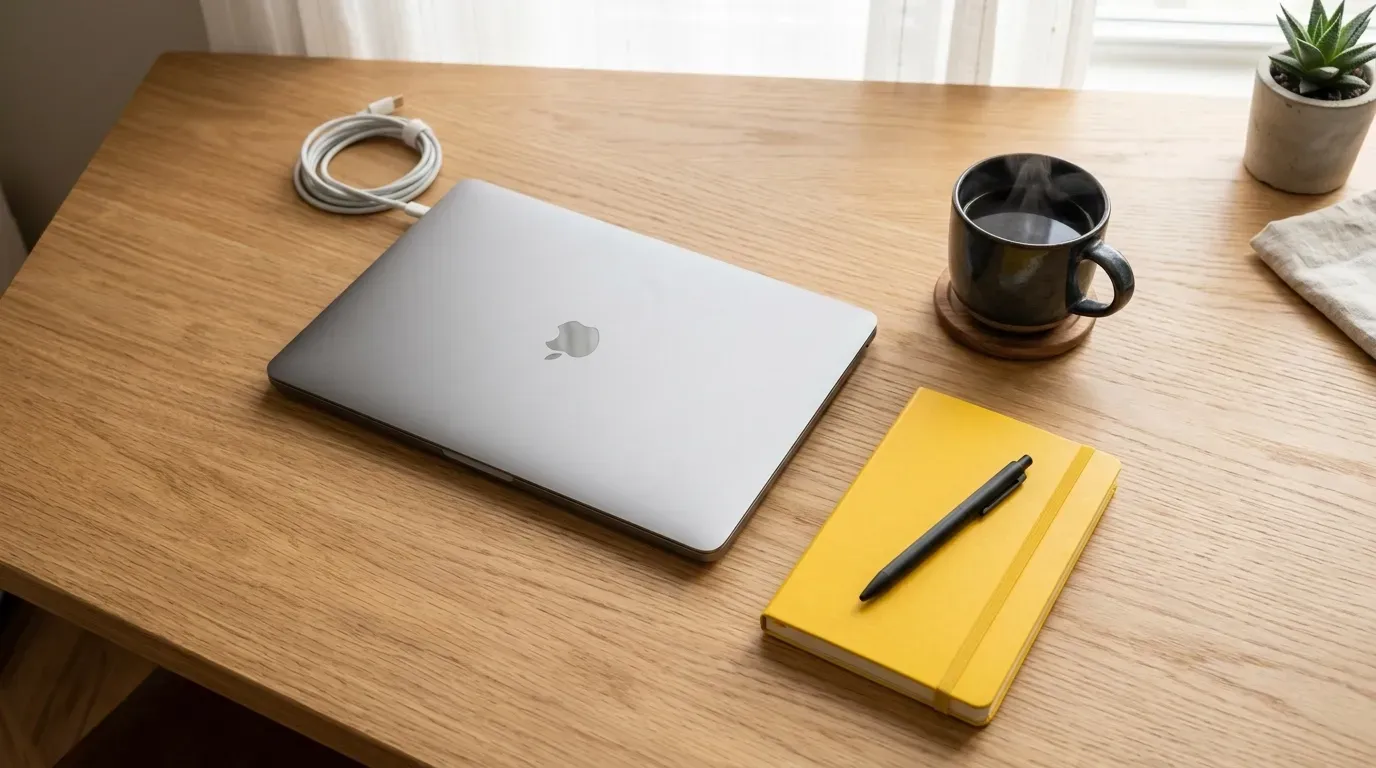
1K Output and 15 Aspect Ratios
The project's Nano Banana 2 Lite configuration provides 1K output and supports 15 ratios, including auto, square, landscape, portrait, ultrawide, and extreme formats. It is suitable for websites, social media, advertising, app prototypes, and thumbnails; choose another appropriate model when a higher-resolution final asset is needed.
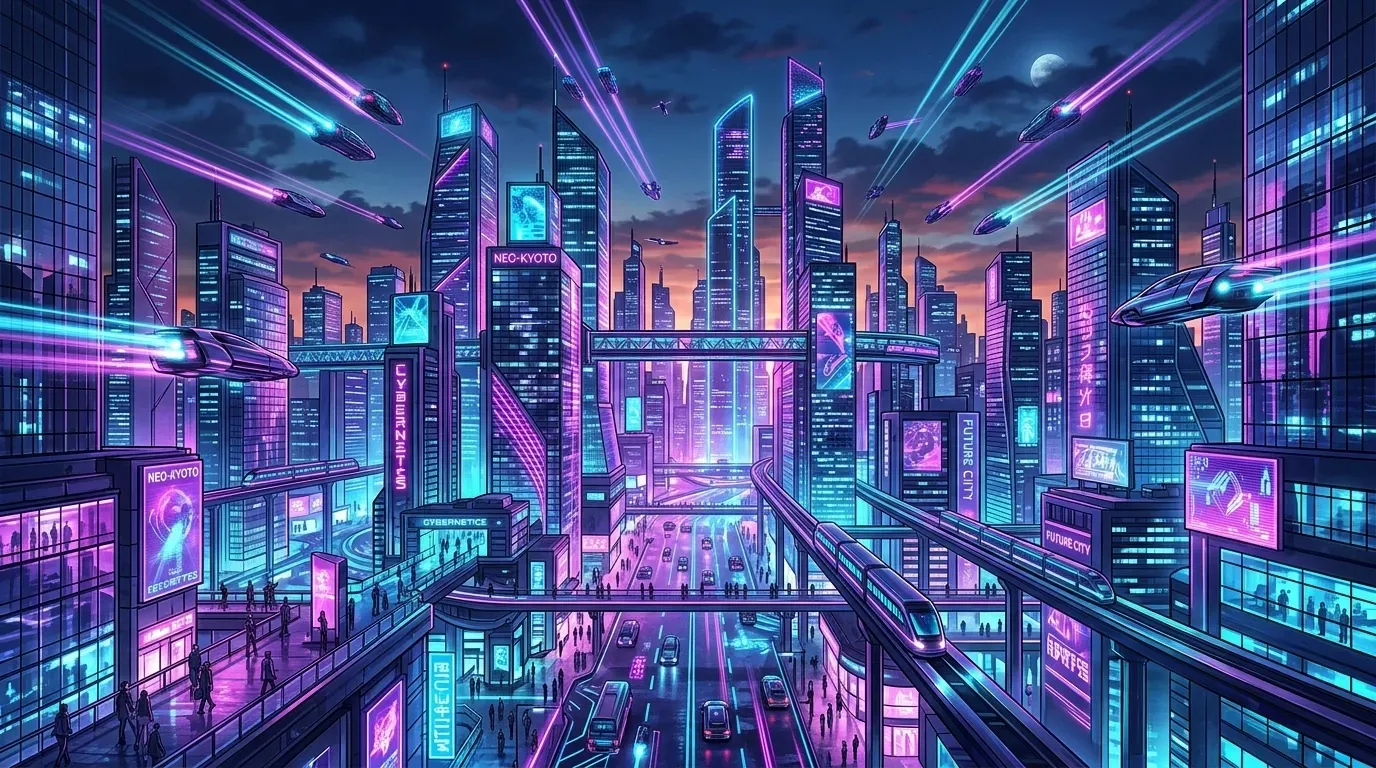
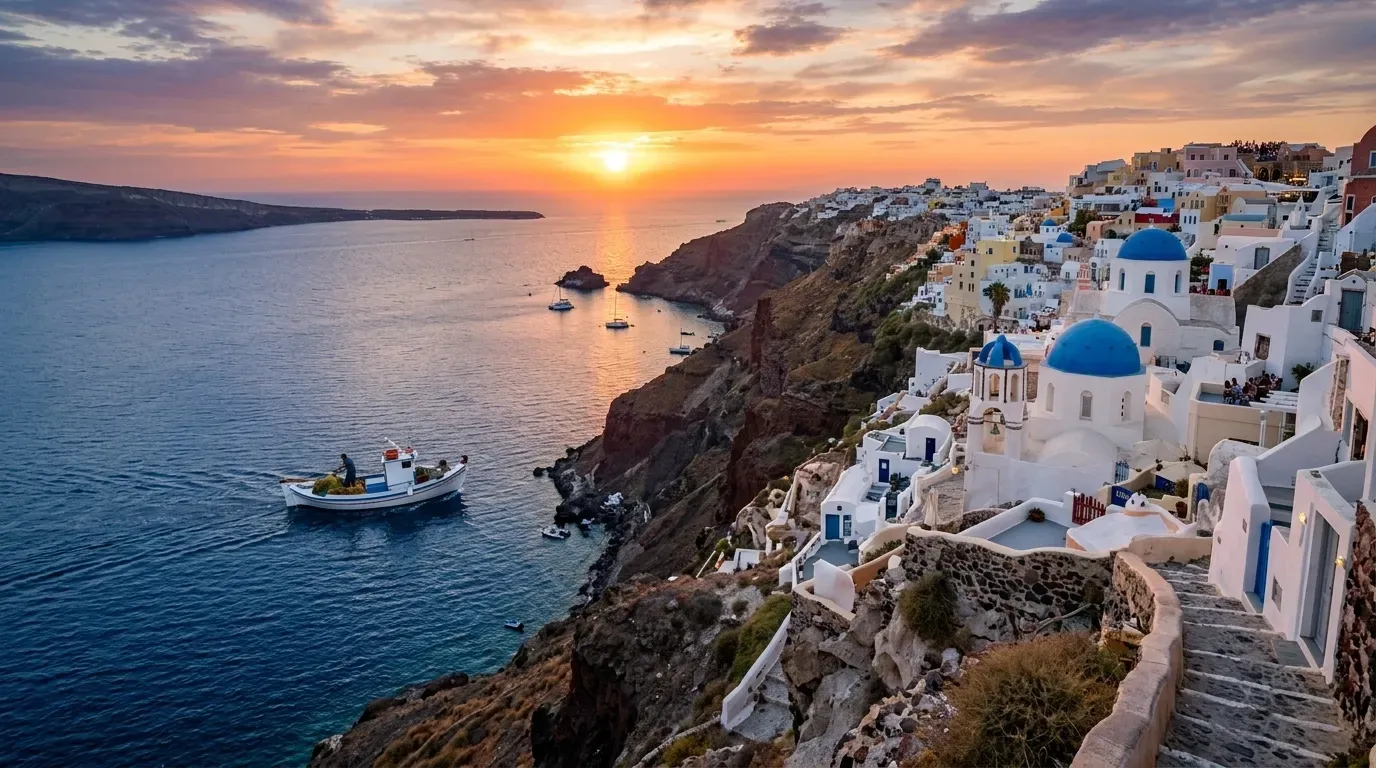
Prompt Understanding for Real-World Scenes
Details such as locations, architectural styles, cultural context, and relationships between objects can all be included in a prompt to help the model establish a clearer visual target. For travel imagery, historical scenes, cultural themes, and concept sketches, start by testing specific descriptions of the location, lighting, and composition; creators should still verify the results.
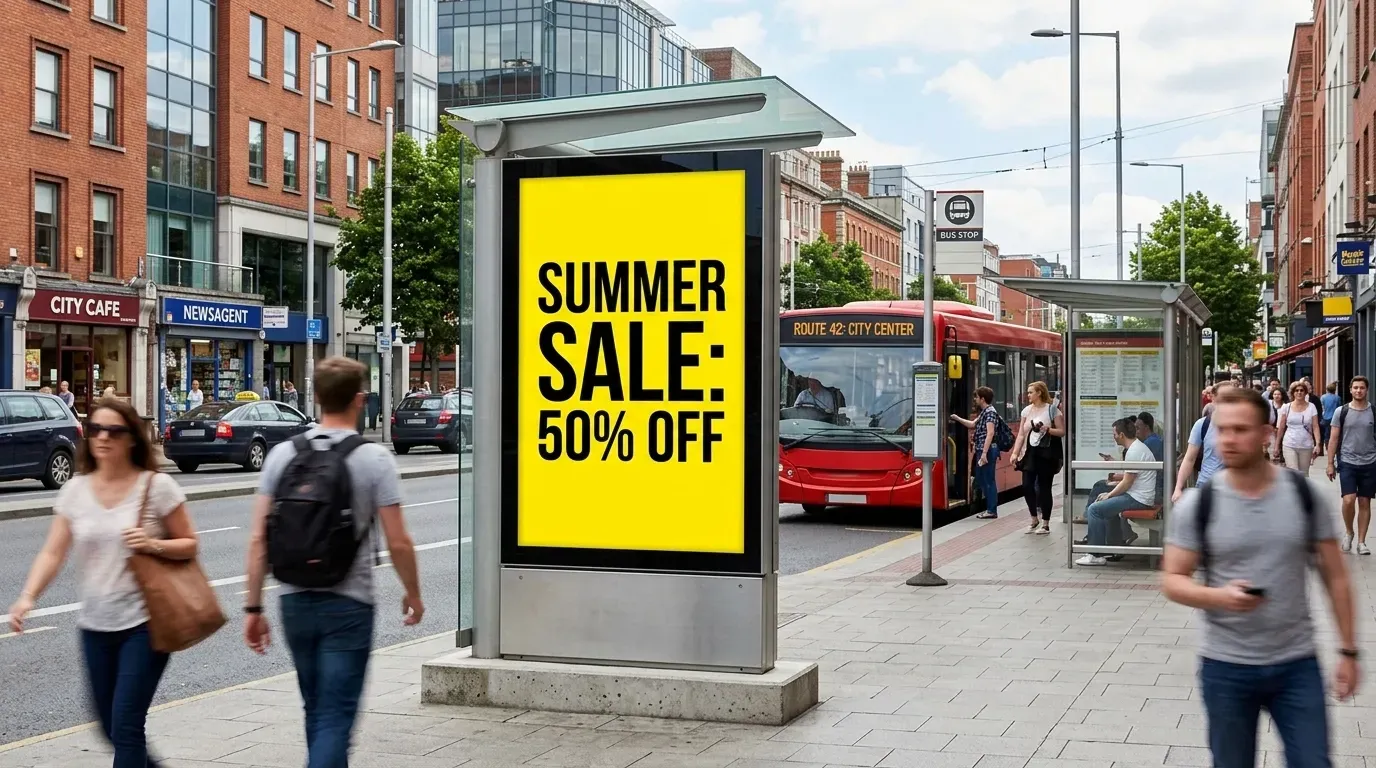
In-Image Text and Localized Assets
State the target text for a billboard, poster, or package directly in the prompt, then create creative versions in different languages. Text, numbers, and complex layouts in generated images may still vary; proofread every character before a formal launch and, when necessary, refine the typesetting in a design tool.
Reference Guidance and Subject Continuity
Upload up to 10 JPEG, PNG, or WebP reference images to provide visual constraints for a subject, product, clothing, or composition. Identity, details, and composition are not guaranteed to remain fully consistent across multiple generations; for sequential content, keep using clear reference images and manually select the results from each round.
Who Nano Banana 2 Lite Is For and Where to Use It
It is suited to teams that use 1K images to explore directions, validate prompts, and create multiple asset variations.
Performance Marketing and Ad Testing
Create multiple creative directions for ads, banners, and landing pages, then select and refine them according to conversion goals.
UI/UX Prototypes and Content Placeholders
Create placeholder visuals that match the page context for app prototypes, website mockups, and product demonstrations.
Social Content and Thumbnails
Create assets in different aspect ratios for article hero images, video thumbnails, and social-media posts.
E-Commerce Product Scenes
Use product reference images to explore backgrounds, lifestyle scenes, and different ad compositions, then verify product details before publishing.
Rapid Storyboards and Visual Previsualization
Explore narrative sequences, character scenes, sketches, and different camera directions during pre-production.
How to Create Images with Nano Banana 2 Lite
Choose the model, describe the image, and add reference images when needed to submit a 1K image-generation task.
1
Step 1: Choose Nano Banana 2 Lite
Go to the Nano Banana model page and select Nano Banana 2 Lite from the family model selector.
2
Step 2: Enter a Description and Add Reference Images
Describe the scene, subject, lighting, and any text requirements. You can upload up to 10 JPEG, PNG, or WebP images as visual references and choose a suitable aspect ratio.
3
Step 3: Generate and Download the Image
After you click Generate, review the result and download the 1K image. Generation time varies with the service queue and task content.
Nano Banana 2 Lite Frequently Asked Questions
Learn about the project's available parameters, billing, in-image text, and the limits of reference-image use.
What is the Nano Banana 2 Lite image model?
Nano Banana 2 Lite is a Google image model currently integrated into this project through KIE. It supports generating 1K images from text and using up to 10 reference images to guide the result; each generation in the interface uses 4 credits.
Why choose Nano Banana 2 Lite?
Choose it when you want to explore advertising directions, product scenes, prototypes, or social content and 1K output meets the delivery need. When you need higher resolution, absolute consistency, or complex layouts, test small batches first or choose a more suitable model.
How is Nano Banana 2 Lite billed?
AnyAIHub uses a credit-based system, and each generation in the interface currently uses 4 credits. Refer to the latest price displayed in the generation interface and the credits available in your account.
Does Nano Banana 2 Lite support rendering text in images?
You can specify in-image text for billboards, posters, marketing copy, and more in the prompt. Complex layouts, numbers, and multilingual content may still vary, so proofread every character before formal use.
Is Nano Banana 2 Lite suitable for editing existing images?
You can upload up to 10 JPEG, PNG, or WebP reference images, each up to 30 MB, and combine them with a text prompt to guide a subject, product, scene, or composition. Reference images provide guidance; they do not mean the result will reproduce the original pixel by pixel.
Which aspect ratios does Nano Banana 2 Lite support?
It supports auto, 1:1, 1:4, 1:8, 2:3, 3:2, 3:4, 4:1, 4:3, 4:5, 5:4, 8:1, 9:16, 16:9, and 21:9.
Accelerate Image Creation with Nano Banana 2 Lite
Use 1K text-to-image and reference-image creation to explore ad variations, product visuals, prototypes, and social content. Visual materials are sourced from public Pollo AI examples and used only to illustrate capability directions.
