Loading...
Kling 2.6
Kling 2.6 AI Video Model
Generate video, natural speech, sound effects, and ambient audio together
Kling 2.6 is an audio-video synchronization model from Kling AI that can generate video, natural speech, sound effects, and ambient audio in a single output. It is built for creators who want to reduce post-production voiceover, sound design, and audio-video alignment work, as well as for dialogue shorts, product explainers, singing performances, ambient soundscapes, motion imitation, and high-volume everyday video production. On AnyAIHub, you can try Kling 2.6 directly and create complete audiovisual videos from prompts, reference images, and motion videos.
Key Features of the Kling 2.6 Video Model
Kling 2.6 is designed to bring visuals, speech, sound effects, and motion together in the same generation. It is well suited for video creation tasks that require audio-video synchronization, dialogue control, complex semantic understanding, and motion imitation.
Synchronized Audio-Video Generation
The Kling 2.6 AI video model reduces audio-video mismatch by generating visuals and audio together. Speech rhythm, ambient sound effects, and on-screen motion can align more naturally, creating a highly coherent viewing experience. You do not need to source separate voiceovers, manually edit sound effects, or adjust audio duration; visuals and sound can be generated and blended in one pass.
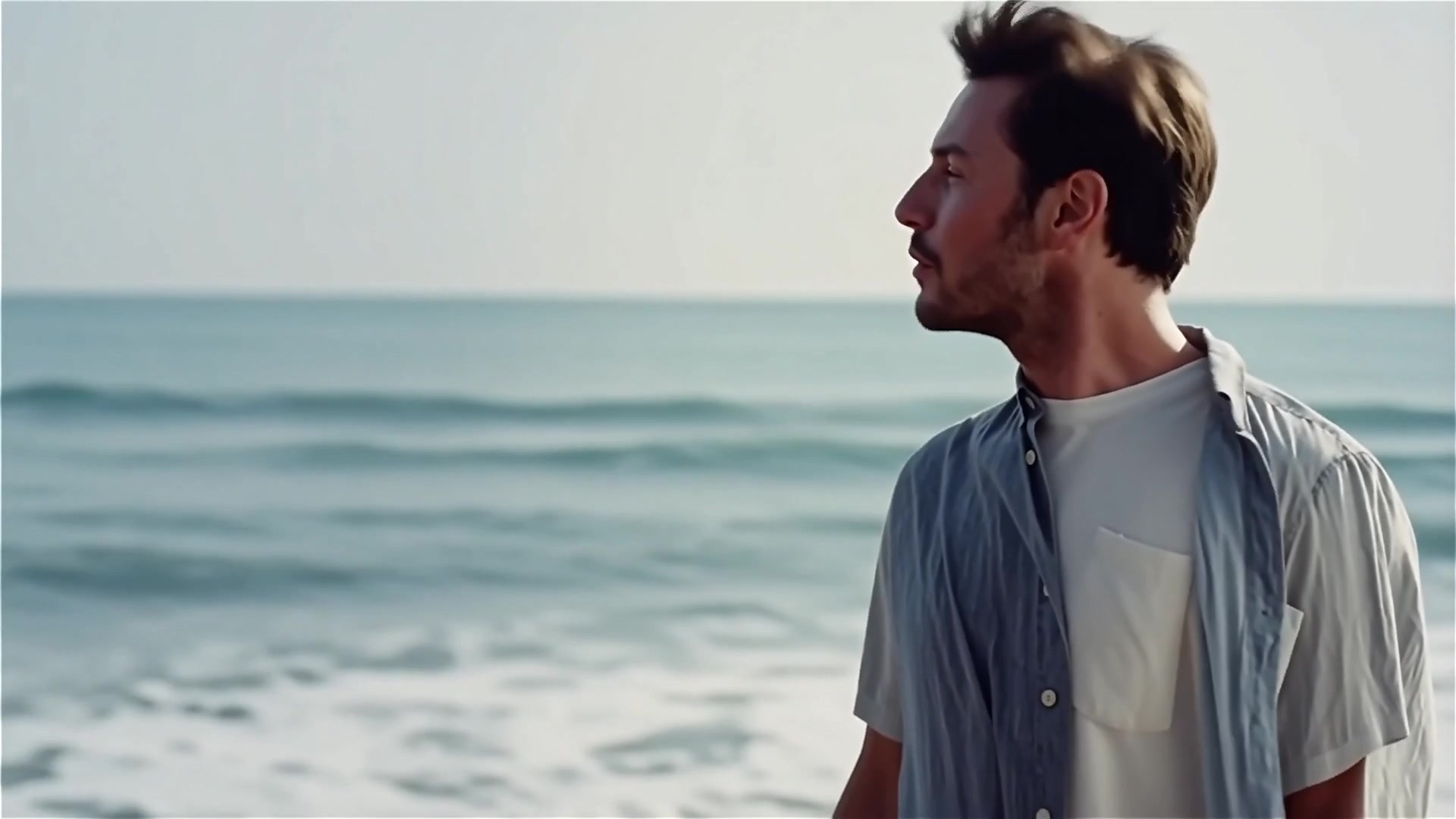
Diverse Audio Types
From spoken dialogue to musical performance, the Kling 2.6 video model can handle a wide range of audio content. It can generate videos with monologues, multi-person conversations, voiceover narration, singing performances, rap segments, or pure ambient soundscapes, making the content feel complete from visuals to sound.
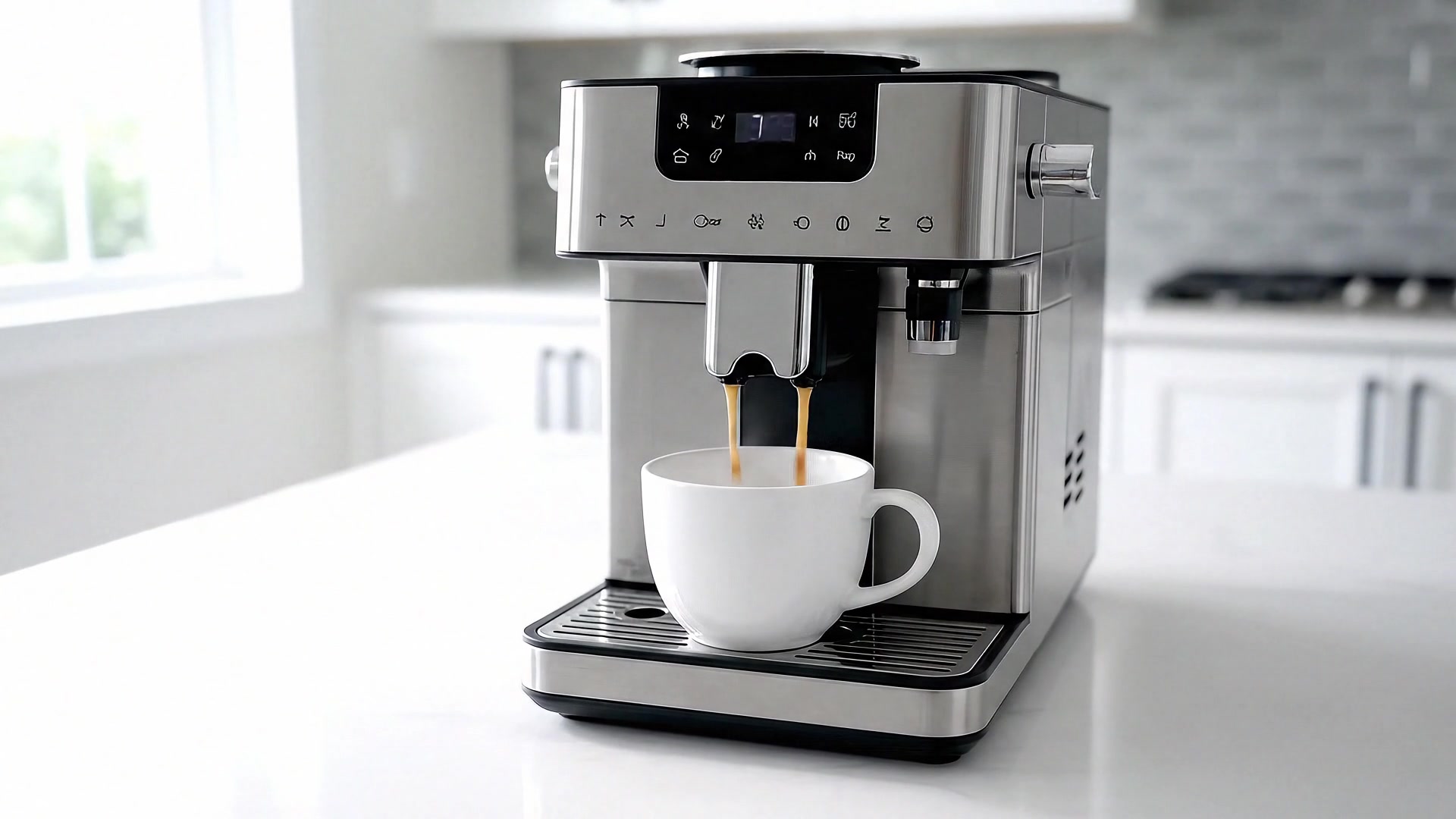
Precise Audio Control
The Kling 2.6 AI video model gives you clearer control over each audio element. You can specify which character is speaking, customize the lines, set the emotional tone, and layer in ambient sound effects, helping the dialogue, voice delivery, and scene atmosphere stay closer to your creative intent.
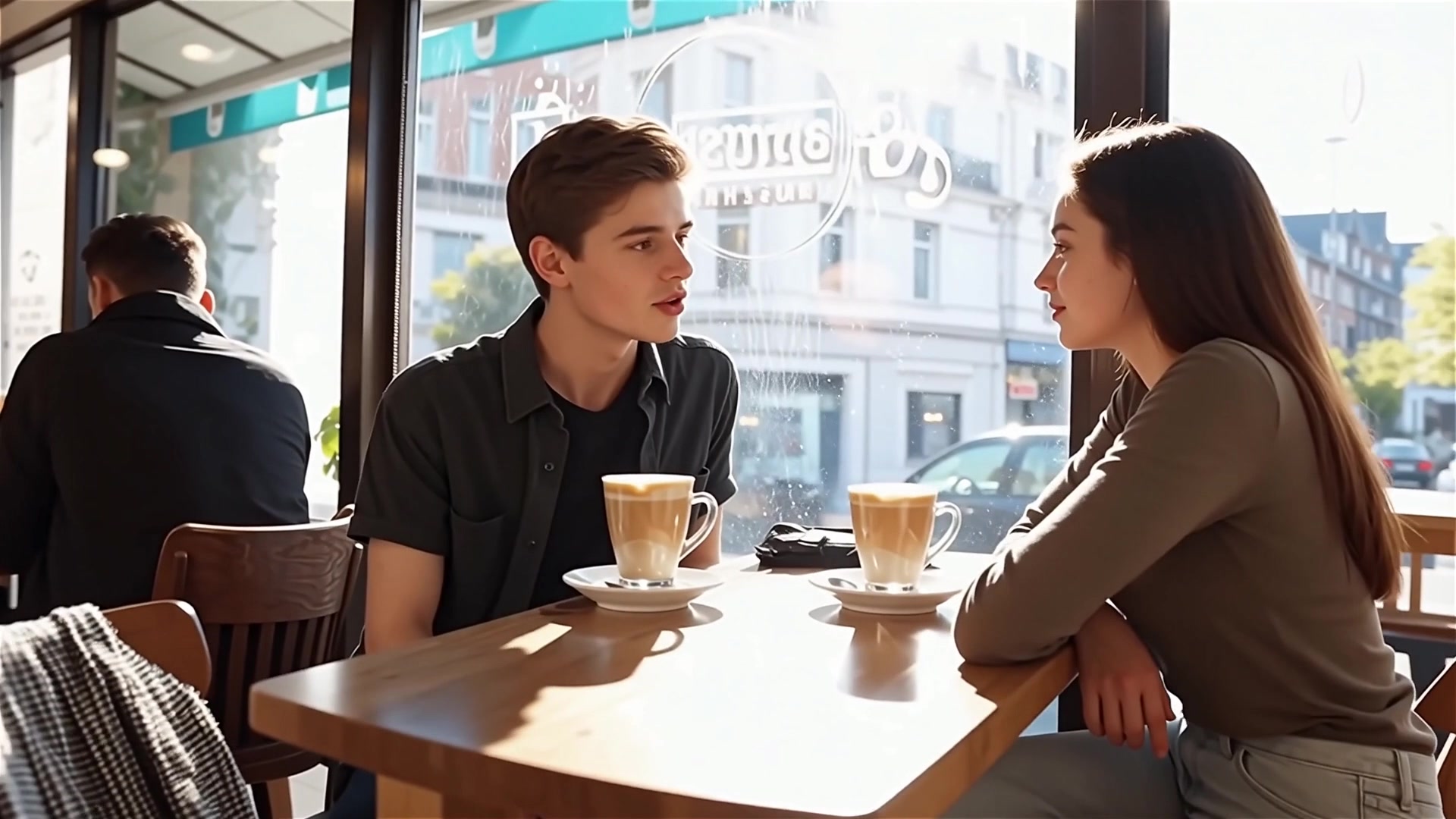
Enhanced Semantic Understanding
The Kling 2.6 video model shows stronger understanding of complex text descriptions, conversational phrasing, and layered story scenarios. Across a variety of scenes, it can better capture the creator's intent and turn detailed prompts into audio-video content that more closely matches expectations.
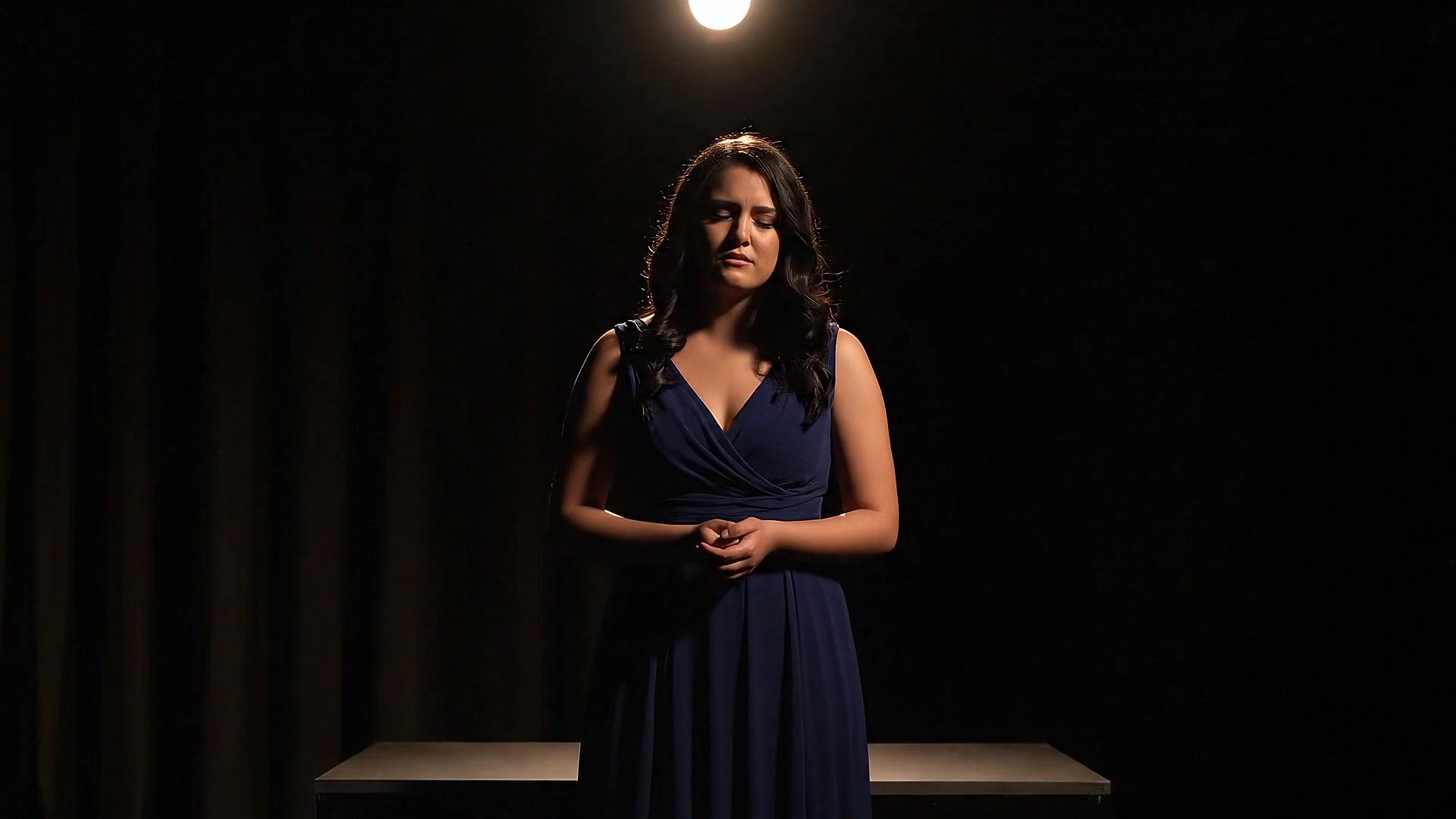
High-Precision Motion and Gesture Imitation
Kling 2.6 can transfer full-body motion, facial expressions, and lip movements from a reference video into a high-definition generated video. It can handle fast-paced dances and complex actions while reproducing hand poses with greater detail, and it supports continuous one-take generation up to 30 seconds.

How to Use the Kling 2.6 AI Video Model for Free
To use Kling 2.6, choose the model first, enter your video details and optional reference images, then configure the settings and generate a complete audiovisual video.
1
1. Choose the Kling 2.6 Video Model
Open the video generation workflow on AnyAIHub and select Kling 2.6 as your current video model.
2
2. Enter the Details
Describe the video you want to generate, including visuals, characters, dialogue, emotion, audio type, and ambient sound. If you need stronger subject control, upload a reference image.
3
3. Generate Your Video
Configure the video settings, click generate, and wait to download the complete audio-video result. After generation, review whether the dialogue, lip movement, motion, and ambient audio are synchronized.
Kling 2.6 Free Version and Audio-Video Generation Guide
Learn about Kling 2.6 audio-video synchronization, audio types, audio control, motion imitation, free trials, and character animation workflows.
What is the Kling 2.6 video model?
Kling 2.6 is an audio-video synchronization model from Kling AI that can generate visuals, natural speech, sound effects, and ambient audio in a single generation. It is suited for video content that needs dialogue, narration, ambient sound, and visual motion to match naturally.
Why choose the Kling 2.6 AI video model?
If you want to reduce post-production voiceover, sound editing, and audio-video alignment costs while maintaining stable video quality, Kling 2.6 is a strong option for everyday production. It is especially capable in audio-video synchronization, dialogue control, and motion imitation.
Can I use the Kling 2.6 AI video model for free?
On AnyAIHub, you can check your account's trial quota, bonus credits, and plan status. If your account still has available credits, you can try Kling 2.6 first; actual credit usage depends on duration, mode, resolution, and generation parameters.
What types of audio can I generate with the Kling 2.6 video model?
Kling 2.6 supports spoken dialogue, monologues, narration, singing, rap, sound effects, ambient audio, and mixed soundscapes. In your prompt, you can specify speakers, lines, emotions, voice style, and scene atmosphere.
Do I need audio editing experience to use the Kling 2.6 AI video model?
No. Kling 2.6 is designed to generate visuals and sound together during the creation process, reducing the need for manual voiceover, sound-effect sourcing, audio editing, and lip-sync alignment.
Can I control dialogue and voice characteristics?
Yes. You can specify who is speaking, what they say, their tone, their emotion, and whether ambient or background sound is needed. The clearer your prompt, the easier it is for the result to match your creative intent.
What types of motion can I copy with Kling 2.6 motion imitation?
Kling 2.6 can be used to copy full-body movements, dances, facial expressions, lip movements, and complex gestures. It is useful when you need to transfer motion from a reference video to a custom character or reference image.
How can I use this feature to animate my own character?
Prepare a motion reference video and a character reference image, then let Kling 2.6 synchronize the reference motion onto the character. Clearer input materials and more complete movements help produce more stable animation results.
Start Using the Kling 2.6 AI Video Model on AnyAIHub Today
Use Kling 2.6 to generate video, speech, sound effects, and ambient audio in one pass, and create more complete, natural AI audiovisual content.
