Loading...
Kling 3.0
Kling 3.0 AI Video Generator
Generate more realistic, stable, and cinematic AI videos with Kling 3.0
Kling 3.0 is the next-generation video generation model from Kling AI, built for creators who need high-quality motion, strong prompt understanding, and better visual consistency. It generates professional short videos from text or images, with further improvements in character movement, physical detail, camera language, image references, and visual clarity. You can try Kling 3.0 on AnyAIHub to create ad creatives, social content, product videos, character performances, and cinematic creative clips.
Key Features of Kling 3.0
Kling 3.0 is designed for more complete video storytelling and professional production workflows, with major upgrades for multi-shot sequences, subject consistency, narration, native audio, text retention, longer sequences, and storyboard control.
Cinematic Multi-Shot Sequences
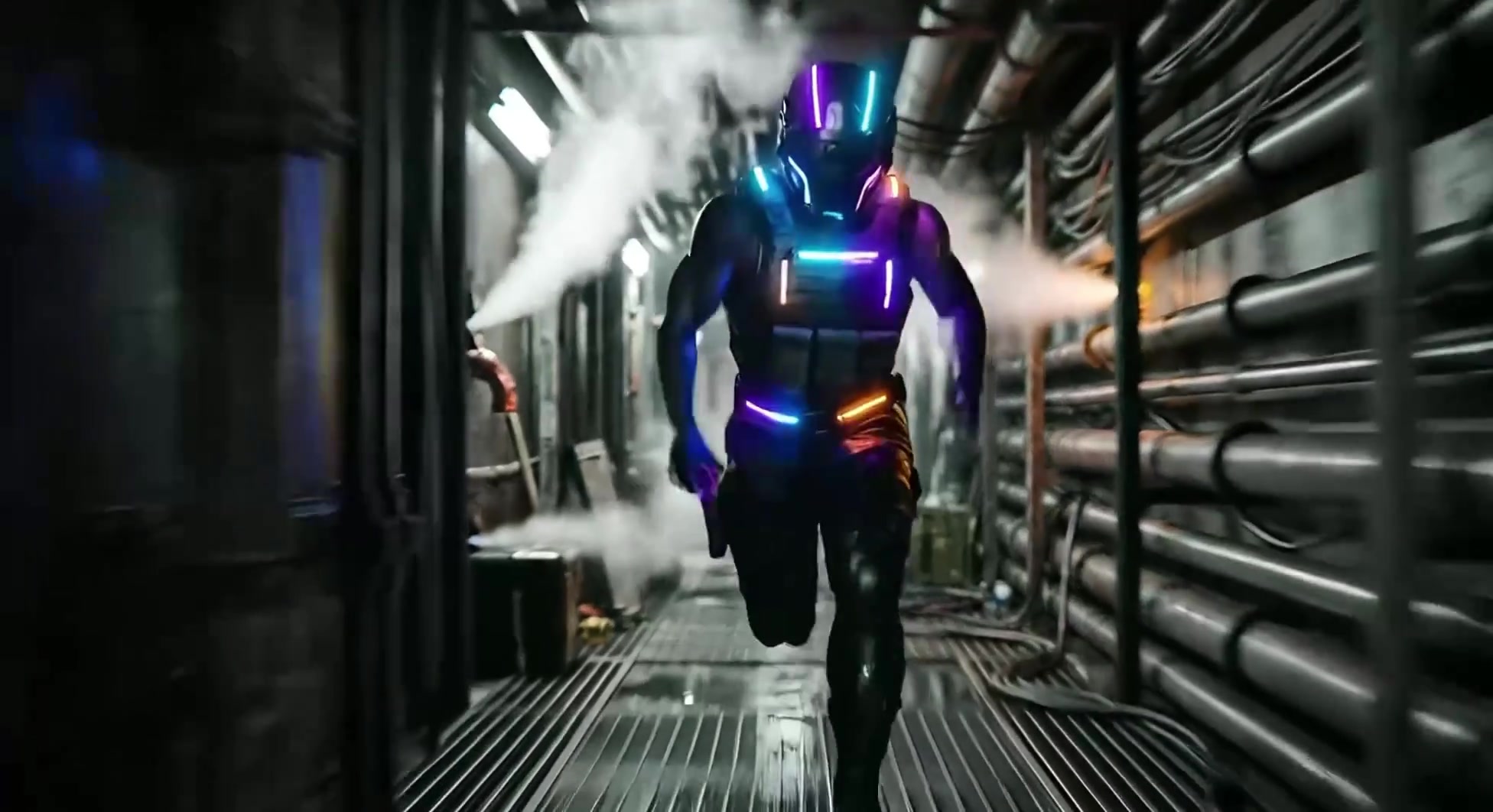
Kling 3.0 can create complex multi-shot scenes for dynamic visual storytelling. You can break one idea into multiple shots and use scene transitions, camera push-ins, viewpoint changes, and action rhythm to make the video feel closer to a complete short film instead of a single isolated motion.
Consistent Subject Preservation
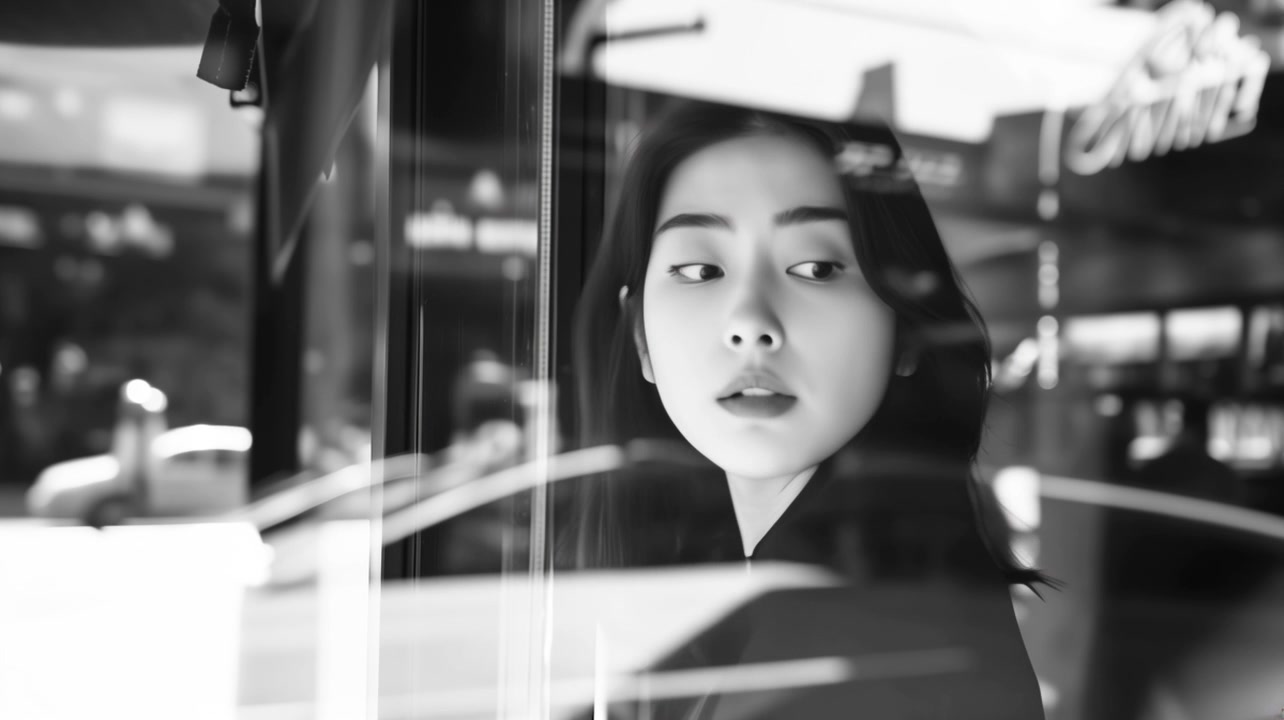
Kling 3.0 can keep a character's identity more stable during camera movement and scene transitions. For videos where a character must appear continuously, product appearance must remain consistent, or clothing and visual style cannot drift, it helps reduce subject distortion and identity loss.
Precise Narration Control
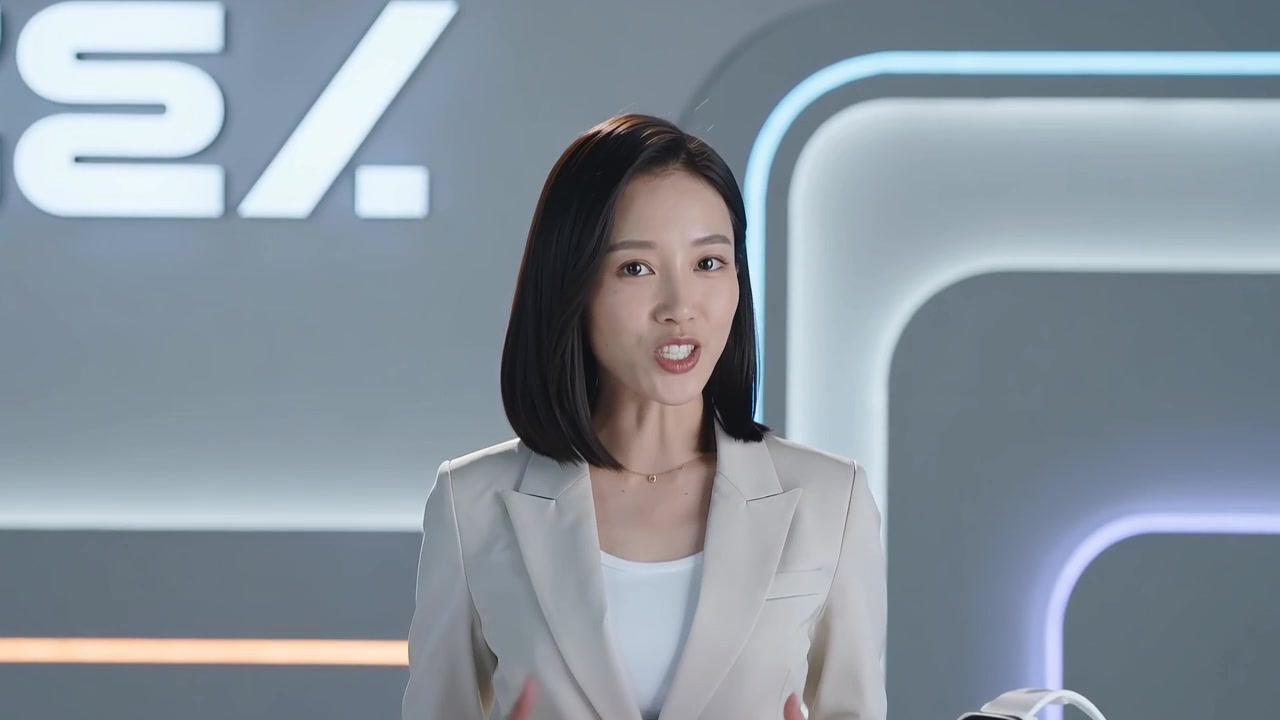
Kling 3.0 supports control based on a specific subject's dialogue within the scene. You can structure prompts around the speaking character, dialogue content, camera position, and scene relationships, making narration or dialogue align more naturally with the subject's on-screen behavior.
Upgraded Native Audio
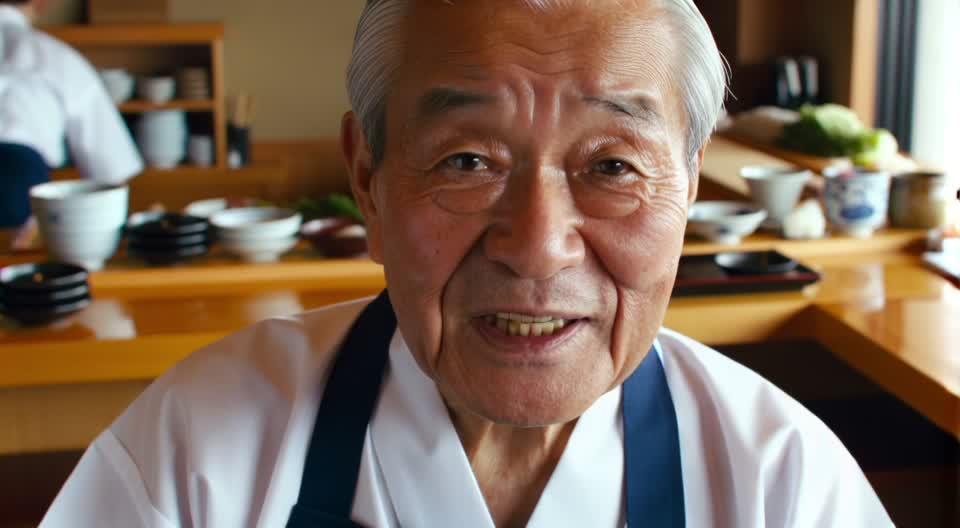
Kling 3.0 can generate native audio in multiple languages including English, Chinese, Spanish, Japanese, and Korean, while also supporting regional accents and dialects. It is well suited for more natural lip-synced dialogue, character narration, and short-form storytelling for global audiences, helping vocal performance and visual emotion align more convincingly.
Enhanced Text Retention
Kling 3.0 can preserve text content and visual elements from reference images with high accuracy, including logos, brand marks, packaging typography, and other branded details. This is especially useful for businesses and ecommerce creators who need promotional footage with embedded brand elements that stay sharp and stable during motion.
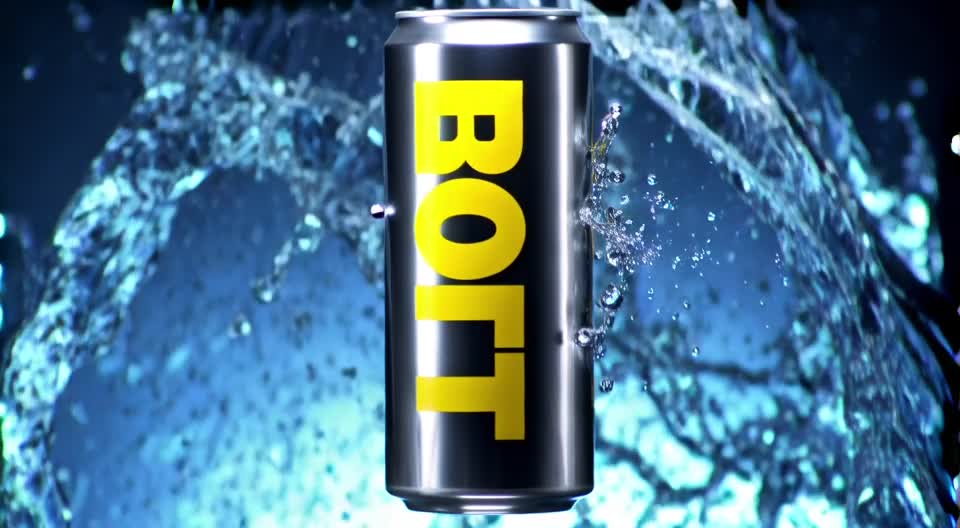
Extended Video Generation
The Kling 3.0 model can generate longer videos, allowing users to set flexible durations from 3 seconds to 15 seconds per generation. With this extension, creators and filmmakers can explore more complex storytelling and more refined sequences in a single output instead of settling for fragmented visual effects.
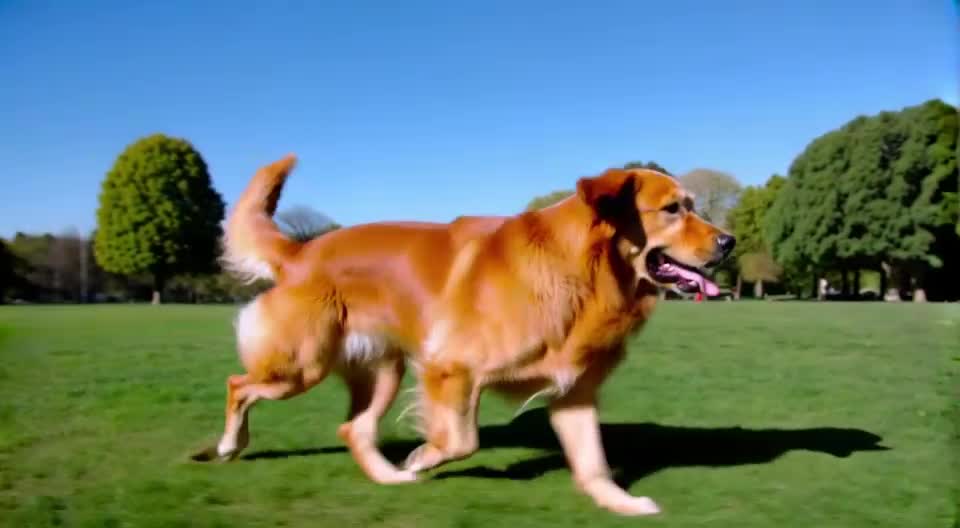
Flexible Storyboard Control
With Kling 3.0, creators can isolate up to 6 different shots within a visual sequence and customize the storyboard in the way that best fits the project. This means each shot can be tailored with specific settings such as duration, shot size, camera movement, viewpoint, narration, and more, enabling a precise approach to more complex storytelling.

How to Use Kling 3.0
When using Kling 3.0, first decide whether you want text-to-video or image-to-video generation, then clearly define the subject, action, scene, camera, and style. If you already have a character or product reference, upload an image first to lock in the visual direction.
1
1. Choose the Kling 3.0 Model
After entering the Kling 3.0 page, choose the generation mode that fits your task. Use text-to-video when starting from a creative prompt, or image-to-video when you already have a character, product, or key visual.
2
2. Enter a Prompt and Upload Reference Images
Describe the subject, action, scene, camera movement, visual style, and mood. If you want to keep a character, product, outfit, or composition consistent, upload a reference image as input.
3
3. Generate, Review, and Download the Video
After generation, check whether the subject is stable, the motion feels natural, the camera matches your intent, and the details are clear. If the result is usable, download the video for ads, social posts, product showcases, or further editing.
Kling 3.0 Free Version and Video Generation Guide
Learn about Kling 3.0 capabilities, free trials, ideal use cases, differences from earlier versions, image-to-video generation, and API usage.
What is Kling 3.0?
Kling 3.0 is Kuaishou's next-generation AI video generation model for higher-quality video creation. It can generate short videos from text or images, with stronger motion realism, prompt understanding, camera control, visual detail, and subject consistency.
Can I use Kling 3.0 for free?
You can check your account trial quota, bonus credits, and plan status on AnyAIHub. If your account still has available credits, you can try Kling 3.0 first. Actual credit usage depends on the model, duration, resolution, mode, and generation settings.
How is Kling 3.0 different from earlier Kling versions?
Compared with earlier versions, Kling 3.0 places more emphasis on advanced motion, prompt understanding, visual clarity, camera control, and image-to-video stability. It is better suited for projects that require a more polished result, clearer directorial intent, and stronger subject consistency.
What kinds of videos is Kling 3.0 best for?
Kling 3.0 is suitable for ad shorts, product showcases, character performances, social media videos, cinematic concepts, creative storyboards, brand visuals, and image-to-video animation. It is especially useful for tasks that require strong motion, composition, subject stability, and visual detail.
Does Kling 3.0 support image-to-video generation?
Yes. You can upload character images, product photos, portraits, posters, or concept art, then let Kling 3.0 generate dynamic video while preserving first-frame visual information. Image-to-video is ideal when you need to retain subject identity, product appearance, and scene composition.
How can I get better Kling 3.0 results?
Your prompt should clearly specify the subject, action, scene, camera movement, lighting, style, and mood while avoiding conflicting instructions. For image-to-video generation, a clearer input image with a more distinct subject usually leads to more stable results.
Try the Kling 3.0 AI Video Generator Now
Turn text, images, and creative ideas into more realistic, stable, and cinematic AI videos with Kling 3.0.
