Loading...
Wan 2.6
Wan 2.6 AI Video Generator
Use Wan 2.6 to generate longer, more coherent multi-shot AI videos
Wan 2.6 is the Wan AI model upgraded for cinematic storytelling. Instead of limiting you to single short clips, it handles multi-shot structures such as wide shots, medium shots, and close-ups while maintaining character, style, lighting, and action continuity across 10-15 second videos. Use text, images, or video references to guide the visual direction and turn storyboard ideas into previewable, downloadable AI videos.
Core Wan 2.6 Upgrades
Wan 2.6 is not just a visual quality upgrade. It makes AI video feel closer to a real production workflow: plan the shots, control rhythm with references, and output a more complete narrative clip.
Multi-Shot Storytelling
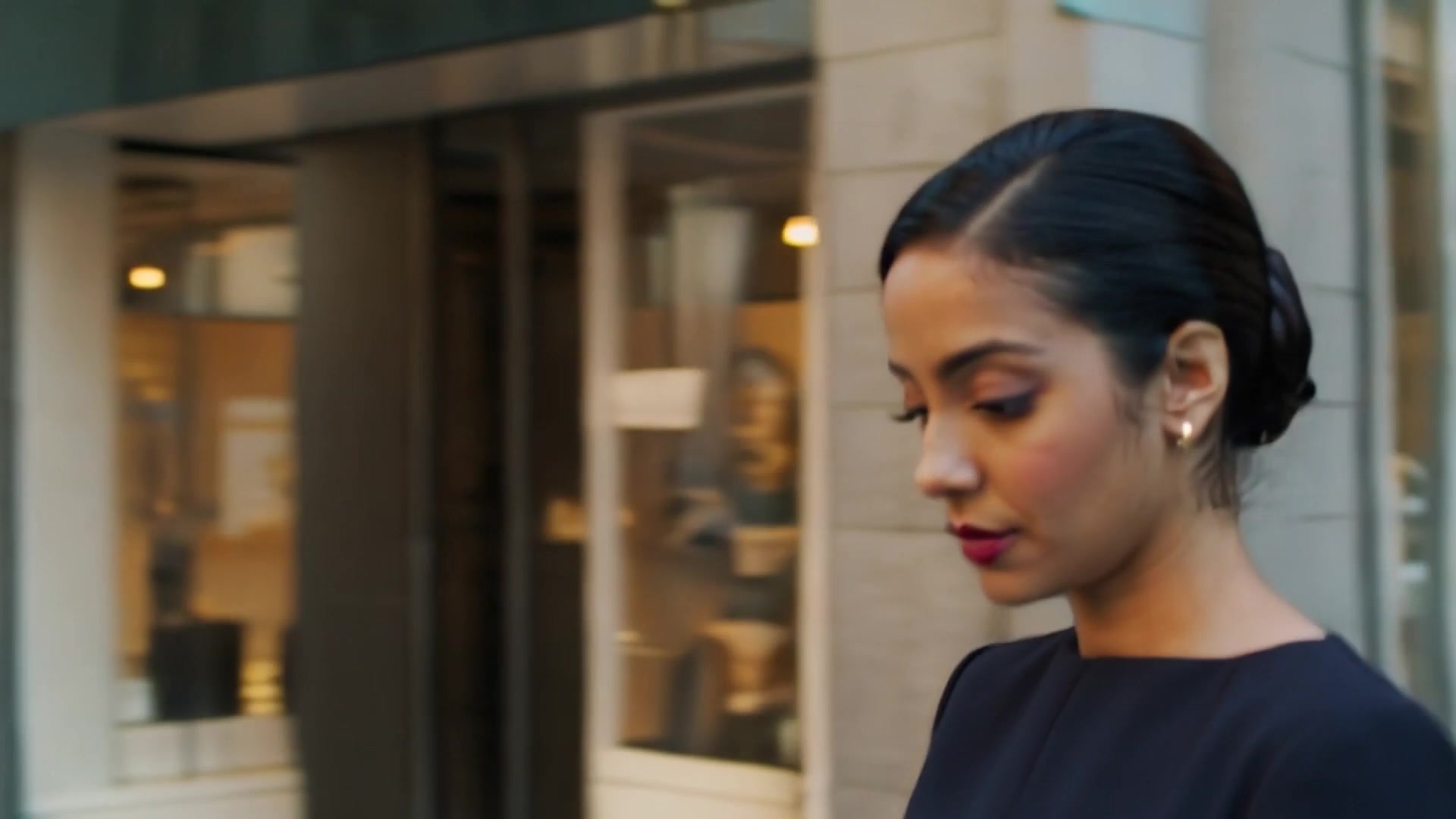
Wan 2.6 supports multi-shot camera control, letting you break one idea into connected wide shots, medium shots, close-ups, and more. Plan shot order, movement, and emotional changes in the prompt to create a result that feels closer to a cinematic storyboard than a single fixed-angle clip.
Video Reference Generation
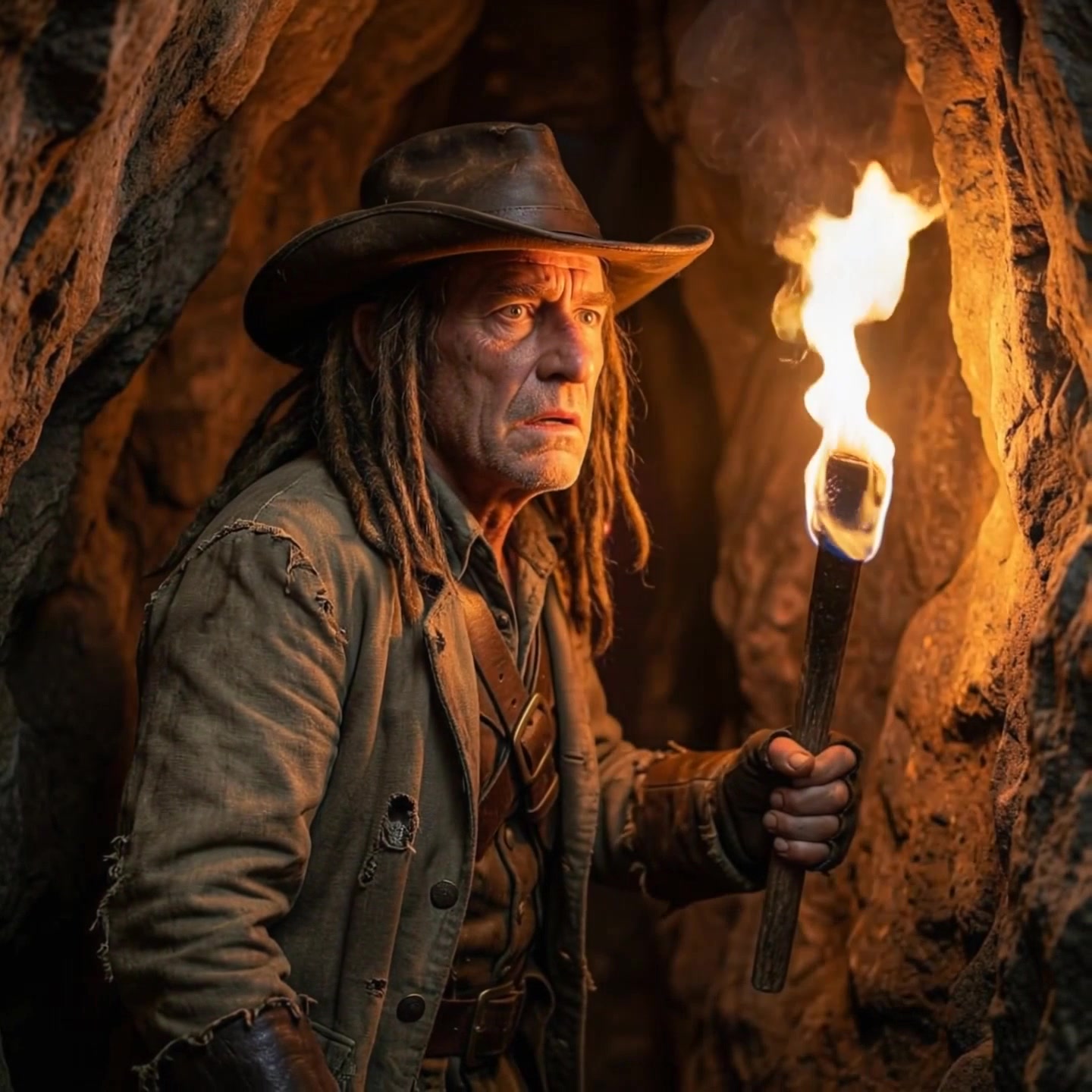
Beyond text and images, Wan 2.6 can use video input as a reference, drawing from visual style, camera movement, rhythm, composition, and audio atmosphere. It is useful for turning phone footage, animatics, or reference clips into more cinematic, visually consistent AI video versions.
Longer Visual Storytelling
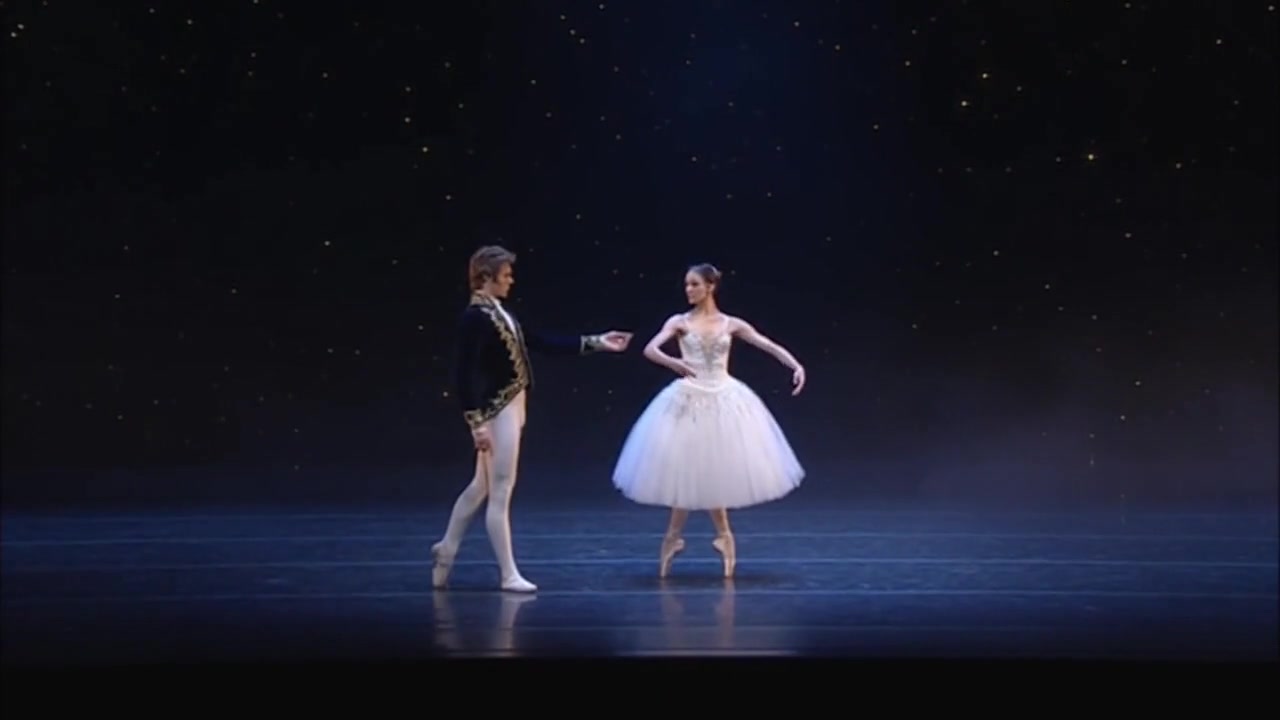
Wan 2.6 supports videos up to 15 seconds, giving you more room to establish a scene, introduce characters, develop action, and complete a compact narrative arc. Compared with models suited only to a few-second animated clip, it is better for ad concepts, storyboards, social trailers, and continuous action shots.
How to Use Wan 2.6
Use Wan 2.6 like a storyboard video generator. Define your input material, describe shot order and action rhythm, then generate and refine the result.
1
1. Choose Text, Image, or Video Reference
Use text-to-video when building a scene from scratch. Use image-to-video when you want to preserve a character, product, or composition. Use video reference when you want to reuse motion, pacing, or style from an existing clip.
2
2. Write the Shot Order and Visual Changes Clearly
Describe wide shots, medium shots, close-ups, camera movement, character action, lighting atmosphere, and emotional changes in the prompt. Wan 2.6 responds best to clear event order and is well suited to 10-15 second continuous narrative clips.
3
3. Generate, Check Consistency, and Iterate
After generation, review character appearance, clothing, shot transitions, style, and audio atmosphere for consistency. For a stronger directorial feel, refine each shot's perspective, action, and rhythm.
FAQ
Learn about Wan 2.6 multi-shot storytelling, video reference, audio capability, and use cases.
What is the Wan 2.6 AI video model?
Wan 2.6 is a Wan AI video generation model focused on longer, more precise cinematic storytelling. It supports multimodal inputs such as text, images, and video reference, making it suitable for multi-shot shorts, ad concepts, storyboards, and social videos.
Why choose Wan 2.6 for AI video generation?
Choose Wan 2.6 when you need more than a single-shot clip and want continuous visual storytelling with a stronger directorial feel. Its multi-shot control, video reference capability, and longer duration support help create more complete and impactful videos.
Can I use the Wan 2.6 AI video model for free?
You can start from the Wan 2.6 page on AnyAIHub. Actual generation limits, credit costs, and available quota depend on your account status and the site's billing rules.
What visual styles does Wan 2.6 support?
Wan 2.6 can be used for cinematic realism, photorealistic looks, anime, 2D animation, 3D visual effects, commercial ads, and concept art. Use prompts, reference images, or reference videos to reinforce the intended art direction.
Can Wan 2.6 generate audio directly?
Wan 2.6 supports videos with dialogue, sound effects, or background atmosphere. It can also draw rhythm, atmosphere, and tone cues from reference videos for more accurate native audio rendering.
How do I get higher-quality results from Wan 2.6?
Write your prompt like a clear shot script: specify each shot's framing, subject action, camera movement, scene changes, lighting style, and emotional rhythm. For 10-15 second videos, clearer event order and perspective changes help produce more stable, coherent results.
Try the Wan 2.6 AI Video Generator Online
Use Wan 2.6 to turn prompts, images, or reference videos into multi-shot AI shorts for storyboards, ad concepts, social videos, and cinematic visual concepts.
