Loading...
Wan 2.5
Wan 2.5 AI Video Generator
Generate AI videos with sound, realism, and stronger creative control using Wan 2.5
Wan 2.5 is the Wan AI video model focused on native audio, realistic motion, and stronger prompt understanding. Start from text or images, automatically generate ambience, sound effects, or background music, or upload custom audio as a creative reference. Compared with earlier versions, Wan 2.5 improves motion physics, camera control, visual realism, and generation speed, making it a strong fit for ad concepts, social shorts, character shots, and product showcases.
Core Wan 2.5 Capabilities
Wan 2.5 is designed to make videos feel complete: with sound, believable physics, clearer camera direction, and more accurate prompt following.
Native Audio Integration
Wan 2.5 can automatically generate ambient sound, background music, or sound atmosphere based on the video content. It can also use uploaded audio as a reference, helping the output feel closer to a finished video without extra editing tools.

Upgraded Motion Dynamics
Wan 2.5 can define character actions, object movement, and complex action sequences through prompts, producing smoother motion that feels closer to real-world physics. Even in multi-object scenes, it helps reduce abrupt, unnatural, or exaggerated animation.
Precise Camera Control
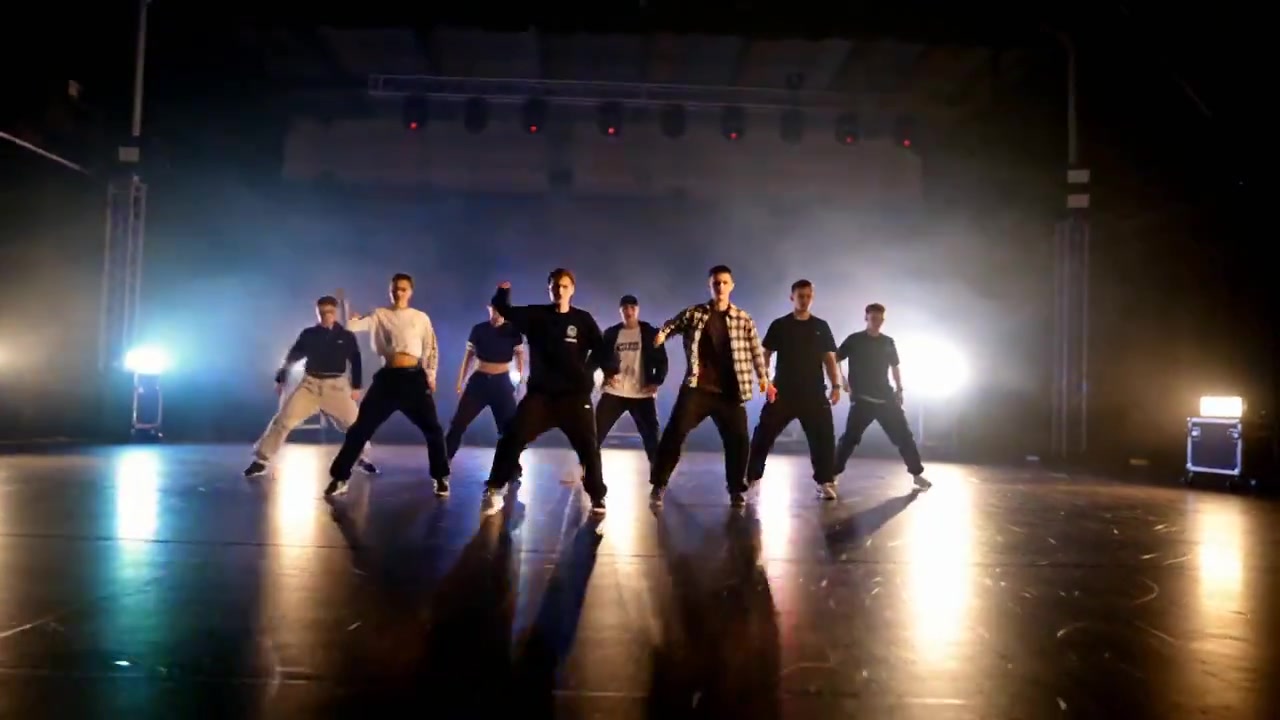
Wan 2.5 supports simple, intuitive instructions for camera focus, perspective, tracking shots, transitions, and shot design. It balances technical precision with creative style so the result feels closer to planned live-action cinematography.
Enhanced Visual Realism
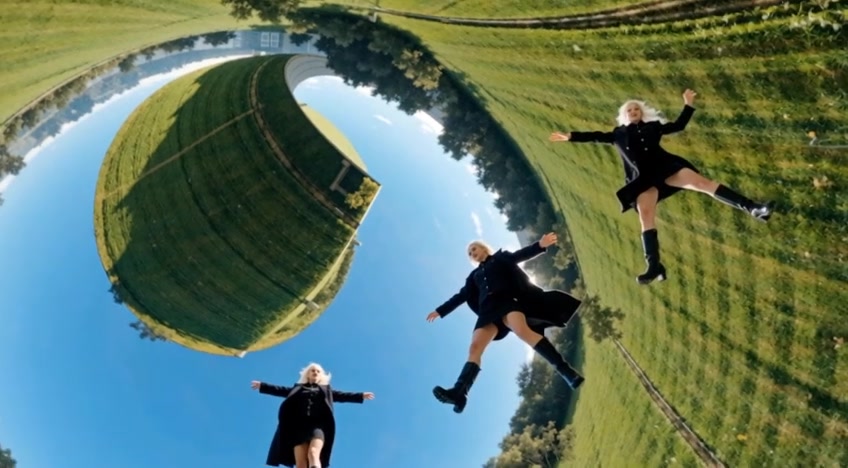
Wan 2.5 improves visual realism, style consistency, and fine detail. It can better render facial expressions, material textures, lighting, environments, and cinematic framing so characters, scenes, and actions feel more natural and believable.
Improved Context Understanding
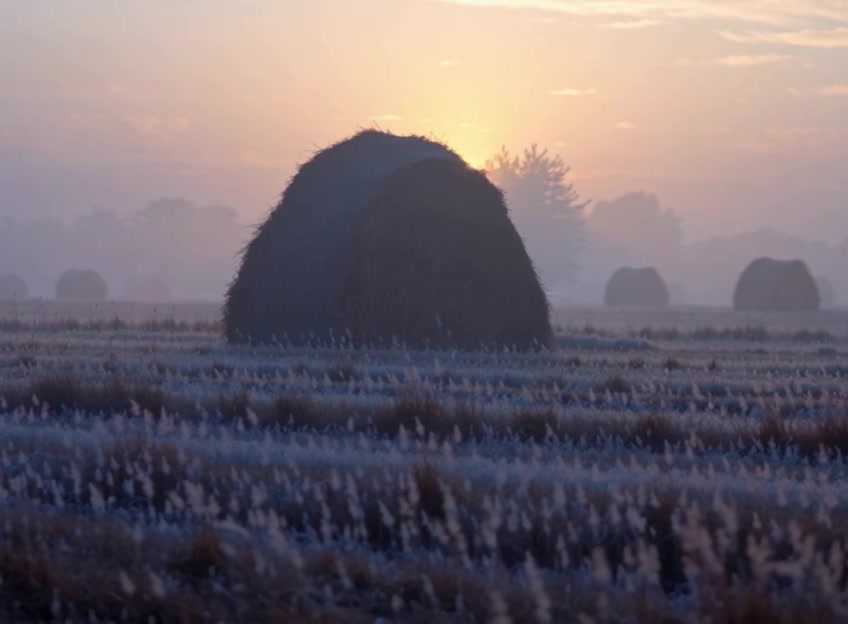
Wan 2.5 interprets prompts with greater accuracy and nuance. Even with multi-step instructions, it can understand your intent, making it suitable for tasks that require clear actions, character relationships, scene changes, and style constraints.

Faster Video Generation
Wan 2.5 is more efficient than Wan 2.2 for quick ideation and visual concept testing. It reduces waiting time while maintaining overall quality, helping creators compare prompts and shot directions faster.
How to Use Wan 2.5
Wan 2.5 is a fast starting point for text, image, and audio-driven creation. Choose an input mode, configure audio and camera guidance, then generate and iterate.
1
1. Choose Text or Image Input
Start with text-to-video for open-ended scene ideas, or upload a reference image when you want to preserve a character, product, or composition for image-to-video generation.
2
2. Configure Audio and Camera Guidance
Choose automatic audio generation, imported audio, or no audio, then describe the subject action, camera movement, scene atmosphere, and visual style clearly.
3
3. Generate and Refine the Video
After generation, check whether the sound fits the visuals, whether the motion feels natural, and whether the camera follows your prompt. Move to Wan 2.6 when you need more complex multi-shot storytelling or video reference.
FAQ
Learn about Wan 2.5 video generation, native audio, motion quality, prompt best practices, and use cases.
What is Wan 2.5?
Wan 2.5 is a video generation model in the Wan AI family, supporting text-to-video and image-to-video. Its key upgrades include native audio generation, custom audio uploads, more realistic motion physics, better camera control, and stronger prompt understanding.
How is Wan 2.5 better than Wan 2.2?
Compared with Wan 2.2, Wan 2.5 improves character motion, style consistency, visual fidelity, audio generation, and rendering speed. It is better suited to creative videos where sound, motion, and camera direction all need to feel complete.
Can I use the Wan 2.5 AI video model for free?
You can start from the Wan 2.5 page on AnyAIHub. Actual generation limits, credit costs, and available quota depend on your account status and the site's billing rules.
What are the best prompt practices for Wan 2.5?
Wan 2.5 has stronger semantic understanding, so you do not need to stack overly complex sentences. Describe the subject, action, scene, camera, style, and audio atmosphere directly, and avoid conflicting instructions.
How does Wan 2.5 audio work?
You can let the model automatically generate music, ambient sound, or sound effects based on the video content. You can also upload your own audio or video file and use its music, narration, or sound atmosphere for the generated result.
Does Wan 2.5 support video-to-video?
In this integration, Wan 2.5 is better suited to text-to-video and image-to-video. If you need video reference, video-to-video, or more complex multi-shot storytelling, use Wan 2.6.
Try the Wan 2.5 AI Video Generator Online
Use Wan 2.5 to generate AI videos from text or images with sound, stronger realism, and better creative control for ad concepts, social shorts, and visual concepts.
