Modelos
- Seedance 2.5PopularNuevo
- Seedance 2.0Popular
- MiniMax H3Nuevo
- Veo 3.1 PremiumPopular
- GPT Image 2Nuevo
- Nano Banana 2
- Nano Banana ProPopular
- Seedream 5.0 Pro
- Grok Imagine Image 2.0
- Z-Image Turbo
Cargando...
Wan 2.5 es el modelo de vídeo Wan AI centrado en audio nativo, movimiento realista y mejor comprensión de prompts. Empieza desde texto o imágenes, genera automáticamente ambiente, efectos de sonido o música de fondo, o sube audio personalizado como referencia creativa. Frente a versiones anteriores, Wan 2.5 mejora la física del movimiento, el control de cámara, el realismo visual y la velocidad de generación, por lo que encaja muy bien con conceptos publicitarios, clips sociales, planos de personajes y demostraciones de producto.
Wan 2.5 está diseñado para que los vídeos se sientan completos: con sonido, física creíble, una dirección de cámara más clara y seguimiento de prompts más preciso.
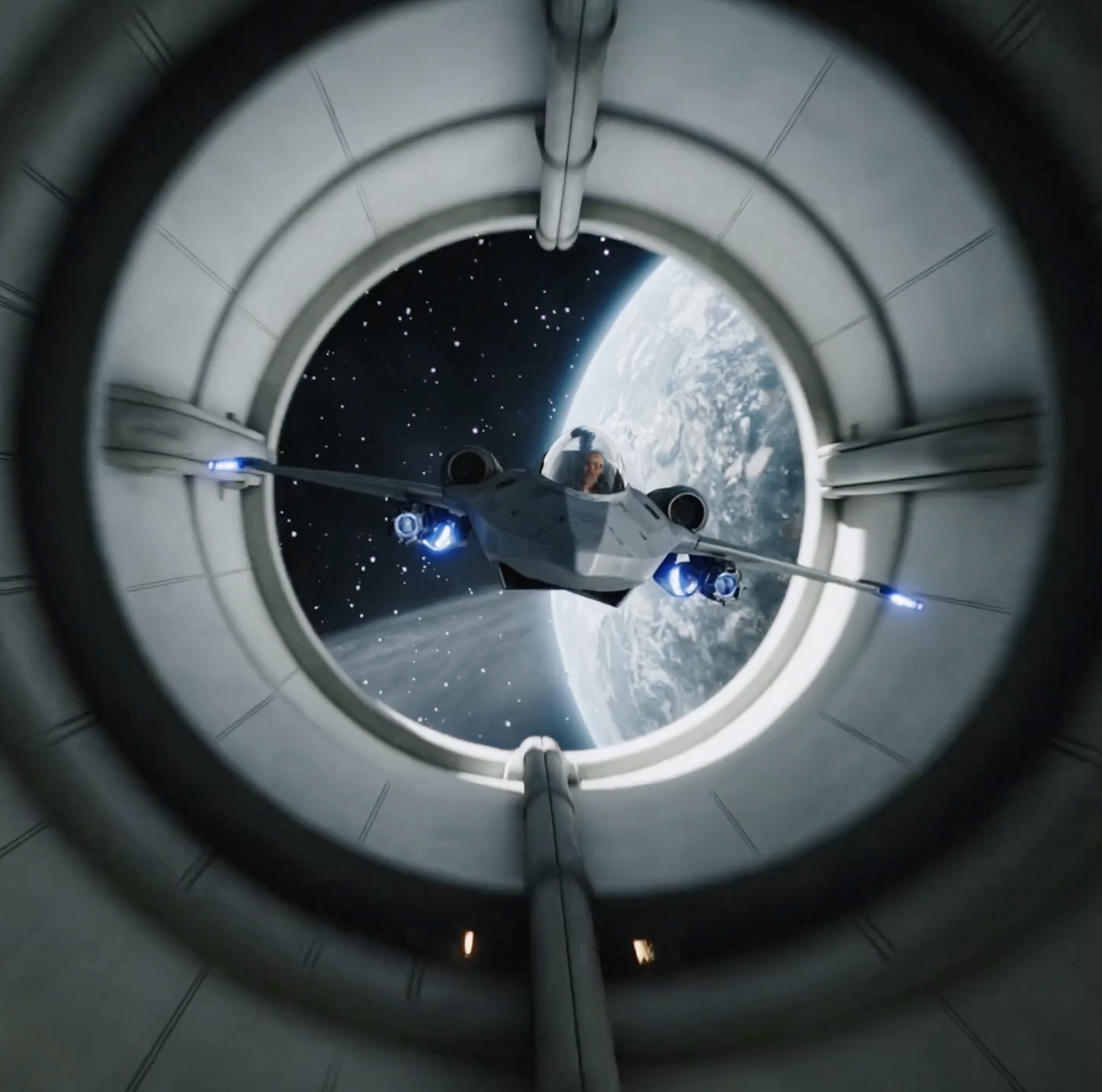
Wan 2.5 puede generar automáticamente sonido ambiente, música de fondo o atmósfera sonora según el contenido del vídeo. También puede usar audio subido como referencia, ayudando a que el resultado se parezca más a un vídeo terminado sin herramientas de edición adicionales.

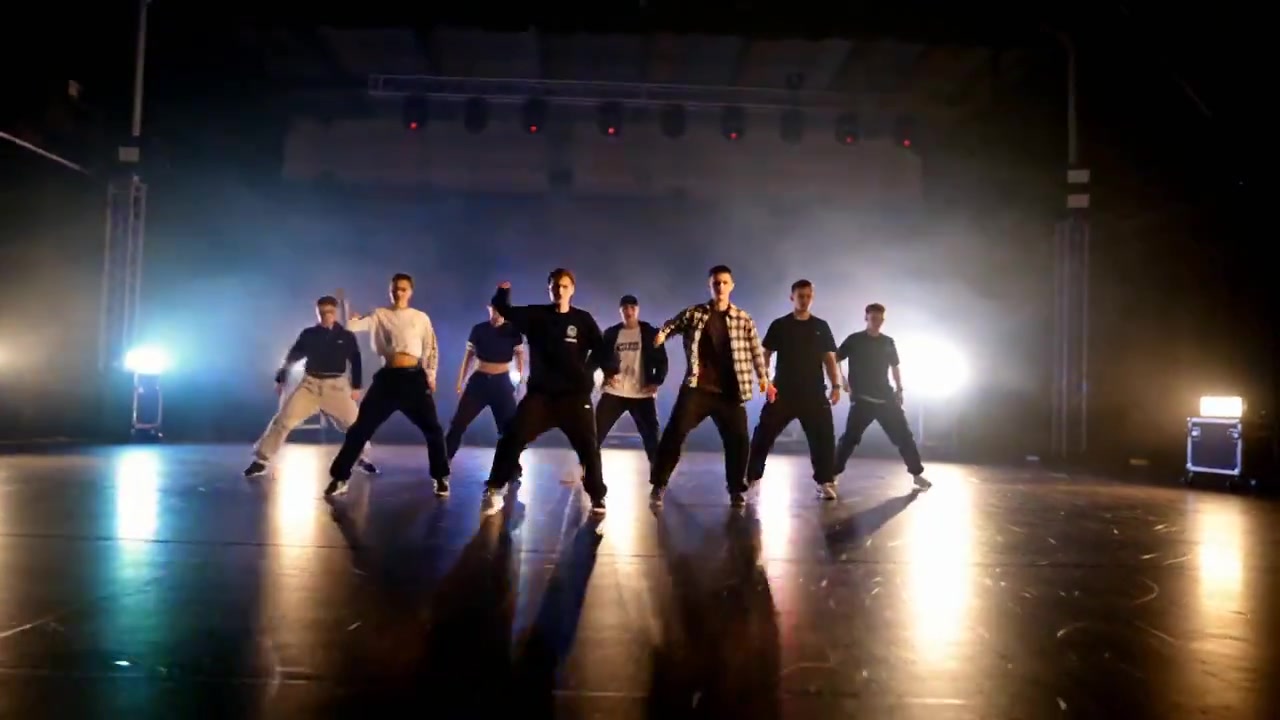
Wan 2.5 puede definir acciones de personajes, movimiento de objetos y secuencias complejas mediante prompts, generando un movimiento más fluido y cercano a la física del mundo real. Incluso en escenas con múltiples objetos, ayuda a reducir animaciones bruscas, antinaturales o exageradas.
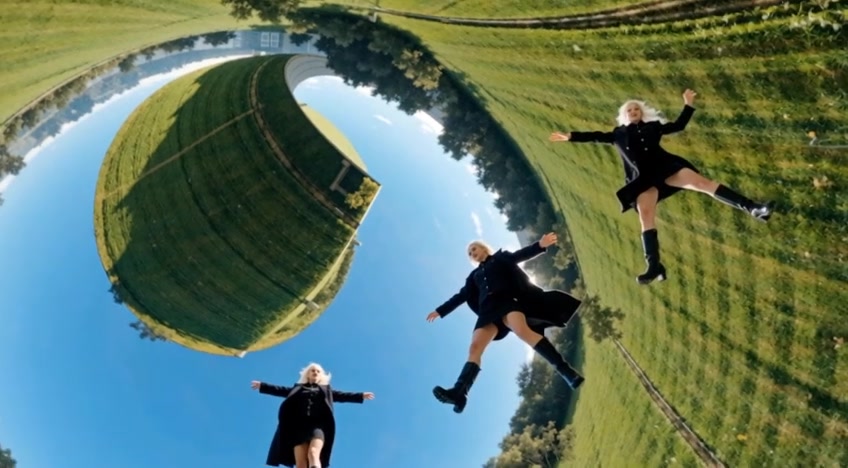
Wan 2.5 admite instrucciones simples e intuitivas para foco de cámara, perspectiva, planos de seguimiento, transiciones y diseño de tomas. Equilibra precisión técnica y estilo creativo para que el resultado se acerque más a una cinematografía real planificada.
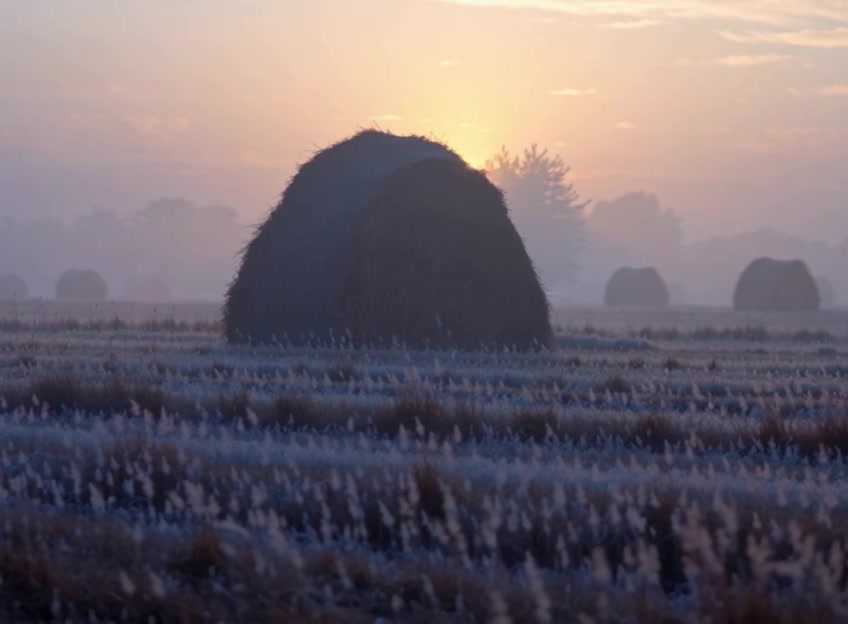
Wan 2.5 mejora el realismo visual, la consistencia de estilo y los detalles finos. Puede renderizar mejor expresiones faciales, texturas de materiales, iluminación, entornos y encuadres cinematográficos para que personajes, escenas y acciones resulten más naturales y creíbles.
Wan 2.5 interpreta prompts con mayor precisión y matiz. Incluso con instrucciones de varios pasos, puede entender tu intención, lo que lo hace adecuado para tareas que requieren acciones claras, relaciones entre personajes, cambios de escena y restricciones de estilo.

Wan 2.5 es más eficiente que Wan 2.2 para ideación rápida y pruebas de conceptos visuales. Reduce el tiempo de espera manteniendo la calidad general, ayudando a creadores a comparar prompts y direcciones de toma con más rapidez.
Wan 2.5 es un punto de partida rápido para crear con texto, imagen y audio. Elige un modo de entrada, configura audio y guía de cámara, y luego genera e itera.
Empieza con texto a vídeo para ideas de escenas abiertas, o sube una imagen de referencia cuando quieras conservar un personaje, producto o composición en la generación de imagen a vídeo.
Elige generación automática de audio, audio importado o sin audio, y describe claramente la acción del sujeto, el movimiento de cámara, la atmósfera de la escena y el estilo visual.
Después de generar, comprueba si el sonido encaja con las imágenes, si el movimiento se siente natural y si la cámara sigue tu prompt. Pasa a Wan 2.6 cuando necesites narración multi-plano más compleja o referencia de vídeo.
Aprende sobre generación de vídeo con Wan 2.5, audio nativo, calidad de movimiento, buenas prácticas de prompts y casos de uso.
Wan 2.5 es un modelo de generación de vídeo de la familia Wan AI, compatible con texto a vídeo e imagen a vídeo. Sus mejoras clave incluyen generación de audio nativo, subidas de audio personalizado, física de movimiento más realista, mejor control de cámara y mayor comprensión de prompts.
En comparación con Wan 2.2, Wan 2.5 mejora el movimiento de personajes, la consistencia de estilo, la fidelidad visual, la generación de audio y la velocidad de renderizado. Es más adecuado para vídeos creativos en los que sonido, movimiento y dirección de cámara deben sentirse completos.
Puedes empezar desde la página de Wan 2.5 en AnyAIHub. Los límites reales de generación, el coste en créditos y la cuota disponible dependen del estado de tu cuenta y de las reglas de facturación del sitio.
Wan 2.5 tiene una comprensión semántica más sólida, por lo que no necesitas acumular frases demasiado complejas. Describe directamente sujeto, acción, escena, cámara, estilo y atmósfera sonora, y evita instrucciones contradictorias.
Puedes dejar que el modelo genere automáticamente música, sonido ambiente o efectos sonoros según el contenido del vídeo. También puedes subir tu propio archivo de audio o vídeo y usar su música, narración o atmósfera sonora en el resultado generado.
En esta integración, Wan 2.5 es más adecuado para texto a vídeo e imagen a vídeo. Si necesitas referencia de vídeo, vídeo a vídeo o narración multi-plano más compleja, usa Wan 2.6.
Usa Wan 2.5 para generar vídeos con IA desde texto o imágenes, con sonido, mayor realismo y mejor control creativo para conceptos publicitarios, clips sociales e ideas visuales.