Modelos
- Seedance 2.5PopularNuevo
- Seedance 2.0Popular
- MiniMax H3Nuevo
- Veo 3.1 PremiumPopular
- GPT Image 2Nuevo
- Nano Banana 2
- Nano Banana ProPopular
- Seedream 5.0 Pro
- Grok Imagine Image 2.0
- Z-Image Turbo
Cargando...
Gemini Omni es la familia de modelos de vídeo multimodales de Google para crear, editar y remezclar vídeos. Reúne texto, imágenes, clips de vídeo y dirección creativa en una sola instrucción, para que puedas partir de una idea y desarrollarla paso a paso hasta obtener un vídeo más completo y coherente.
Los siguientes ejemplos recogen las principales posibilidades creativas de Gemini Omni: entrada multimodal unificada, edición en lenguaje natural, remezcla de vídeo, cambios específicos en escenas, narrativa visual coherente, escenas basadas en conocimiento, audio preciso, varios ángulos de cámara y avatares digitales personalizados.
Gemini Omni no está limitado a un único tipo de entrada. Usa texto para explicar el concepto, imágenes para definir el estilo visual, clips de vídeo para proponer el movimiento y audio para describir el tono general. El modelo interpreta todas las referencias como una instrucción creativa coherente y genera vídeos más precisos, expresivos y fieles a tu idea.

Gemini Omni convierte la edición en una conversación. No necesitas ajustar una línea de tiempo, cortar escenas manualmente ni reconstruir un clip desde cero. Solo tienes que describir qué quieres cambiar, y el modelo revisará el vídeo según tu instrucción para convertir una edición compleja en una frase clara.
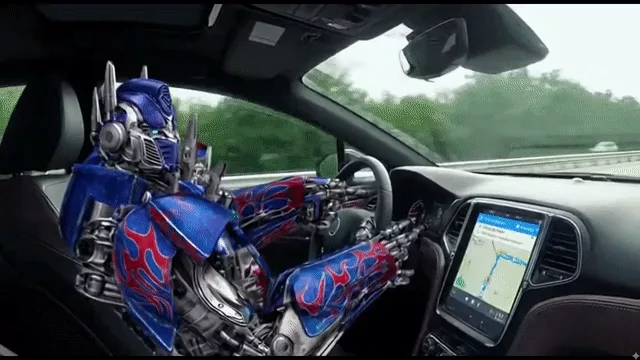
Con Gemini Omni puedes seguir creando a partir de vídeos existentes en lugar de empezar de cero cada vez. Combina varios clips en una nueva versión sin perder su estructura original ni su dirección creativa, y acelera la siguiente iteración de anuncios, presentaciones de producto y contenido lifestyle.

Gemini Omni permite editar con precisión un vídeo existente. En lugar de regenerar toda la escena, puedes centrarte en el objeto o el detalle que quieres mejorar y corregir pequeños problemas conservando, en la medida de lo posible, la composición, el movimiento y el estilo general originales.
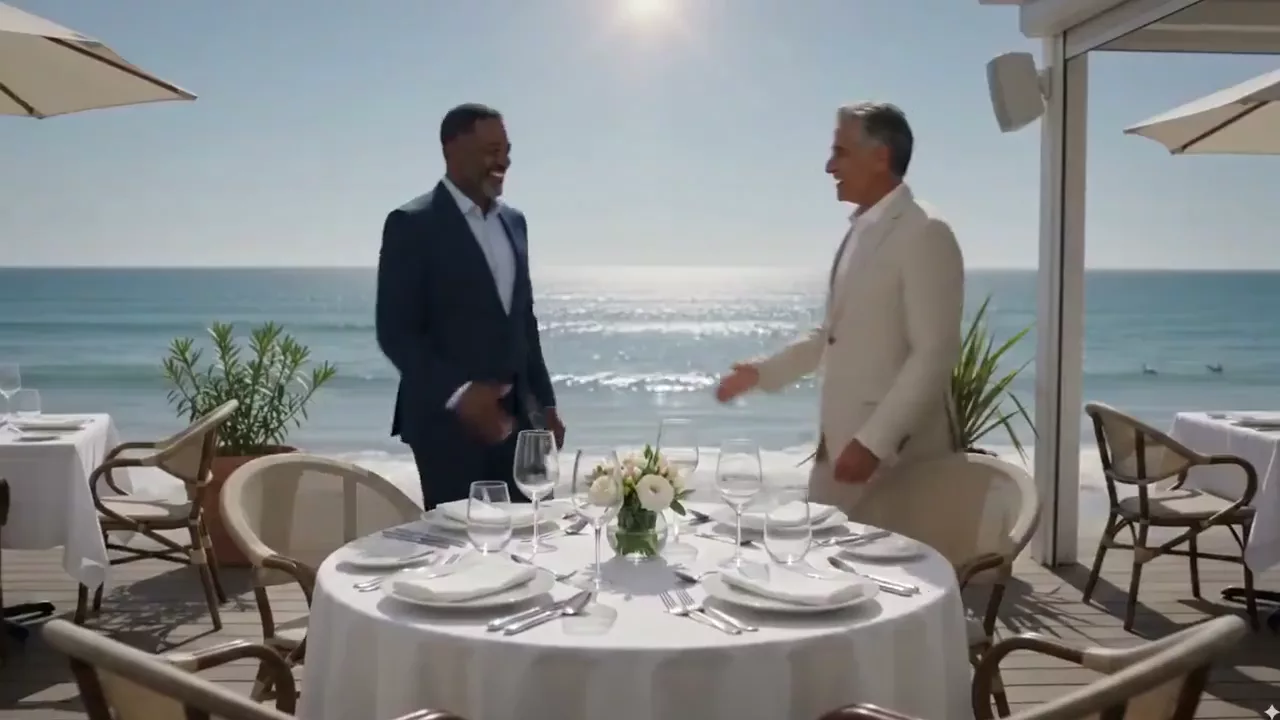
Gemini Omni ayuda a resolver uno de los retos más difíciles del vídeo con IA: mantener cada escena coherente y con sentido. Puede seguir la identidad de los personajes, los detalles de la escena, el estilo visual y los elementos del entorno para que los planos mantengan la continuidad. Una mayor coherencia del texto y las fórmulas también lo hace más práctico para clases, tutoriales, demostraciones de producto, animación y narrativa de marca.
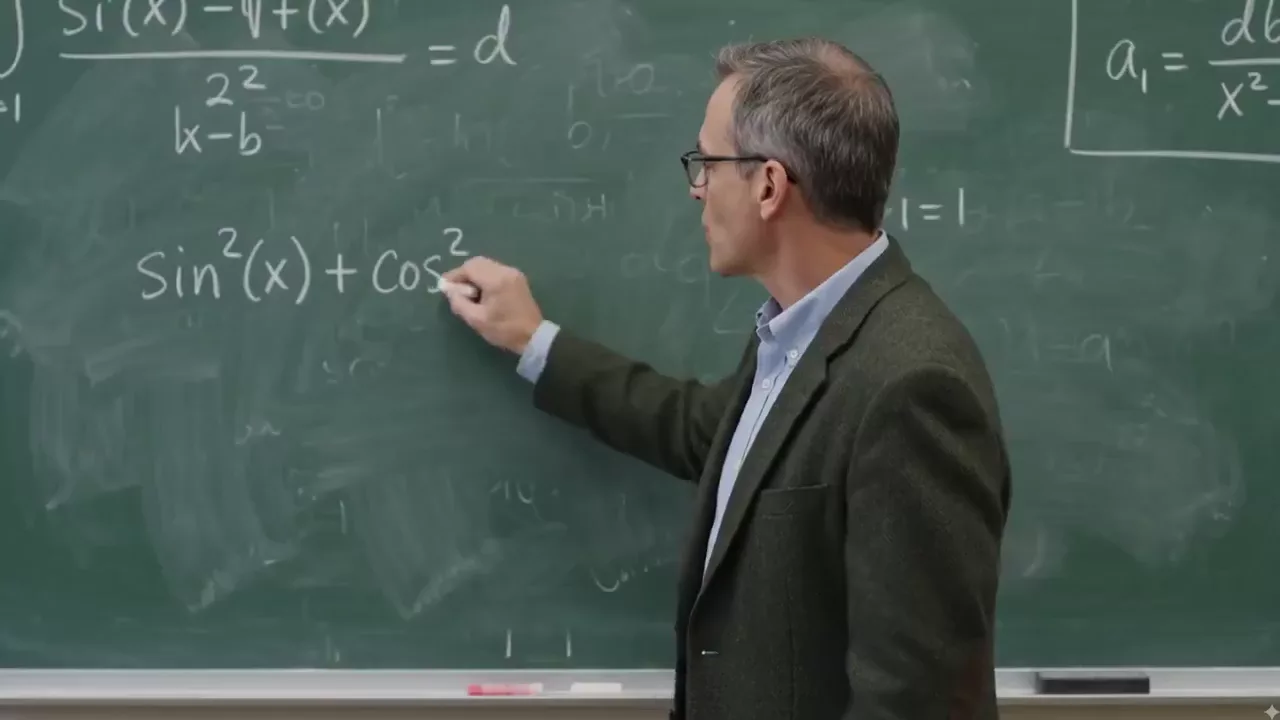
Gemini Omni incorpora un conocimiento más amplio y una mejor comprensión del contexto a la generación de vídeo, lo que permite crear escenas más informadas, mejor estructuradas y con un significado más claro. El contenido histórico, las explicaciones educativas y las demostraciones de producto pueden beneficiarse de este enfoque con mayor coherencia lógica.

Gemini Omni puede generar voz, sonido ambiente y efectos sonoros que se ajusten a la intención visual, la atmósfera y el ritmo. El diálogo claro, el movimiento natural de los labios, el ambiente espacial y los sutiles detalles de Foley trabajan juntos al servicio de la narración y convierten un clip visual en una experiencia audiovisual más completa.

Gemini Omni permite realizar transiciones coherentes entre distintos ángulos de cámara. Ya sea una toma cenital dramática, una perspectiva a ras de suelo o un cambio fluido de frente a perfil, un lenguaje visual más claro ayuda a contar la historia y permite a los diseñadores de formación crear materiales más fáciles de entender.

Tu imagen digital permanece totalmente bajo tu control. A partir de una imagen de referencia, Gemini Omni puede mantener la coherencia del rostro, el peinado y la identidad general, y generar un avatar digital personalizado con sincronización labial natural, expresiones faciales y movimientos sutiles. Es ideal para narradores, educadores y VTubers, así como para creadores que quieran proteger su identidad real.

Desde la previsualización publicitaria hasta el contenido educativo, las entradas multimodales y las funciones de edición de vídeo de Gemini Omni pueden ayudar a equipos creativos de distintos tamaños.
Crea prototipos, previsualizaciones, anuncios profesionales para televisión, vídeos de producto y tráilers cinematográficos.
Genera Reels, Shorts, vídeos de TikTok, historias de marca y vídeos para redes sociales con personajes coherentes y audio rico.
Simplifica la producción de vídeos promocionales y visualizaciones de producto, e itera el contenido de marca con flujos de remezcla y edición más rápidos.
Crea explicaciones, materiales de formación y vídeos de cursos que conviertan conceptos complejos en narrativas visuales claras.
Crea flujos de trabajo profesionales más completos con referencias multimodales, un control creativo preciso y salida de alta resolución.
Convierte los materiales de referencia en vídeo: elige el modelo, introduce tu idea, configura los parámetros y genera el resultado para descargarlo.
Abre el generador de vídeo de AnyAIHub y selecciona Gemini Omni en el selector de modelos.
Describe el vídeo que quieres generar o editar y sube, según sea necesario, imágenes o un vídeo como referencia para el personaje, la escena, el estilo o el movimiento. Puedes usar hasta 7 espacios de referencia; un vídeo ocupa 2.
Elige 16:9 o 9:16, una duración de 4/6/8/10 segundos y 720p, 1080p o 4K. Envía la generación, previsualiza el resultado y descarga el vídeo.
Conoce el posicionamiento de Gemini Omni, sus diferencias respecto a Veo 3, las entradas compatibles, las especificaciones de salida y las reglas de créditos de AnyAIHub.
Gemini Omni es el modelo de vídeo multimodal con IA de Google para crear y editar vídeos. Puede comprender indicaciones, imágenes y referencias de vídeo, y combina la remezcla, la narrativa visual coherente y la creación de escenas basadas en conocimiento en un flujo creativo más cohesionado.
Gemini Omni pone más énfasis en las referencias multimodales, la edición y remezcla de vídeos existentes, la coherencia de personajes y objetos, el control cinematográfico de la cámara y una dirección de audio más rica. Gemini Omni en AnyAIHub admite actualmente vídeos de 4/6/8/10 segundos, salida a 720p/1080p/4K y relaciones de aspecto 16:9/9:16.
AnyAIHub utiliza créditos para enviar tareas de generación. La posibilidad de probar Gemini Omni gratis depende de los créditos disponibles en tu cuenta y de las promociones activas del sitio. Antes de enviar la tarea, el generador muestra los créditos necesarios para los parámetros elegidos; las pruebas gratuitas de plataformas de terceros no se aplican a AnyAIHub.
Sí. Puedes empezar con una indicación en lenguaje natural o subir una imagen o un vídeo de referencia, sin tener que aprender primero a editar una línea de tiempo. Las creaciones complejas con varias referencias requieren algo de práctica, pero el flujo básico consiste en elegir el modelo, describir tu intención, configurar los parámetros y generar.
La indicación puede especificar diálogos, sincronización labial, sonido ambiente, efectos sonoros y la atmósfera general. El modelo intenta hacer coincidir estos sonidos con la acción y el ritmo de las imágenes; el resultado final sigue dependiendo de la indicación, los materiales de referencia y la salida del modelo subyacente.
La integración actual de AnyAIHub admite indicaciones, hasta 7 espacios de referencia ocupados por imágenes o una combinación de 1 vídeo e imágenes en los espacios restantes. Un vídeo ocupa 2 espacios y una imagen ocupa 1; el total no puede superar 7.
Sin una referencia de vídeo, actualmente puedes elegir 4, 6, 8 o 10 segundos a 720p, 1080p o 4K, con relaciones de aspecto 16:9 y 9:16. Al subir una referencia de vídeo, el flujo del modelo determina la duración de salida.
Los créditos de generación de vídeo se calculan actualmente según la resolución y la duración: a 720p, 4/6/8/10 segundos cuestan 80/130/180/230 créditos; a 1080p, cuestan 90/140/190/240; y a 4K, cuestan 250/400/450/500. El precio que muestra el generador al enviar la tarea es el definitivo.
Empieza con una indicación o un conjunto de materiales de referencia y usa AnyAIHub para convertir tu idea multimodal en un vídeo con audio nativo y salida de hasta 4K.
