Modelos
- Seedance 2.5PopularNuevo
- Seedance 2.0Popular
- MiniMax H3Nuevo
- Veo 3.1 PremiumPopular
- GPT Image 2Nuevo
- Nano Banana 2
- Nano Banana ProPopular
- Seedream 5.0 Pro
- Grok Imagine Image 2.0
- Z-Image Turbo
Cargando...
Kling 2.6 es un modelo de sincronización de audio y vídeo de Kling AI capaz de generar vídeo, voz natural, efectos de sonido y audio ambiental en una sola salida. Está diseñado para creadores que desean reducir el trabajo de locución, diseño sonoro y alineación audiovisual en postproducción, así como para cortos con diálogo, vídeos explicativos de producto, actuaciones cantadas, paisajes sonoros ambientales, imitación de movimiento y producción diaria de vídeo a gran escala. En AnyAIHub, puede probar Kling 2.6 directamente y crear vídeos audiovisuales completos a partir de prompts, imágenes de referencia y vídeos de movimiento.
Kling 2.6 está diseñado para reunir imagen, voz, efectos de sonido y movimiento en una misma generación. Es especialmente adecuado para tareas de creación de vídeo que requieren sincronización de audio y vídeo, control del diálogo, comprensión semántica compleja e imitación de movimiento.
El modelo de vídeo con IA Kling 2.6 reduce los desajustes entre audio y vídeo al generar imagen y sonido de forma conjunta. El ritmo del habla, los efectos ambientales y el movimiento en pantalla pueden alinearse de manera más natural, creando una experiencia de visualización altamente coherente. No necesita buscar locuciones por separado, editar efectos de sonido manualmente ni ajustar la duración del audio: la imagen y el sonido pueden generarse y combinarse en una sola pasada.
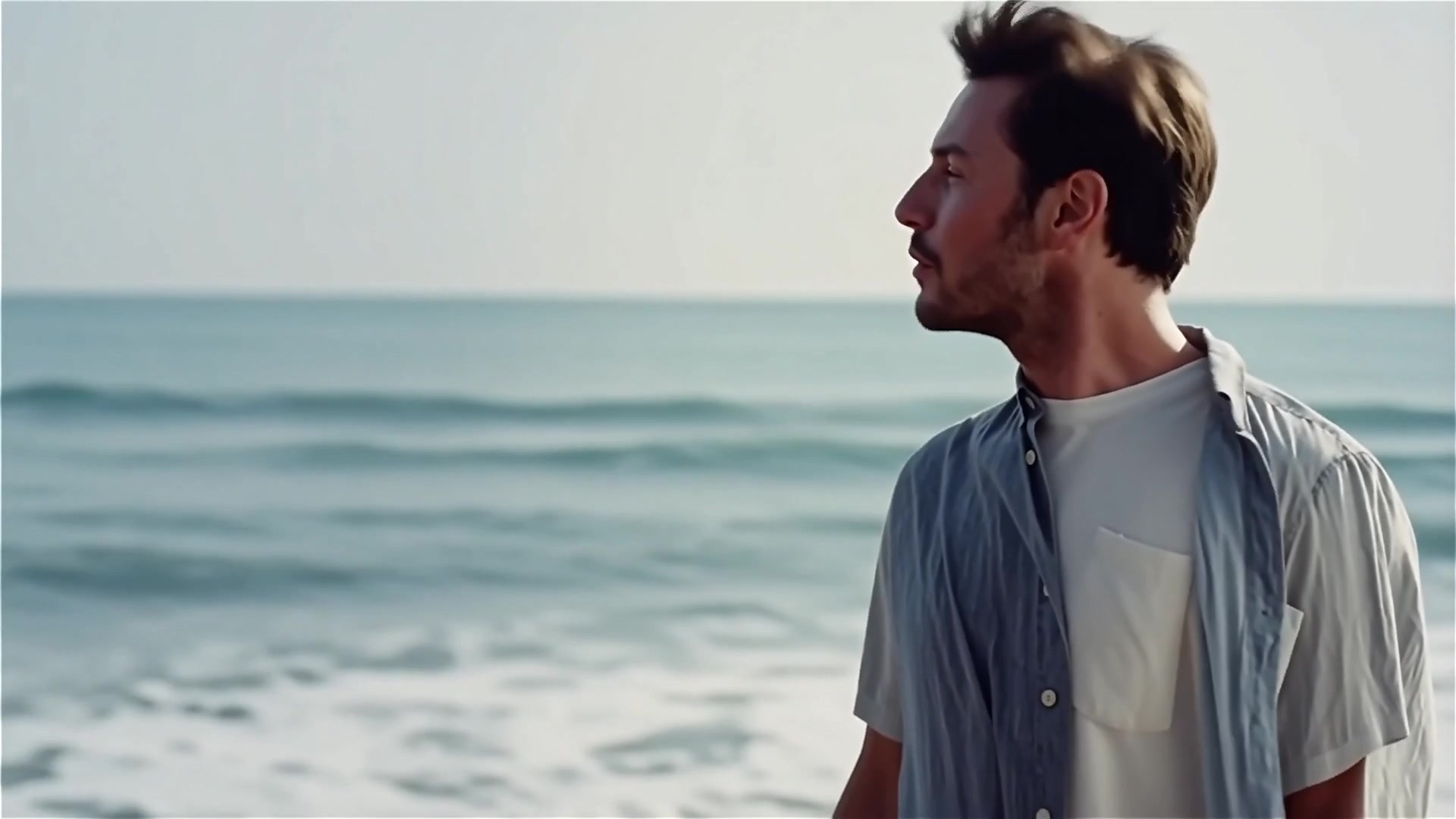
Desde diálogos hablados hasta interpretaciones musicales, el modelo de vídeo Kling 2.6 puede trabajar con una amplia variedad de contenidos de audio. Puede generar vídeos con monólogos, conversaciones entre varias personas, narración en voz en off, actuaciones cantadas, fragmentos de rap o paisajes sonoros puramente ambientales, haciendo que el contenido se sienta completo tanto en imagen como en sonido.
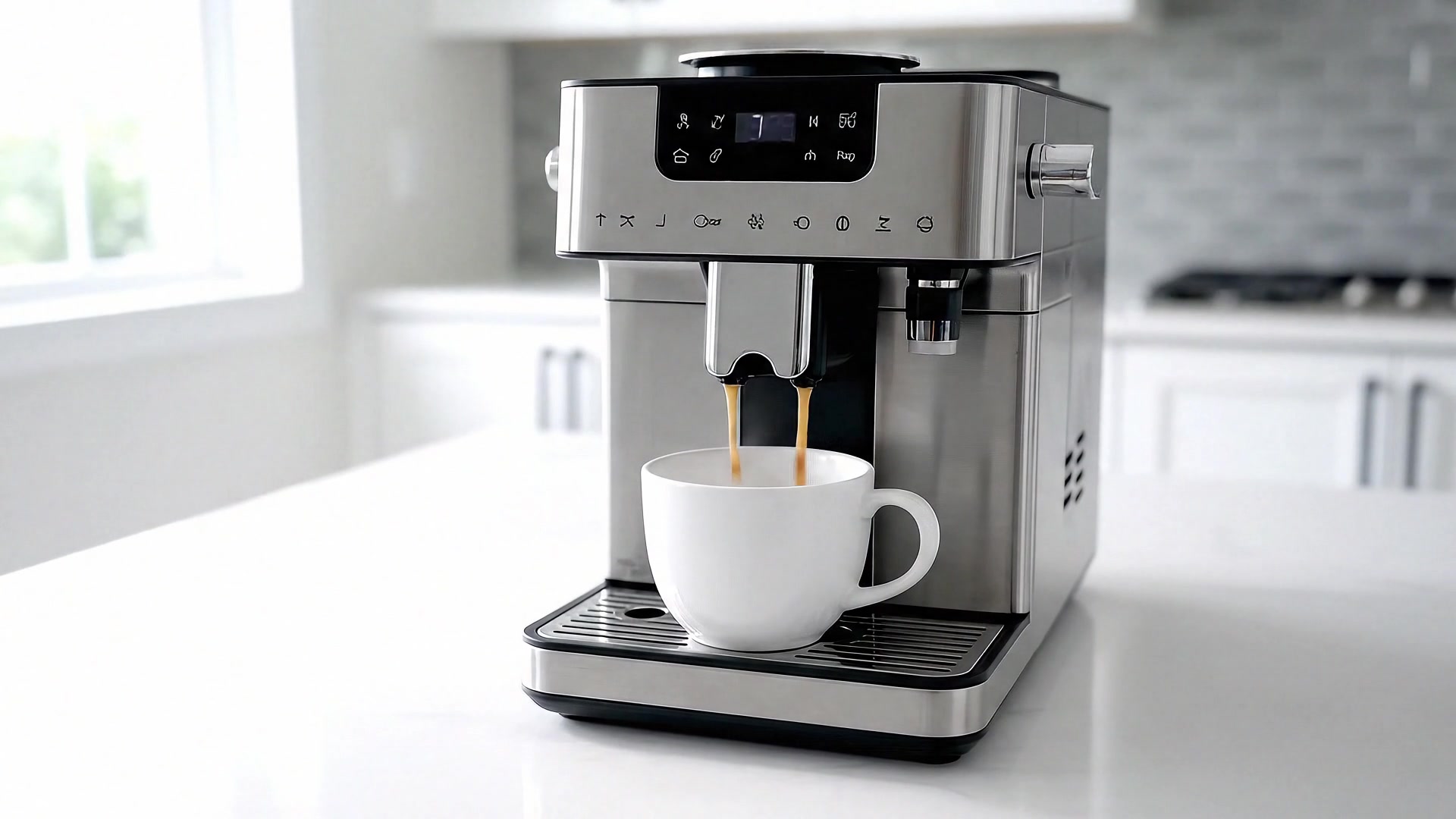
El modelo de vídeo con IA Kling 2.6 le ofrece un control más claro sobre cada elemento de audio. Puede especificar qué personaje habla, personalizar sus líneas, definir el tono emocional e incorporar efectos de sonido ambientales, ayudando a que el diálogo, la interpretación vocal y la atmósfera de la escena se mantengan más cerca de su intención creativa.
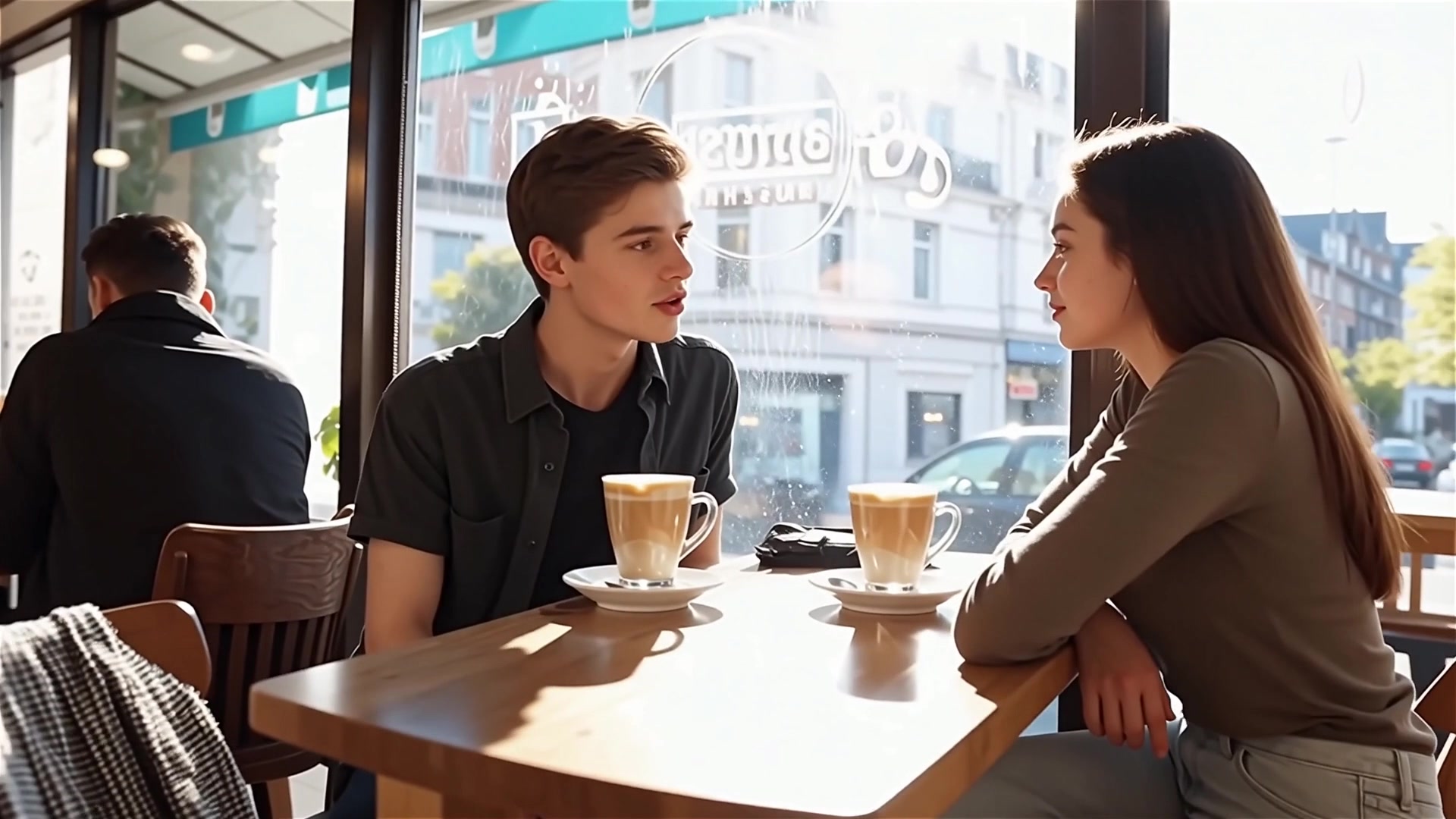
El modelo de vídeo Kling 2.6 demuestra una comprensión más sólida de descripciones de texto complejas, formulaciones conversacionales y escenarios narrativos con varias capas. En una gran variedad de escenas, puede captar mejor la intención del creador y transformar prompts detallados en contenido audiovisual que se ajusta con mayor precisión a las expectativas.
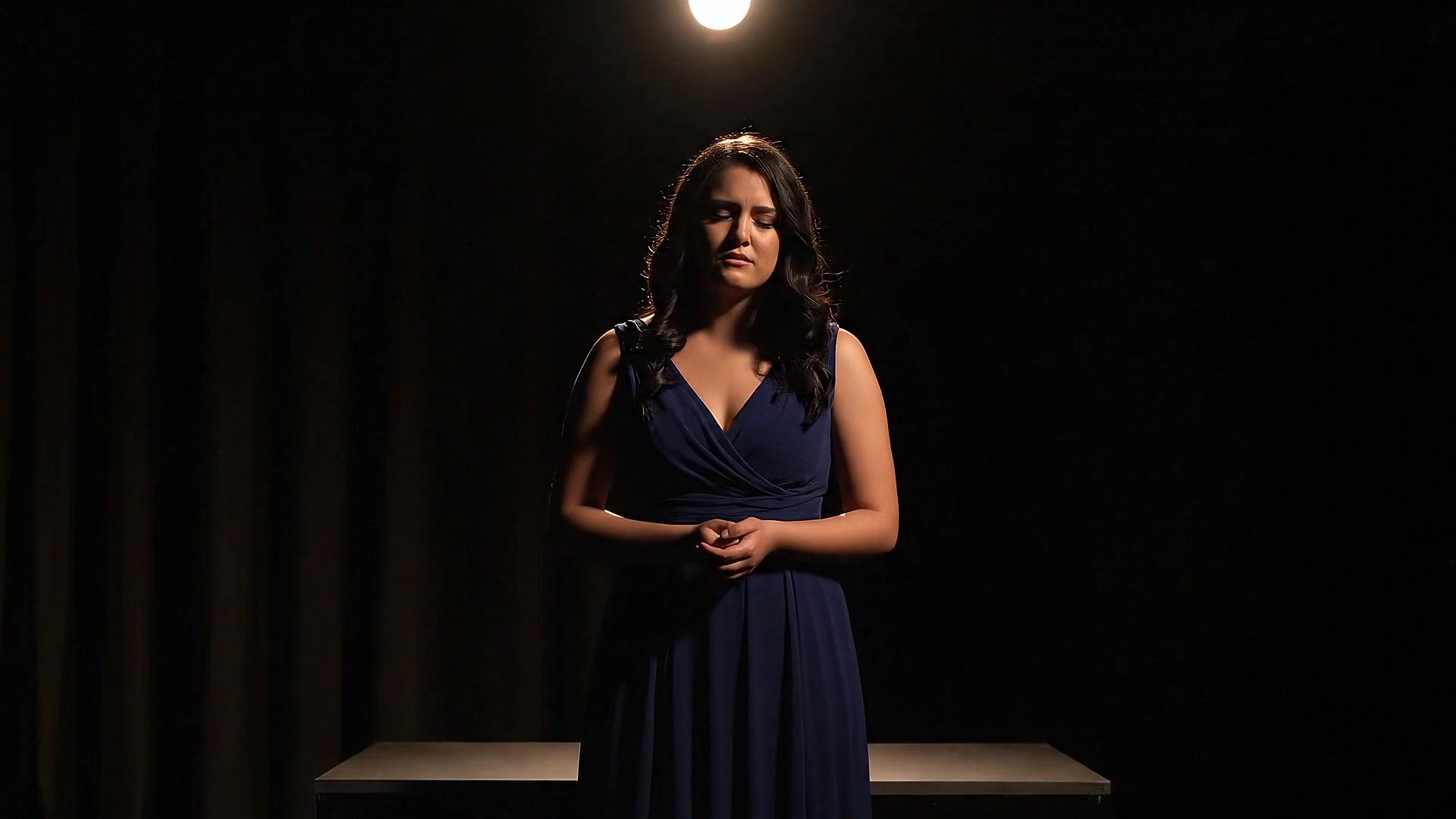
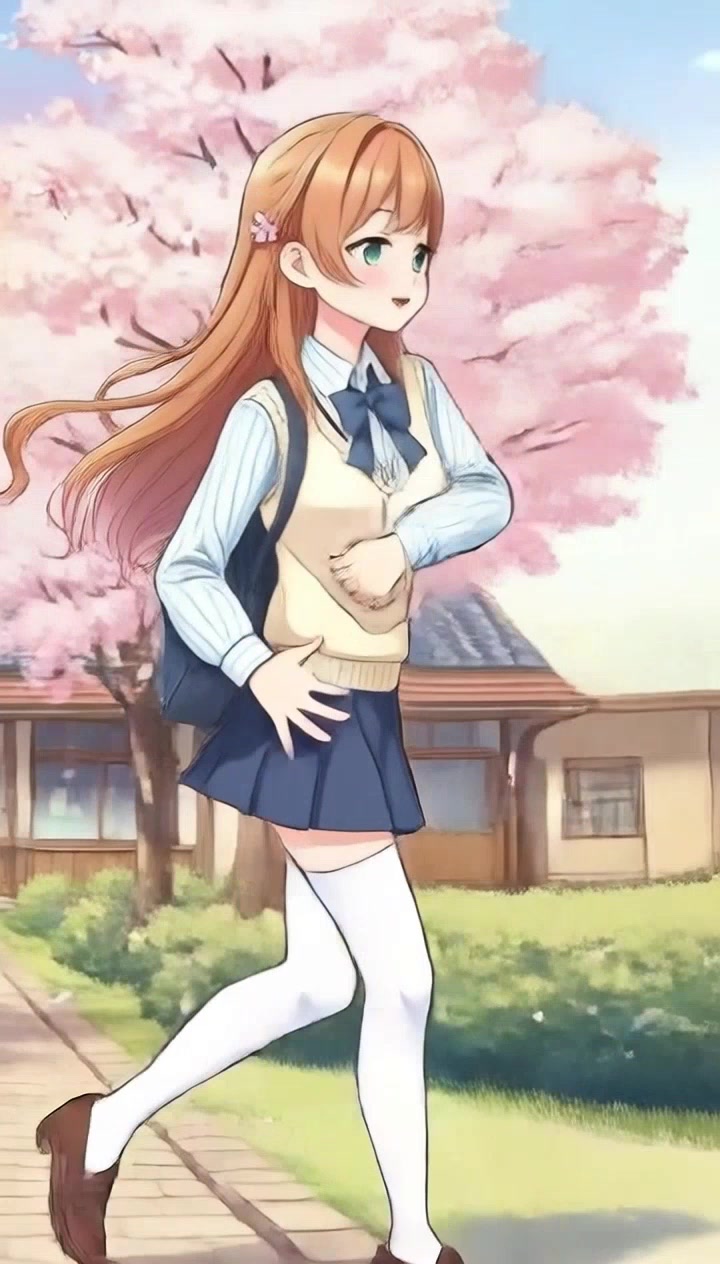
Kling 2.6 puede transferir movimientos de cuerpo completo, expresiones faciales y movimientos de labios desde un vídeo de referencia a un vídeo generado en alta definición. Puede manejar bailes rápidos y acciones complejas mientras reproduce poses de manos con mayor detalle, y admite generación continua en una sola toma de hasta 30 segundos.
Para usar Kling 2.6, elija primero el modelo, introduzca los detalles de su vídeo y las imágenes de referencia opcionales, luego configure los ajustes y genere un vídeo audiovisual completo.
Abra el flujo de generación de vídeo en AnyAIHub y seleccione Kling 2.6 como su modelo de vídeo actual.
Describa el vídeo que desea generar, incluyendo imagen, personajes, diálogo, emoción, tipo de audio y sonido ambiental. Si necesita un control más fuerte del sujeto, suba una imagen de referencia.
Configure los ajustes del vídeo, haga clic en generar y espere para descargar el resultado audiovisual completo. Después de la generación, revise si el diálogo, el movimiento de labios, la acción y el audio ambiental están sincronizados.
Conozca la sincronización de audio y vídeo de Kling 2.6, los tipos de audio, el control del sonido, la imitación de movimiento, las pruebas gratuitas y los flujos de trabajo de animación de personajes.
Kling 2.6 es un modelo de sincronización de audio y vídeo de Kling AI que puede generar imagen, voz natural, efectos de sonido y audio ambiental en una sola generación. Es adecuado para contenido de vídeo que necesita que el diálogo, la narración, el sonido ambiental y el movimiento visual encajen de forma natural.
Si desea reducir los costes de locución, edición de sonido y alineación de audio y vídeo en postproducción sin renunciar a una calidad de vídeo estable, Kling 2.6 es una opción sólida para la producción diaria. Destaca especialmente en sincronización audiovisual, control del diálogo e imitación de movimiento.
En AnyAIHub, puede consultar la cuota de prueba de su cuenta, los créditos de bonificación y el estado de su plan. Si su cuenta aún tiene créditos disponibles, puede probar Kling 2.6 primero; el consumo real de créditos depende de la duración, el modo, la resolución y los parámetros de generación.
Kling 2.6 admite diálogo hablado, monólogos, narración, canto, rap, efectos de sonido, audio ambiental y paisajes sonoros mixtos. En su prompt, puede especificar hablantes, líneas, emociones, estilo de voz y atmósfera de la escena.
No. Kling 2.6 está diseñado para generar imagen y sonido juntos durante el proceso creativo, reduciendo la necesidad de locución manual, búsqueda de efectos de sonido, edición de audio y alineación de sincronización labial.
Sí. Puede especificar quién habla, qué dice, su tono, su emoción y si se necesita sonido ambiental o de fondo. Cuanto más claro sea su prompt, más fácil será que el resultado se ajuste a su intención creativa.
Kling 2.6 puede utilizarse para copiar movimientos de cuerpo completo, bailes, expresiones faciales, movimientos de labios y gestos complejos. Es útil cuando necesita transferir movimiento desde un vídeo de referencia a un personaje personalizado o una imagen de referencia.
Prepare un vídeo de referencia de movimiento y una imagen de referencia del personaje; luego deje que Kling 2.6 sincronice el movimiento de referencia sobre el personaje. Los materiales de entrada más claros y los movimientos más completos ayudan a producir resultados de animación más estables.
Use Kling 2.6 para generar vídeo, voz, efectos de sonido y audio ambiental en una sola pasada, y cree contenido audiovisual con IA más completo y natural.