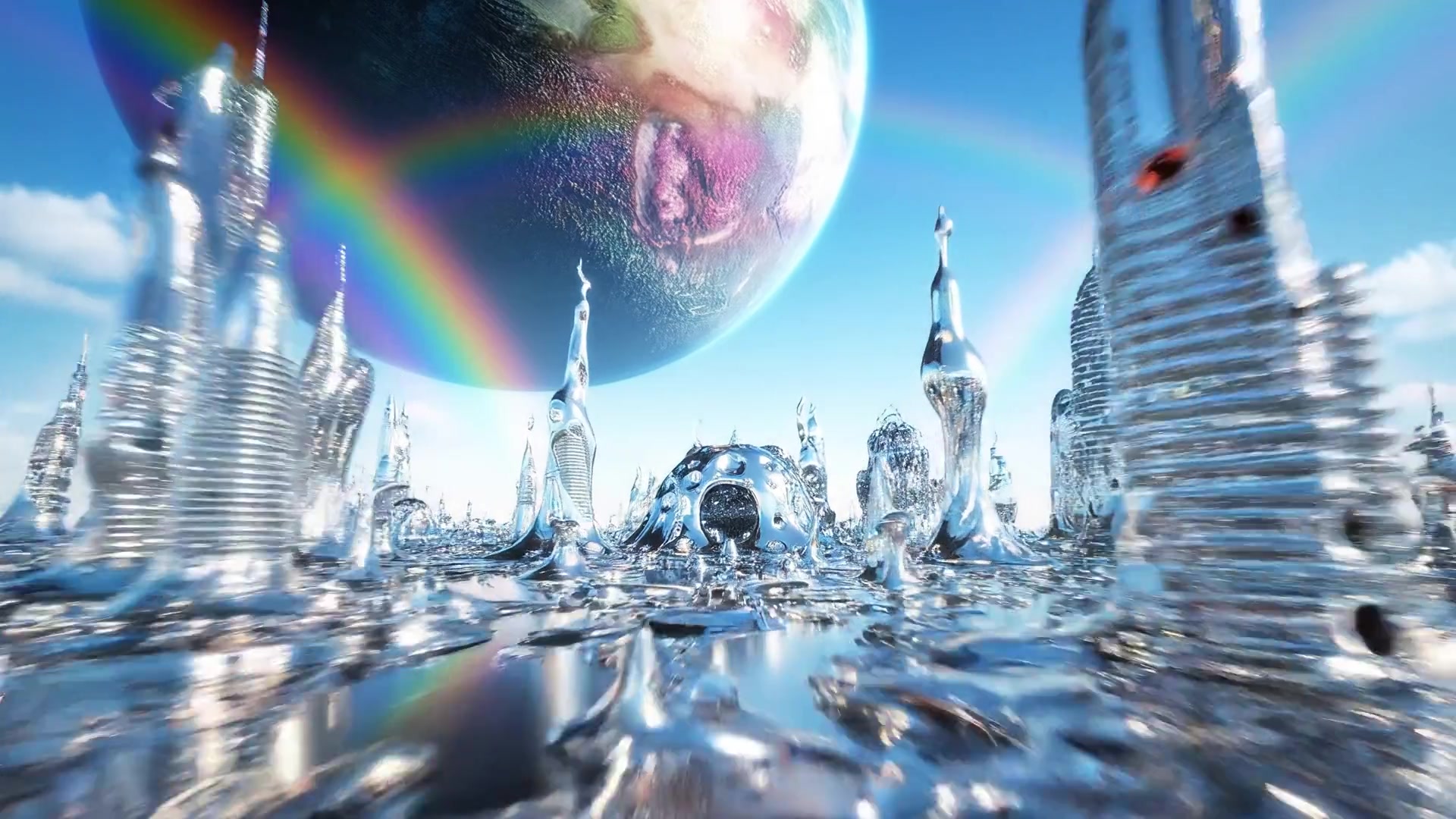
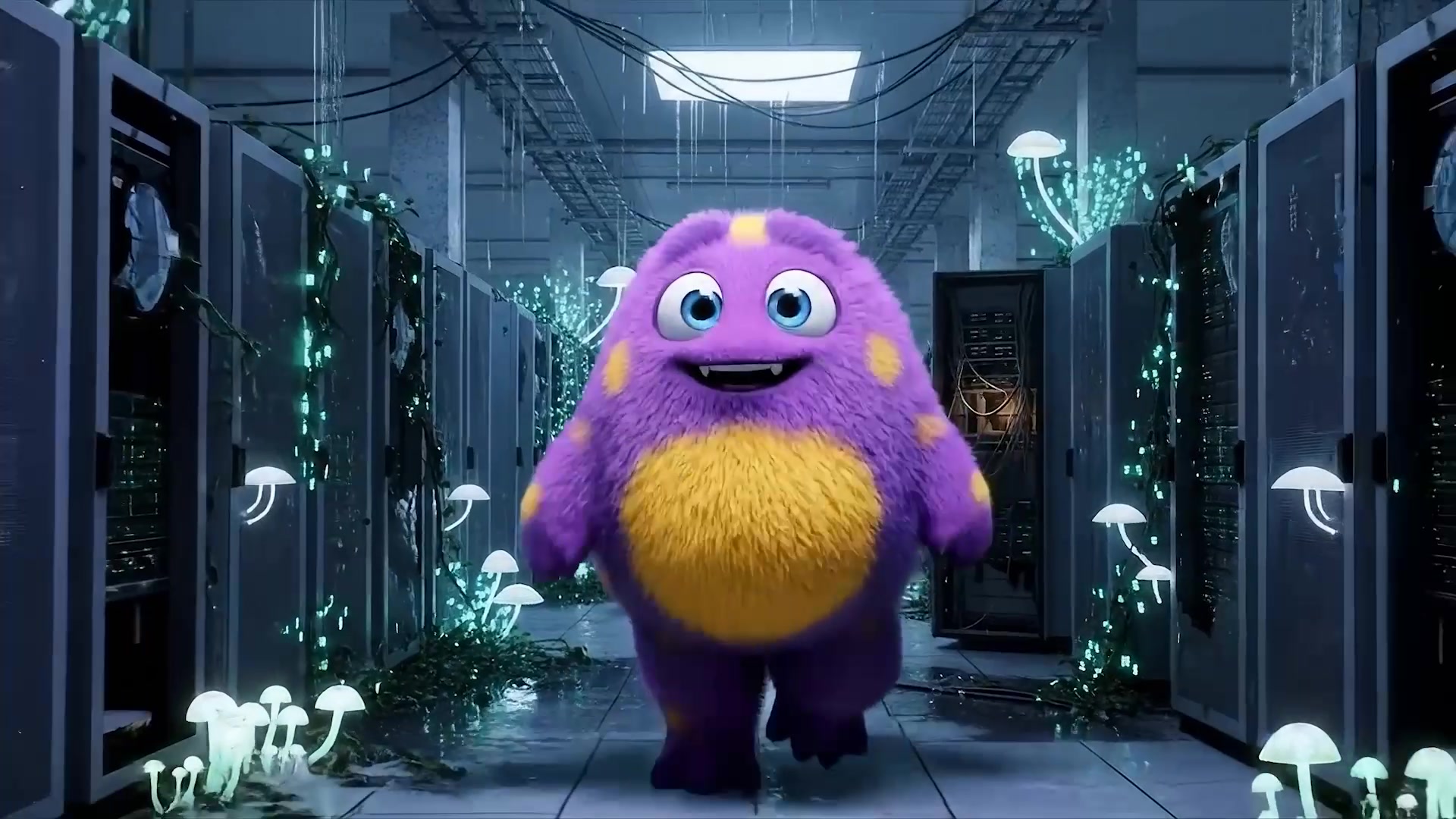
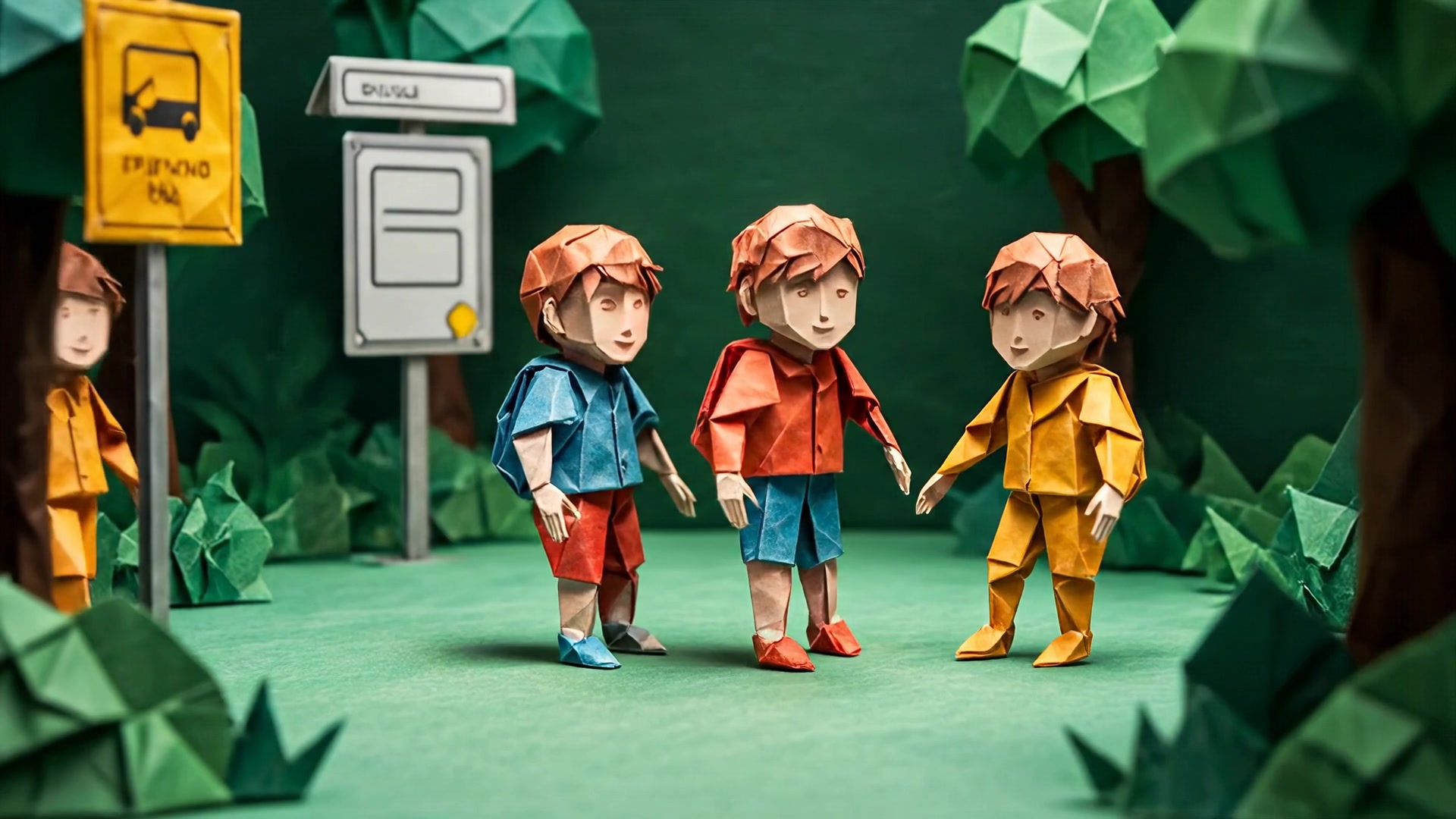
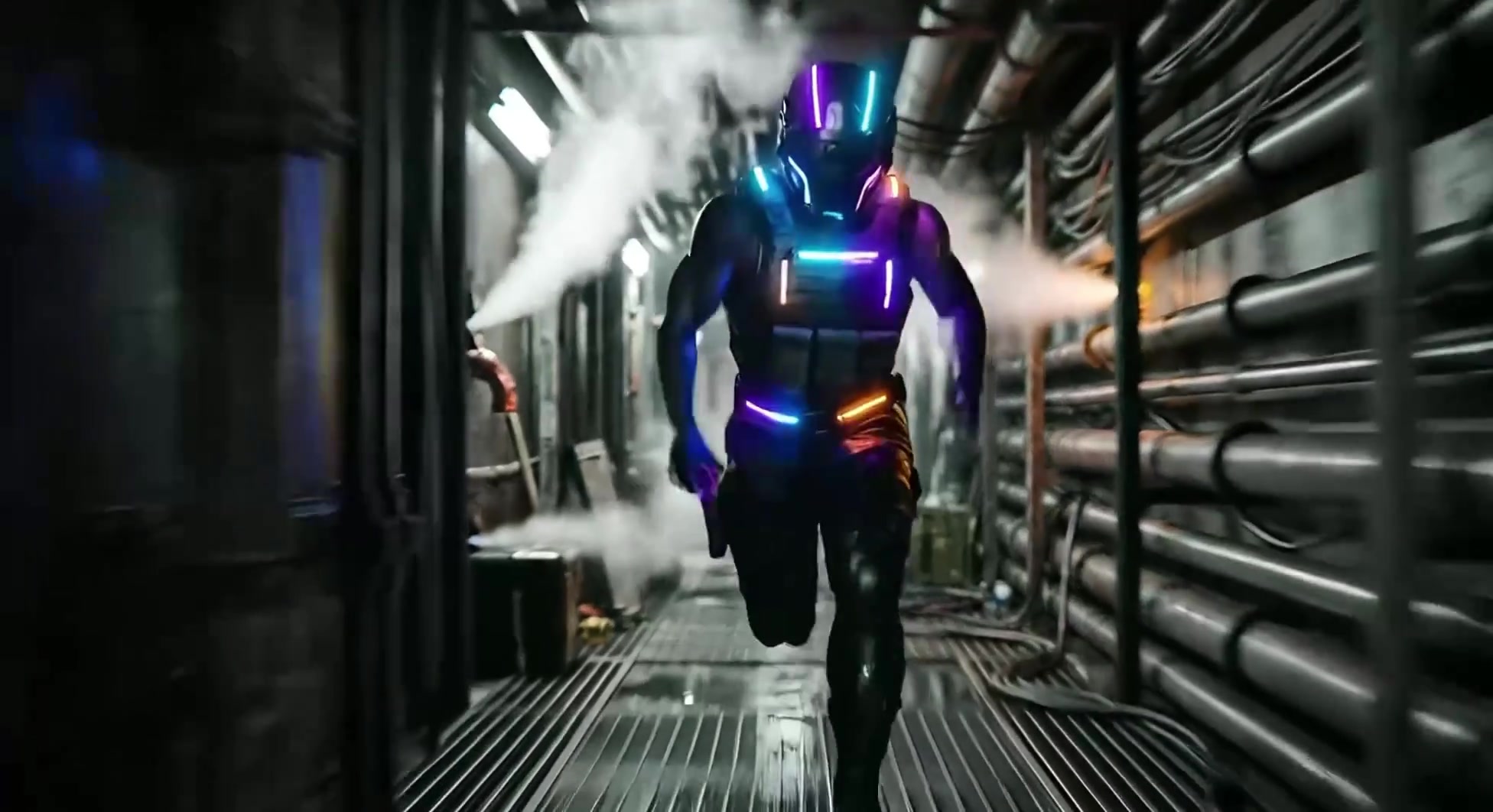
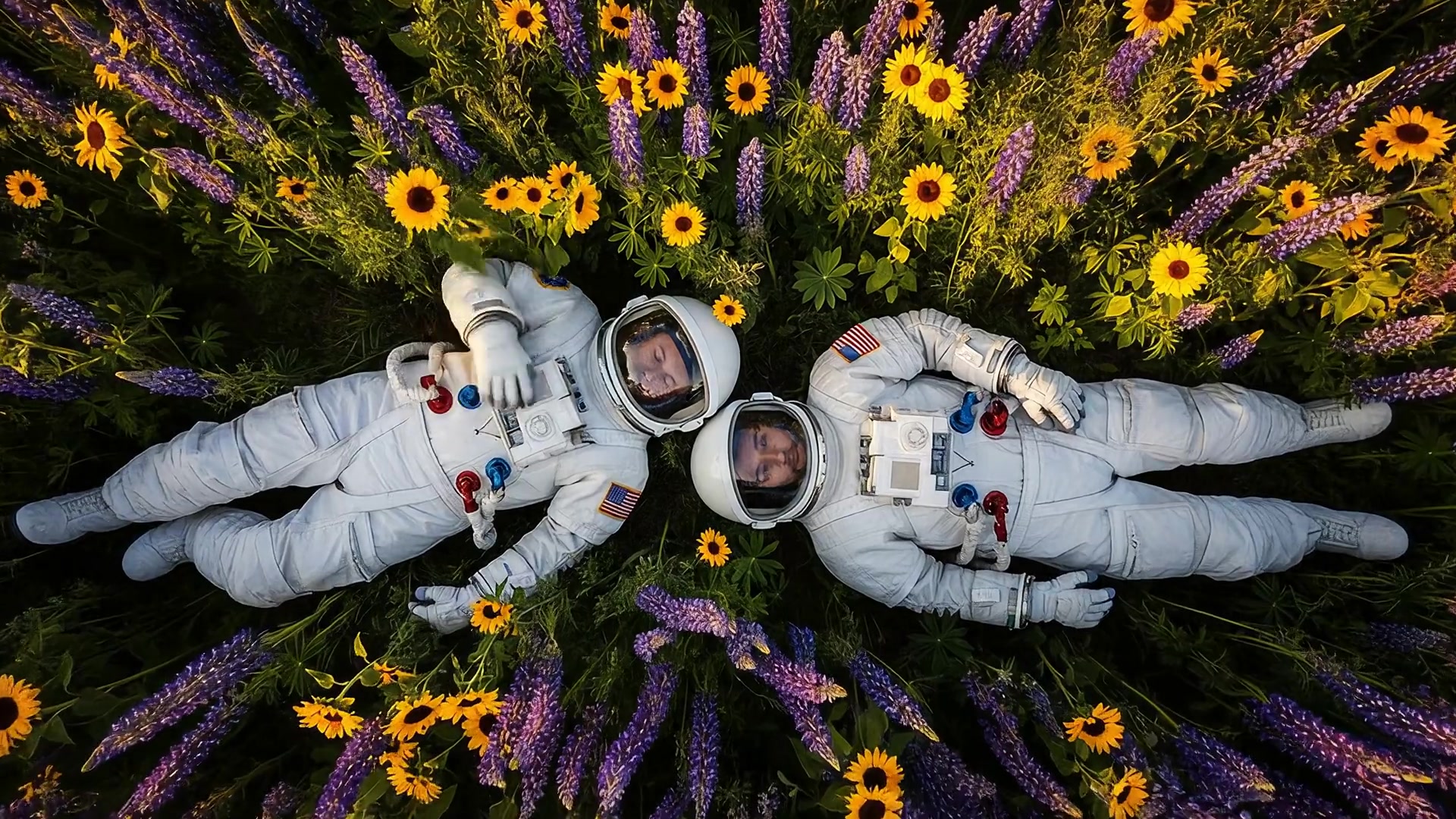
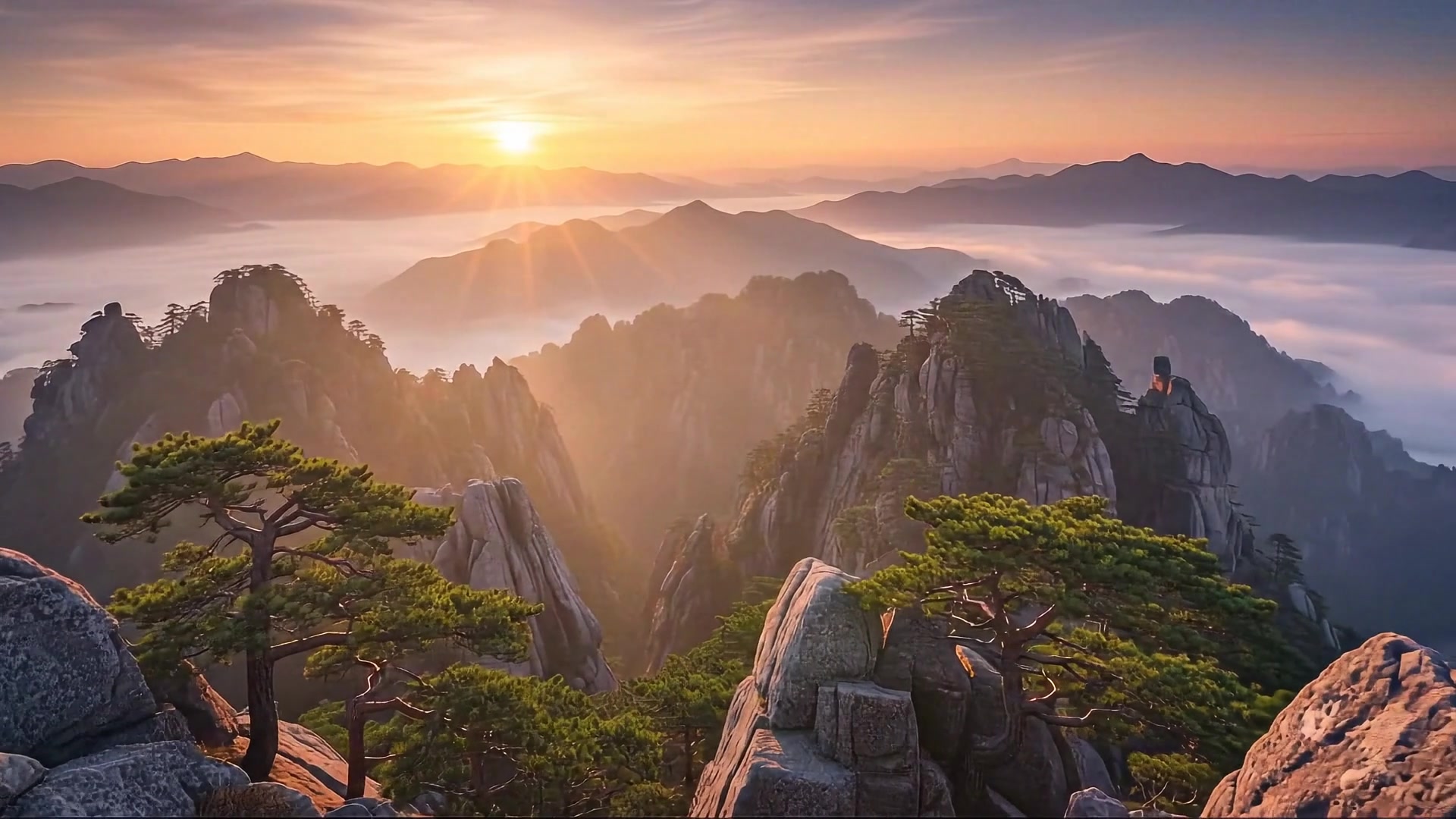
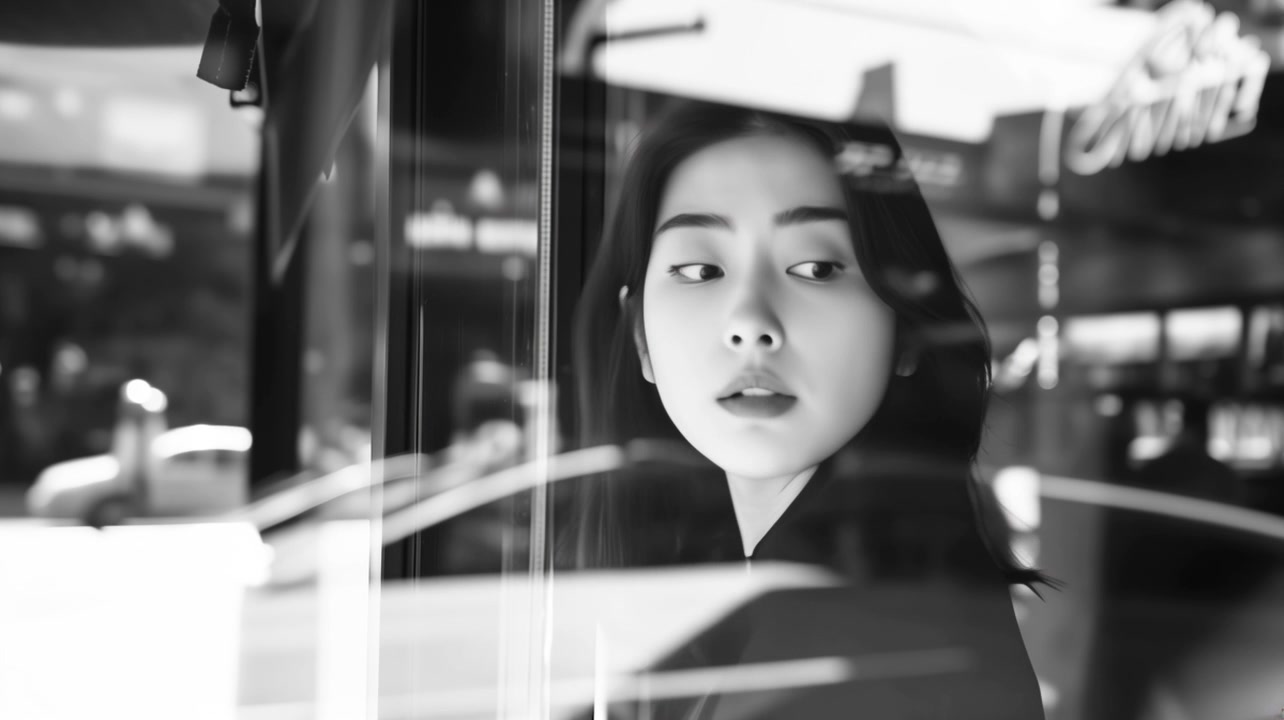
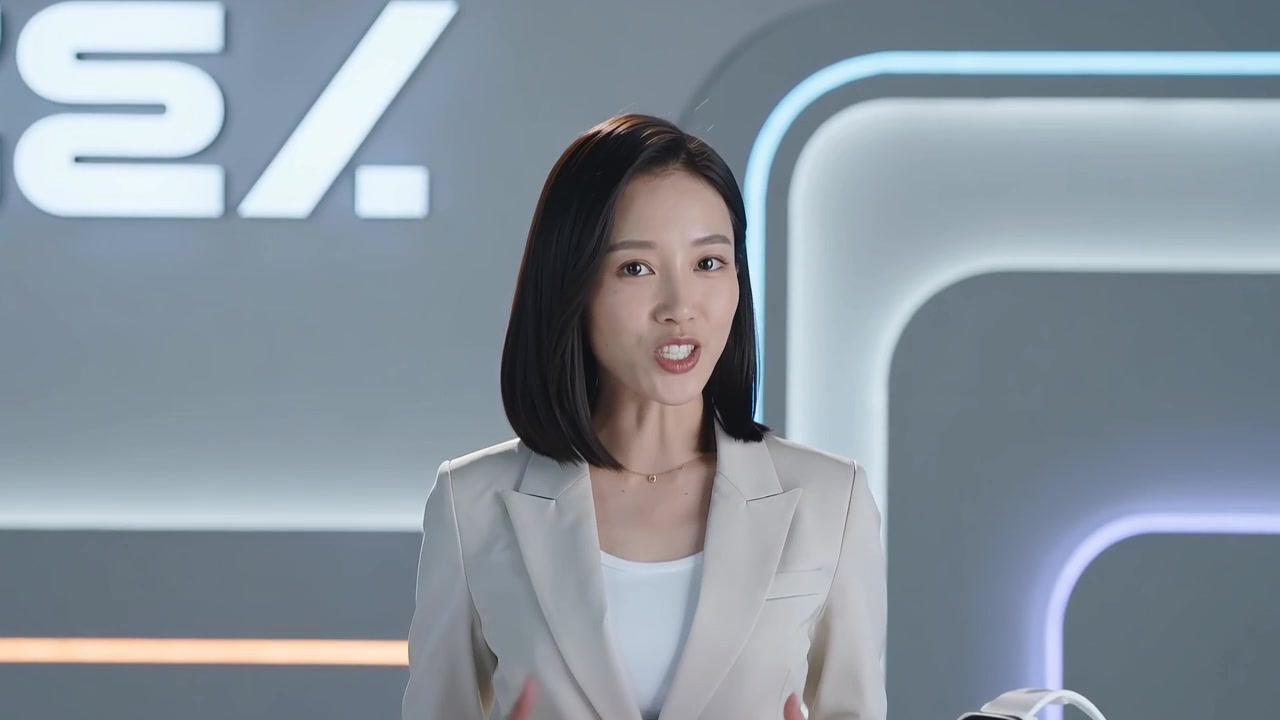
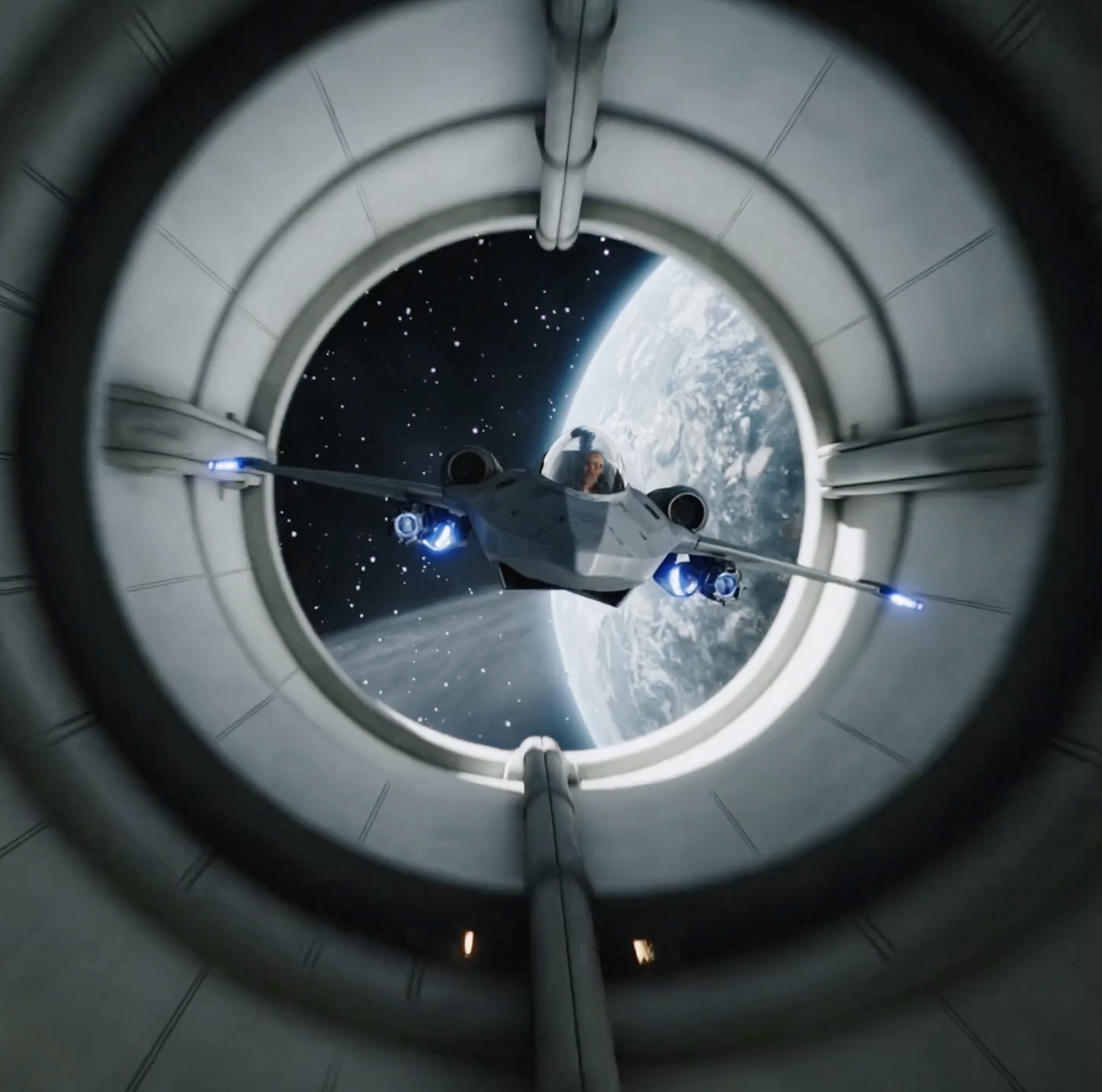
Kling si comprende meglio come una famiglia di modelli video, non come una singola versione fissa. Parti dalla pagina principale di Kling AI per capirne le capacità fondamentali, poi scegli il modello più adatto al tuo budget, agli obiettivi di qualità visiva, alla qualità del movimento, alle esigenze di controllo della camera e alla velocità di iterazione.
Crea video realistici, fluidi e professionali da testo, immagini e risorse di riferimento con Kling AI
Kling AI è una famiglia di modelli di generazione video AI sviluppata da Kuaishou, la piattaforma cinese di short video. È progettata per creator che hanno bisogno di movimenti realistici, soggetti stabili, riprese cinematografiche e qualità visiva altamente dettagliata. Usala per text-to-video, image-to-video, reference-to-video, movimenti di camera, corti multi-shot e contenuti con lip sync. Con AnyAIHub puoi provare direttamente Kling AI e confrontare Kling 3.0, Kling 2.6, Kling 2.5, Kling 2.1 Master e Kling 2.1 Pro in un unico flusso di lavoro, così da trovare la versione migliore per il tuo progetto attuale.
Funzionalità principali di Kling AI
Kling AI fa molto più che trasformare prompt in immagini in movimento. È particolarmente utile per convertire testo, immagini, riferimenti di personaggi, asset di prodotto e indicazioni di regia in brevi video controllabili, con un'ottimizzazione più forte per realismo del movimento, dettaglio visivo, ritmo della camera e sincronizzazione labiale.
Generazione Text-to-Video
Kling AI supporta la generazione text-to-video, utile quando vuoi costruire una scena a partire da una direzione creativa chiara invece di produrre una clip con movimento casuale. Puoi descrivere nel prompt l'azione, l'ambientazione, il feeling della camera e l'atmosfera visiva, quindi usare Kling AI per verificare come l'idea funziona in movimento. È particolarmente efficace per video concept, scene cinematografiche, idee pubblicitarie e clip guidate dalla narrazione.
Animazione Image-to-Video
Usa image-to-video quando vuoi partire da un primo fotogramma specifico, dall'immagine di un personaggio, da una foto prodotto, da un ritratto o da un concept artwork. Kling AI aggiunge movimento preservando identità del soggetto, composizione e aspetto del prodotto, risultando adatto a showcase e-commerce, performance di personaggi, asset pubblicitari e storyboard concettuali.
Generazione basata su riferimenti
Kling AI può usare riferimenti visivi per guidare identità del personaggio, forma del prodotto, linguaggio stilistico e aspetto complessivo. Rispetto alla generazione solo da testo, gli asset di riferimento offrono un contesto visivo oltre il prompt, aiutando il risultato a rimanere più vicino al personaggio, al prodotto o alla direzione creativa specificati e riducendo la casualità.
Dinamiche di movimento realistiche
Kling AI diventa particolarmente prezioso quando una scena dipende da un movimento credibile, non solo da un singolo fotogramma attraente. È adatto a camminate, rotazioni, movimento degli oggetti, dinamiche dei tessuti e cambiamenti ambientali, aiutando a ridurre movimenti rigidi, sospesi o instabili affinché i video AI risultino più vicini a clip finite.
Controllo cinematografico della camera
Kling AI supporta zoom, panoramiche, push-in, tracking shot, cambi di angolazione e variazioni prospettiche guidati dal prompt. Puoi definire con maggiore chiarezza come una scena deve essere presentata, dando a ogni clip un senso di regia più forte, un focus più evidente e un movimento visivo più intenzionale.
Qualità visiva ad alto dettaglio
Kling AI può generare clip con texture, illuminazione, colore e profondità di campo più raffinati. Un dettaglio più forte aiuta le scene a rimanere più coerenti da un fotogramma all'altro, soprattutto per primi piani, riprese cinematografiche, ambienti naturali, video prodotto e concept stilizzati.
Sequenze multi-shot
Kling AI può supportare idee video che includono più momenti visivi o scene collegate. Invece di generare una sola azione, puoi esplorare brevi sequenze con impostazione, azione, transizione ed esito più chiari, aiutando i video brevi a sembrare clip narrative complete.
Sincronizzazione labiale dei dialoghi
Kling AI offre funzionalità di lip sync per personaggi parlanti, video esplicativi con presentatori, voiceover pubblicitari, short social e semplici scene narrative. Si concentra sull'allineamento del movimento della bocca al parlato, così i personaggi che parlano risultano più naturalmente sincronizzati con l'audio.
Come usare Kling AI su AnyAIHub
Per usare Kling AI, scegli prima la versione del modello più adatta, poi inserisci testo, carica immagini o fornisci asset di riferimento, infine genera e scarica il tuo video. Invece di accumulare semplicemente parole di stile, di solito è più importante definire chiaramente soggetto, azione, movimento della camera, atmosfera e obiettivo del riferimento.
1
1. Scegli un modello Kling
Seleziona Kling 3.0, Kling 2.6, Kling 2.5 o la serie Kling 2.1 in base all'attività. Scegli un livello superiore quando hai bisogno di maggiore qualità finale e migliori prestazioni della camera, oppure una versione più leggera quando ti servono iterazioni più rapide o un controllo dei costi più stretto.
2
2. Inserisci un prompt e carica gli asset
Scrivi un prompt che descriva soggetto, azione, scena, stile e direzione della camera. Carica immagini di riferimento quando devi preservare un personaggio, un prodotto o una composizione, e usa le capacità legate al lip sync quando il video richiede dialoghi.
3
3. Genera, visualizza l'anteprima e salva il video
Invia l'attività e attendi che Kling AI renderizzi il risultato. Valuta coerenza del soggetto, naturalezza del movimento, ritmo della camera e dettaglio visivo. Se il risultato soddisfa le tue aspettative, scarica il video per annunci, contenuti social, validazione di storyboard o ulteriori modifiche.
Versione gratuita di Kling AI e guida alla generazione video
Scopri la vera origine di Kling AI, come funziona, le prove gratuite, i migliori casi d'uso, la velocità di generazione, i modelli alternativi e l'accesso API.
Qual è il vero Kling AI?
Kling AI indica la famiglia di modelli di generazione video AI rilasciata da Kuaishou, non una singola versione fissa. Su AnyAIHub puoi accedere a voci di modello organizzate attorno a Kling 3.0, Kling 2.6, Kling 2.5, Kling 2.1 Master e Kling 2.1 Pro, coprendo esigenze che vanno dall'iterazione rapida all'output finale di alta qualità.
Come funziona Kling AI?
Kling AI trasforma prompt testuali, riferimenti immagine, riferimenti visivi e intenzioni di controllo della camera in risultati video. Si concentra su movimento del soggetto, continuità temporale, movimento della camera, dettaglio visivo e riferimenti multimodali, rendendo l'output più vicino a cortometraggi realistici o clip creative utilizzabili.
Posso usare Kling AI gratis?
Su AnyAIHub puoi prima controllare la disponibilità di prova del tuo account, i crediti bonus e lo stato dell'abbonamento. Se il tuo account ha ancora crediti disponibili, puoi iniziare con l'esperienza gratuita di Kling AI. L'uso effettivo dipende dalla versione del modello, dalla durata del video, dalla risoluzione, dalla modalità di generazione e dalle impostazioni dei parametri.
Quali tipi di video può generare Kling AI?
Kling AI è adatto a text-to-video, image-to-video, reference-to-video, annunci brevi, showcase di prodotto, performance di personaggi, scene concept cinematografiche, corti multi-shot, video di dialogo con lip sync e contenuti per social media.
Kling AI è disponibile negli Stati Uniti?
La disponibilità dipende dalla piattaforma che utilizzi, dalle policy regionali e dallo stato del tuo account. Su AnyAIHub puoi verificare se Kling AI è attualmente disponibile tramite le voci dei modelli supportati e scegliere il flusso di generazione corrispondente in base al modulo della pagina.
Quanto è veloce la generazione video con Kling AI?
La velocità di generazione dipende di solito dalla versione del modello, dalla durata del video, dalla risoluzione, dalla modalità, dallo stato della coda e dalla complessità dell'attività. I livelli più economici o con durata più breve sono più adatti all'iterazione rapida, mentre output controllati di qualità superiore, più lunghi o più complessi richiedono in genere più tempo di attesa.
Qual è la migliore alternativa a Kling AI?
Se ti interessano soprattutto movimento realistico, workflow image-to-video, controllo della camera e lip sync, spesso vale la pena dare priorità a Kling AI. Se hai bisogno di un diverso controllo narrativo, capacità audio, integrazione nell'ecosistema o strutture di costo alternative, puoi confrontare anche Wan, Veo, Seedance, Sora e altri modelli video su AnyAIHub.
Come posso accedere all'API di Kling AI?
Se vuoi integrare Kling AI nel tuo prodotto o workflow, puoi usare un servizio API che supporti Kling. Modelli disponibili, autenticazione, fatturazione e capacità dei parametri devono seguire la documentazione della piattaforma scelta. Su AnyAIHub, gli utenti generali possono prima validare i risultati tramite il workflow web.
Prova Kling AI gratis su AnyAIHub
Sperimenta ora il generatore video Kling AI e crea video AI più fluidi, realistici e pronti per la pubblicazione da testo, immagini e risorse di riferimento.