読み込み中...
Wan
Wan AI動画生成ツール
AlibabaのWan AIで、リアルな動画、画像、多彩なスタイルのビジュアルを生成
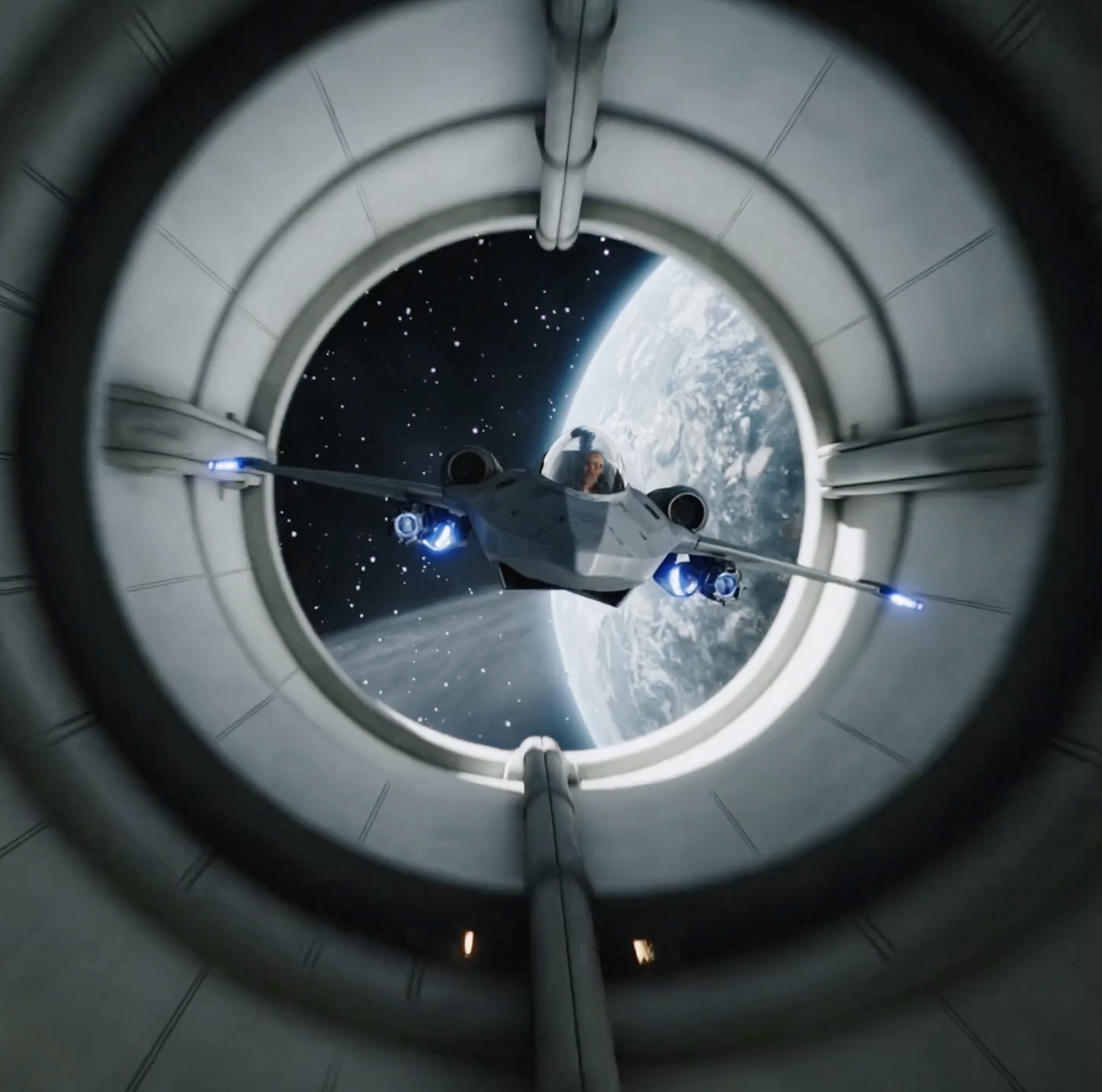
Wan AIは、Alibabaの高度なAI画像・動画生成モデルです。テキストプロンプトや参照画像から高品質なビジュアルコンテンツを作成し、優れたプロンプト理解、多様なスタイルテンプレート、自然な人物ポーズの協調、説得力のある複数オブジェクトの相互作用を実現します。クリエイター、マーケティングチーム、ブランドは、個性的でダイナミック、映画的な動画クリップをよりすばやく制作できます。
Wan AIの主な機能
Wan AIは基本的な動画生成を超え、より高いビジュアル品質、幅広いスタイル制御、複数の被写体間で安定した動きの関係性を提供します。
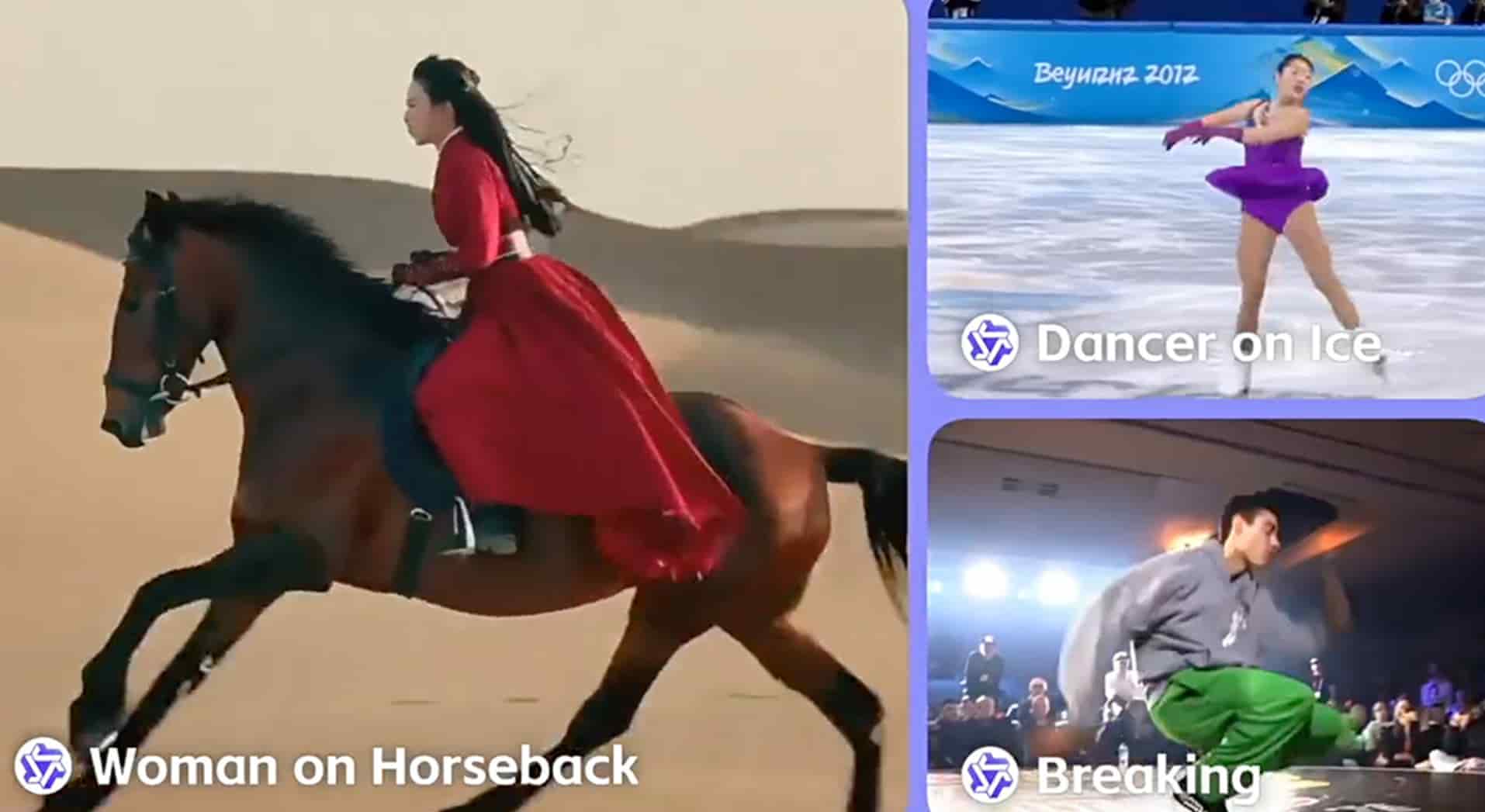
優れた画像・動画生成
Wan AIは、テキスト入力または画像入力から高品質な動画・画像コンテンツを生成します。自然な人物ポーズ、協調したアクション、説得力のある動線に関する詳細な指示に従いながら、視覚的な精度とリアリズムを高めます。
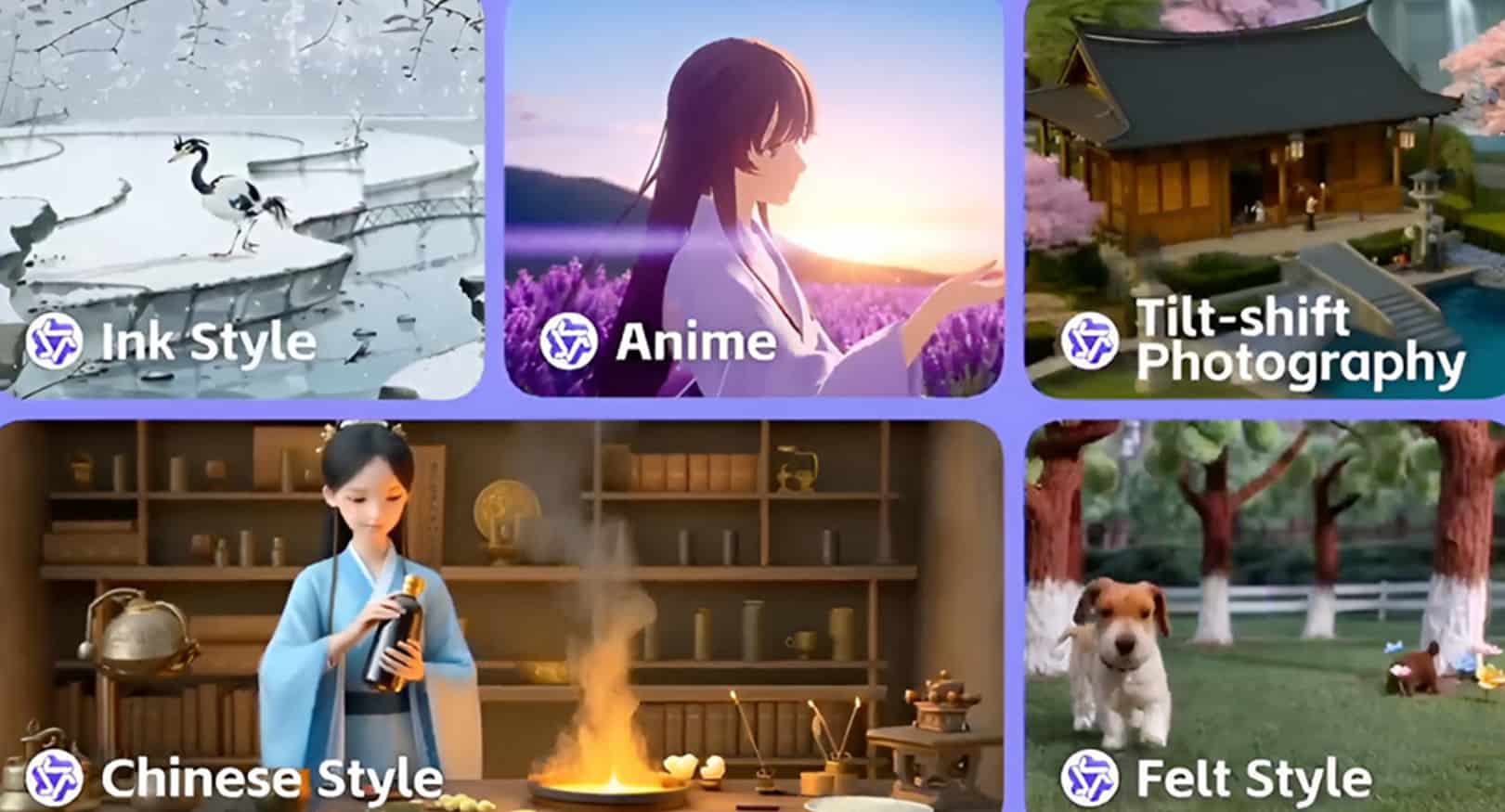
多彩なビジュアルスタイルテンプレート
Wan AIは、サイバーパンク、油絵、実写風映像、アニメ、映画的なシーンなど、幅広いビジュアルスタイルに対応します。プロンプトでキャラクター構図、表情、シーンの細部を調整し、各生成結果をクリエイティブ方針に合わせられます。
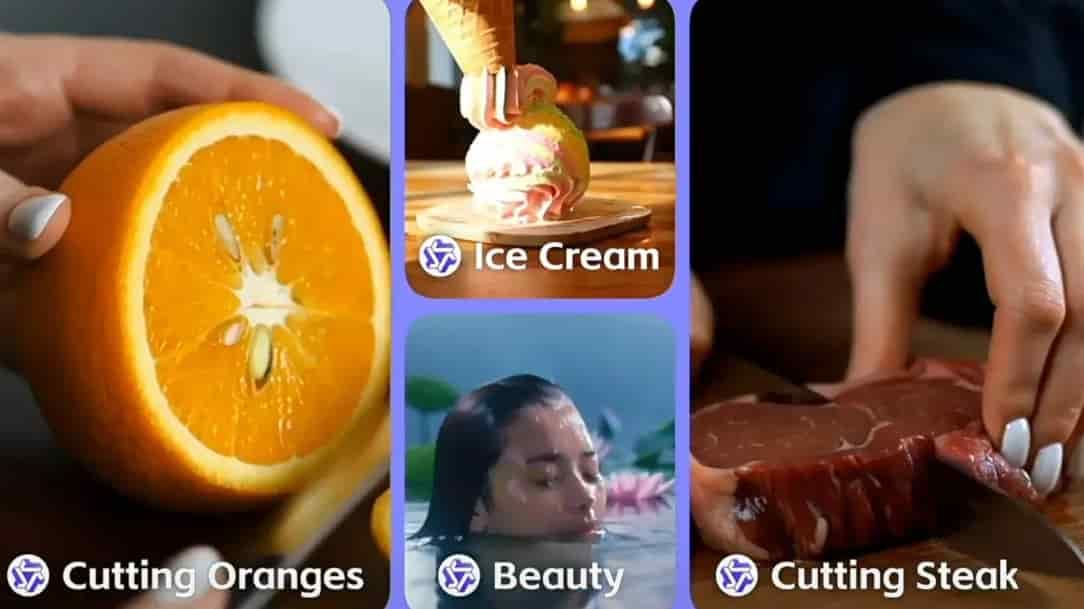
リアルな複数オブジェクトの相互作用
Wan AIは、人、物体、環境の間により自然な相互作用を生成しつつ、複数の被写体の動線を分離して表現できます。複数人物のシーン、商品紹介、リアルでダイナミックな動画出力が必要な複雑なアクションショットに役立ちます。
Wan AIで動画を生成する方法
アイデアから完成動画まで、3ステップで進められます。Wanモデルを選び、画像またはプロンプトを追加し、生成された動画を公開や追加編集用にダウンロードします。
1
1. 最適なWanモデルを選択
タスクに応じてWan 2.5またはWan 2.6を選びます。ネイティブ音声や高速なtext-to-video、image-to-video生成にはWan 2.5を、動画参照、マルチショットのストーリーテリング、より長いナラティブ動画にはWan 2.6を使用します。
2
2. 画像とプロンプトを入力
参照画像をアップロードするか、プロンプトを直接入力します。被写体、動作、シーン、スタイル、カメラ演出を記述し、必要に応じて動画設定を調整します。
3
3. 動画を生成してダウンロード
タスクを送信し、Wan AIにレンダリングさせます。完成した動画は、SNS投稿、広告素材、ピッチ資料、または次のプロンプト改善に利用できます。
FAQ
Wan AIで作成できるもの、得意な用途、AnyAIHubでの使い方を確認できます。
Wan AIとは何ですか?
Wan AIは、Alibabaの動画・画像生成モデルファミリーです。説明文を入力するか参照画像をアップロードすることで、多様なビジュアルスタイルのリアルな高解像度動画を生成できます。
Wan AIの違いは何ですか?
Wan AIは、高度な動画生成アーキテクチャと強力なプロンプト理解を組み合わせ、動き、スタイル、複数オブジェクトの相互作用、細部をより安定させながらリアルなビジュアルシーンを作成します。
Wan AIは無料で使えますか?
AnyAIHubのWan AIページから開始できます。実際の生成制限、クレジット消費、利用可能なクォータは、アカウント状態とサイトの課金ルールによって異なります。
Wan AI動画モデルは安全に使えますか?
AnyAIHubでWan AIを使用する場合、生成タスクはサイトのプライバシー、ストレージ、アカウント権限のルールに従います。機微な本人確認情報、許可のない商用アセット、プラットフォーム規約に違反するコンテンツのアップロードは避けてください。
Wan AIの動画生成速度はどのくらいですか?
生成速度は、モデルバージョン、動画の長さ、解像度、キューの状況、タスクの複雑さによって異なります。Wan 2.5は素早い初稿作成に向き、Wan 2.6はマルチショット、動画参照、より長いナラティブタスクに適しています。
Wan AIはモバイルで使えますか?
はい。モバイル、タブレット、デスクトップのブラウザからAnyAIHubを利用し、Wan AIで動画を生成できます。モバイルでの体験はブラウザ性能とネットワーク状況に左右されます。
Wan AI動画モデルは何に使えますか?
Wan AIは、プロモーション動画、商品紹介、チュートリアル、映画的な短編、アニメーションクリップ、SNS素材、没入感のある3D風ビジュアルコンテンツに適しています。
Wan AI以外の動画モデルも使えますか?
はい。AnyAIHubでは複数のAI動画モデルへの入口を提供しています。品質、動きのリアリズム、コスト、速度、入力タイプに応じて、Wan、Kling、Veo、Seedance、その他のモデルを選択できます。
Wan AI動画生成ツールをオンラインで試す
AnyAIHubのWan AIで、テキスト、画像、クリエイティブなアイデアを、ユニークでリアル、目を引く動画コンテンツへ変換しましょう。