読み込み中...
Gemini Omni
Gemini Omni AI動画生成
プロンプト、画像リファレンス、動画クリップでAI動画を作成・編集・リミックス
Gemini Omniは、動画の作成、編集、リミックスに対応するGoogleのマルチモーダル動画モデルファミリーです。テキスト、画像、動画クリップ、クリエイティブな指示を単一の入力にまとめ、一つのアイデアから始めて、より完成度が高く一貫した動画へ段階的に仕上げられます。
Gemini Omniの想定される機能
以下の例では、Gemini Omniの主なクリエイティブ用途を紹介します。統合されたマルチモーダル入力、自然言語編集、動画リミックス、シーンの部分的な変更、ビジュアルの一貫性、知識に基づくシーン、精密な音声、複数のカメラアングル、カスタムデジタルアバターに対応します。
ネイティブなマルチモーダル動画生成
Gemini Omniは単一の入力タイプに限定されません。テキストでコンセプトを説明し、画像でビジュアルスタイルを定義し、動画クリップで動きを示し、音声で全体のトーンを設定できます。モデルはこれらのリファレンスを一貫した一つのクリエイティブ指示として解釈し、より正確で表現力があり、意図に沿った動画を生成します。

自然言語による動画編集
Gemini Omniなら編集を会話のように指示できます。タイムラインの調整、シーンの手作業でのカット、クリップの一からの作り直しは不要です。変更したい内容を説明するだけで、モデルが指示に沿って動画を修正し、複雑な編集を明確な一文に変えます。
動画リミックス
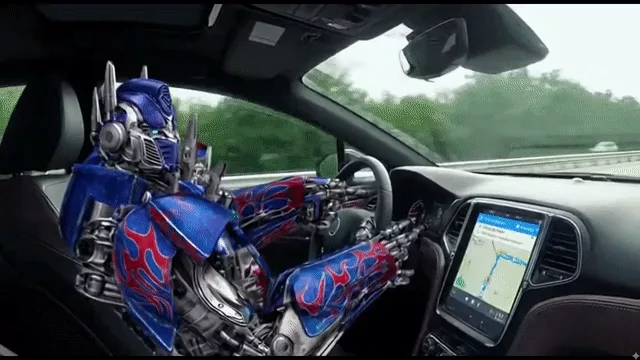
Gemini Omniでは、毎回最初から作り直すのではなく、既存の動画を土台に制作できます。複数のクリップを元の構成やクリエイティブの方向性を保った新しいバージョンにまとめ、広告の改良、商品紹介、ライフスタイルコンテンツをより速く次の段階へ進められます。

シーンを狙った編集
Gemini Omniは既存動画の中を精密に編集できます。シーン全体を再生成するのではなく、改善したいオブジェクトや細部に集中し、元の構図、動き、全体のスタイルをできるだけ保ちながら小さな問題を修正します。
一貫したビジュアルストーリーテリング
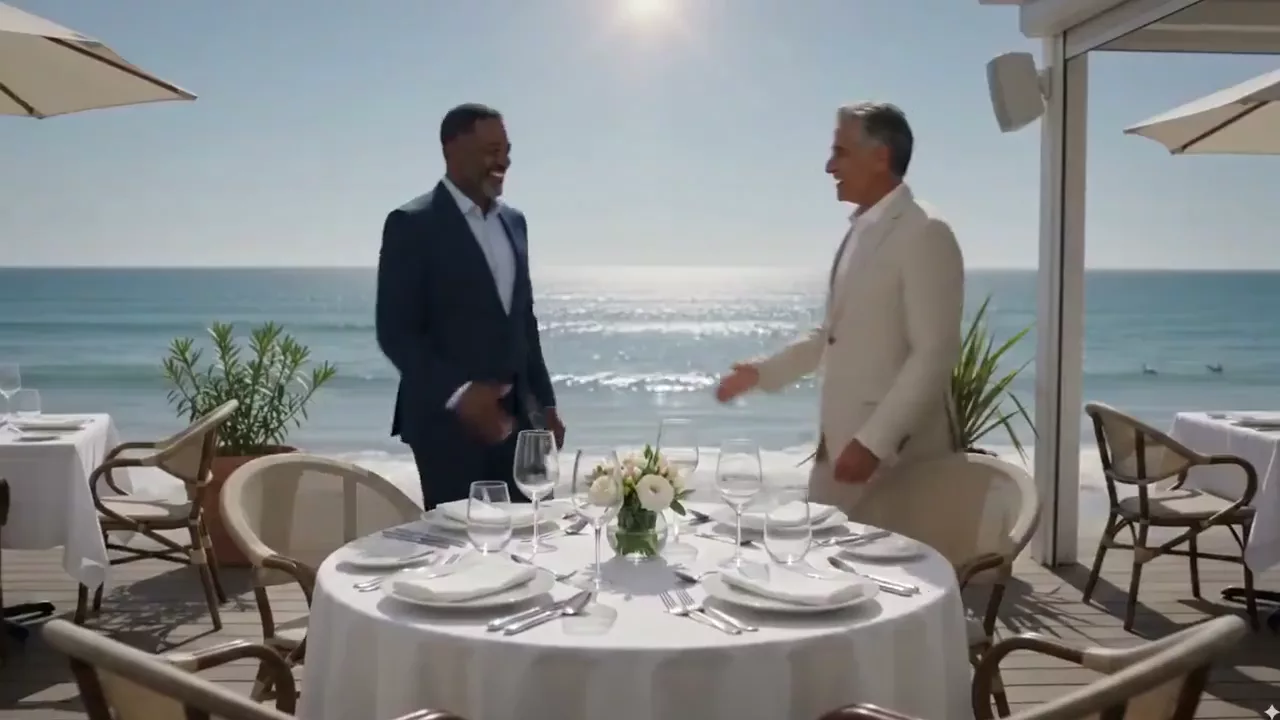
Gemini Omniは、AI動画で特に難しい課題の一つである、すべてのシーンを一貫性のある意味の通った状態に保つことを支援します。キャラクターの同一性、シーンの細部、ビジュアルスタイル、環境要素を追跡し、ショット同士のつながりを保ちます。テキストや数式の連続性も向上するため、授業、チュートリアル、商品デモ、アニメーション、ブランドストーリーにも実用的です。
知識に基づくシーン生成
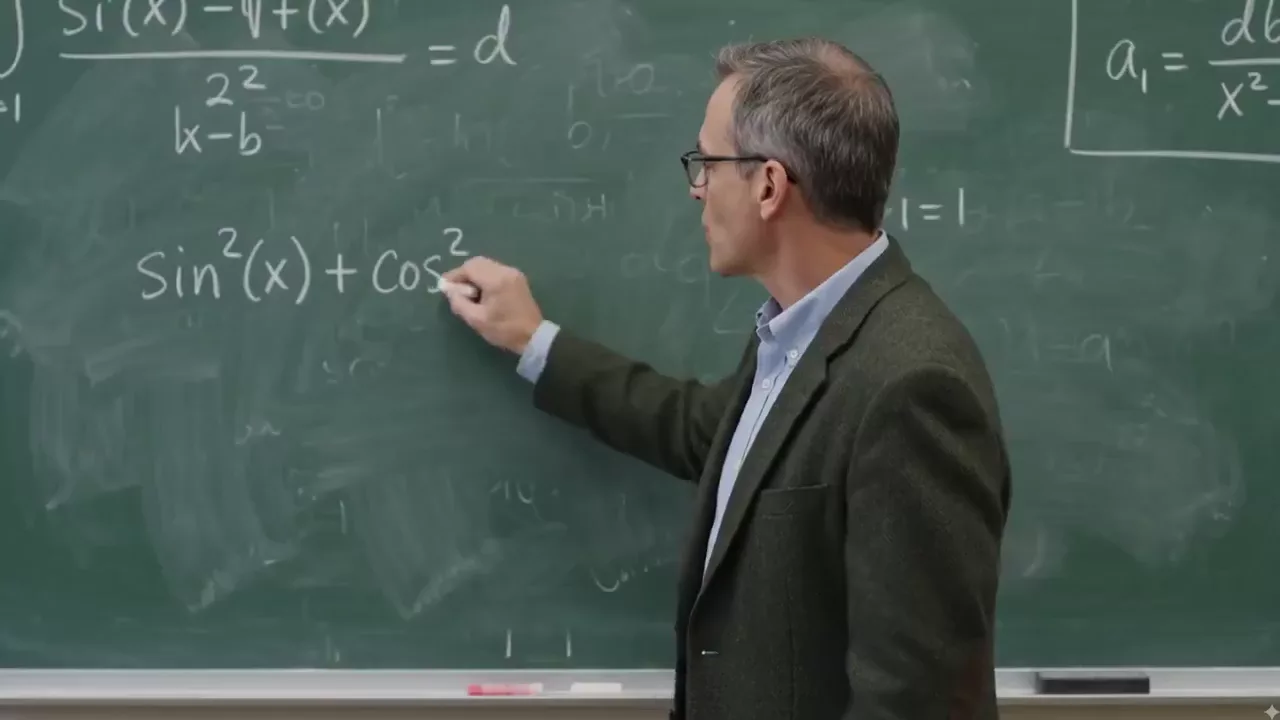
Gemini Omniは幅広い知識と文脈理解を動画生成に取り入れ、情報量が多く、構成が明確で、理解しやすいシーンを作成します。歴史コンテンツ、教育解説、商品デモは、この論理的に一貫したアプローチから恩恵を受けられます。

高精度な音声制御
Gemini Omniは映像の意図、雰囲気、リズムに合うセリフ、環境音、効果音を生成できます。明瞭な会話、自然なリップシンク、空間的な環境音、繊細なフォーリー音が物語を支え、映像クリップをより完成度の高いオーディオビジュアル体験にします。

多彩なカメラアングル
Gemini Omniは異なるカメラアングル間の一貫した切り替えに対応します。ドラマチックな俯瞰、地面に近い視点、正面から横向きへの滑らかな変化など、明確な映像表現で物語を伝え、教材設計者がより効果的な研修資料を作るのにも役立ちます。

カスタムデジタルアバター生成
あなたのデジタルな姿はあなたが管理できます。リファレンス画像を使い、Gemini Omniは顔、髪型、全体のアイデンティティを保ちながら、自然なリップシンク、表情、微細な動きを備えたパーソナライズされたアバターを生成できます。ストーリーテラー、教育者、VTuber、現実の身元を守りたいクリエイターに適しています。

Gemini Omniはどんな人に適していますか?
広告のプリビジュアライゼーションから教育コンテンツまで、Gemini Omniのマルチモーダル入力と動画編集の指示機能は、規模の異なるクリエイティブチームを支援できます。
映像制作者と広告代理店
プロトタイプ、プリビジュアライゼーション、プロ向けテレビCM、プロダクトフィルム、映画予告編を作成します。
コンテンツクリエイター
Reels、Shorts、TikTok動画、ブランドストーリー、音声豊かでキャラクターの一貫したSNS動画を生成します。
マーケター
プロモーション動画と商品のビジュアル化を効率化し、リミックスと編集のワークフローでブランドコンテンツをより速く改善します。
教育者・講師
複雑な概念を明確なビジュアルストーリーに変える解説、研修教材、講座動画を作成します。
代理店とスタジオ
マルチモーダルなリファレンス、精密なクリエイティブコントロール、高解像度出力を使った、より完成度の高いプロ向けワークフローを構築します。
AnyAIHubでGemini Omniを使う方法
モデルを選び、クリエイティブな指示を入力し、パラメータを設定して生成することで、リファレンス素材を動画に変換し、結果をダウンロードできます。
1
1. Gemini Omniを選択
AnyAIHubの動画生成ツールを開き、モデル選択からGemini Omniを選びます。
2
2. プロンプトとリファレンス素材を追加
生成または編集したい動画を説明し、必要に応じてキャラクター、シーン、スタイル、動きのリファレンスとして画像や動画をアップロードします。最大7個のリファレンス枠を使用でき、動画は2枠を占有します。
3
3. パラメータを設定してダウンロード
16:9または9:16、4/6/8/10秒、720p・1080p・4Kを選択します。生成を送信し、結果をプレビューして動画をダウンロードします。
よくある質問
Gemini Omniの位置づけ、Veo 3との違い、対応入力、出力仕様、AnyAIHubのクレジットルールについて説明します。
Gemini Omniとは?
Gemini Omniは動画の作成と編集に対応するGoogleのマルチモーダルAI動画モデルです。プロンプト、画像、動画リファレンスを理解し、動画のリミックス、一貫したビジュアルストーリーテリング、知識に基づくシーン作成を、よりまとまりのあるクリエイティブワークフローに組み込みます。
Gemini OmniはVeo 3とどう違いますか?
Gemini Omniは、マルチモーダルなリファレンス、既存動画の編集とリミックス、キャラクターやオブジェクトの一貫性、映画的なカメラ制御、より豊かな音声指示を重視します。AnyAIHubのGemini Omniは現在、4/6/8/10秒の動画、720p/1080p/4K出力、16:9/9:16のアスペクト比に対応しています。
AnyAIHubでGemini Omniを無料で使えますか?
AnyAIHubではクレジットを使って生成タスクを送信します。Gemini Omniを無料で試せるかどうかは、アカウントの現在のクレジット残高とサイトのキャンペーンによって決まります。送信前に、選択したパラメータに必要なクレジットが生成画面に表示されます。第三者プラットフォームの無料トライアルはAnyAIHubには適用されません。
Gemini Omniは初心者にも向いていますか?
はい。自然言語のプロンプトから始めることも、画像や動画のリファレンスをアップロードすることもでき、最初にタイムライン編集を学ぶ必要はありません。複数のリファレンスを使う複雑な制作には練習が必要ですが、基本の流れはモデルを選び、意図を説明し、パラメータを設定して生成するだけです。
Gemini Omniの精密な音声機能はどのように働きますか?
プロンプトでは、セリフ、リップシンク、環境音、効果音、全体の雰囲気を指定できます。モデルはこれらの音を画面上の動きや動画のテンポに合わせようとしますが、最終結果はプロンプト、リファレンス素材、上流モデルの出力にも左右されます。
Gemini Omniはどのような入力に対応していますか?
現在のAnyAIHub連携では、プロンプト、画像で埋めた最大7個のリファレンス枠、または1本の動画と残りの枠の画像の組み合わせに対応しています。動画は2枠、画像は1枠を使い、合計は最大7枠です。
Gemini Omniはどの長さと解像度の動画に対応していますか?
動画リファレンスを指定しない場合、現在は4、6、8、10秒を720p、1080p、4Kで選択でき、アスペクト比は16:9と9:16に対応します。動画リファレンスをアップロードした場合、出力時間はモデルのワークフローによって決まります。
Gemini Omniのクレジットはどのように計算されますか?
動画生成のクレジットは現在、解像度と長さで計算されます。720pでは4/6/8/10秒が80/130/180/230クレジット、1080pでは90/140/190/240クレジット、4Kでは250/400/450/500クレジットです。送信時に生成画面へ表示される価格が確定値です。
Gemini OmniでAI動画を作成・編集・リミックスしてみる
プロンプトまたはリファレンス素材から始め、AnyAIHubでマルチモーダルなアイデアをネイティブ音声と最大4K出力の動画に変換します。
