Modelos
- Seedance 2.5Em altaNovo
- Seedance 2.0Em alta
- MiniMax H3Novo
- Veo 3.1 PremiumEm alta
- GPT Image 2Novo
- Nano Banana 2
- Nano Banana ProEm alta
- Seedream 5.0 Pro
- Grok Imagine Image 2.0
- Z-Image Turbo
Carregando...
Wan 2.6 é o modelo Wan AI aprimorado para storytelling cinematográfico. Ele não se limita mais a clipes curtos isolados. Em vez disso, trabalha com estruturas multi-shot, como planos abertos, planos médios e closes, mantendo personagens, estilo, iluminação e lógica de ação consistentes em vídeos de 10 a 15 segundos. Você pode usar texto, imagens ou referências em vídeo para controlar a direção visual e transformar rapidamente ideias de storyboard em vídeos de IA visualizáveis e baixáveis.
Wan 2.6 não é apenas uma melhoria de qualidade visual. Ele aproxima o vídeo de IA de um fluxo criativo real: planeje as cenas primeiro, controle o ritmo com referências e gere um clipe narrativo mais completo.
Wan 2.6 oferece controle de câmera multi-shot, permitindo dividir uma ideia em planos abertos, planos médios, closes e outras tomadas conectadas. Você pode planejar no prompt a ordem das cenas, o movimento e as mudanças emocionais, gerando um resultado mais próximo de um storyboard cinematográfico completo do que de um clipe único em ângulo fixo.
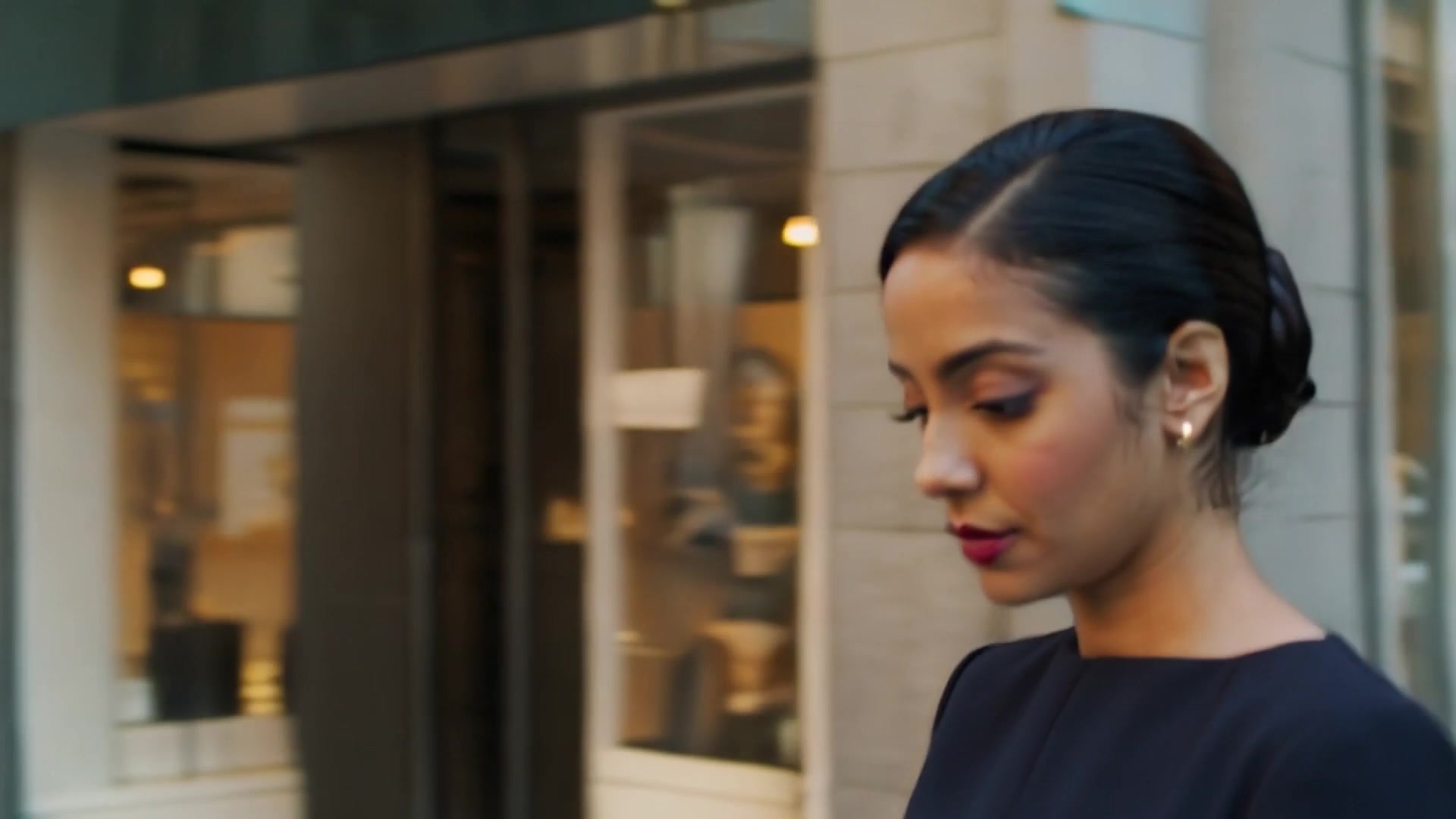
Além de texto e imagens, Wan 2.6 pode usar entrada de vídeo como referência, extraindo estilo visual, movimento de câmera, ritmo, composição e atmosfera sonora. É útil para transformar filmagens de celular, animatics ou clipes de referência em versões de vídeo de IA mais cinematográficas e visualmente consistentes.
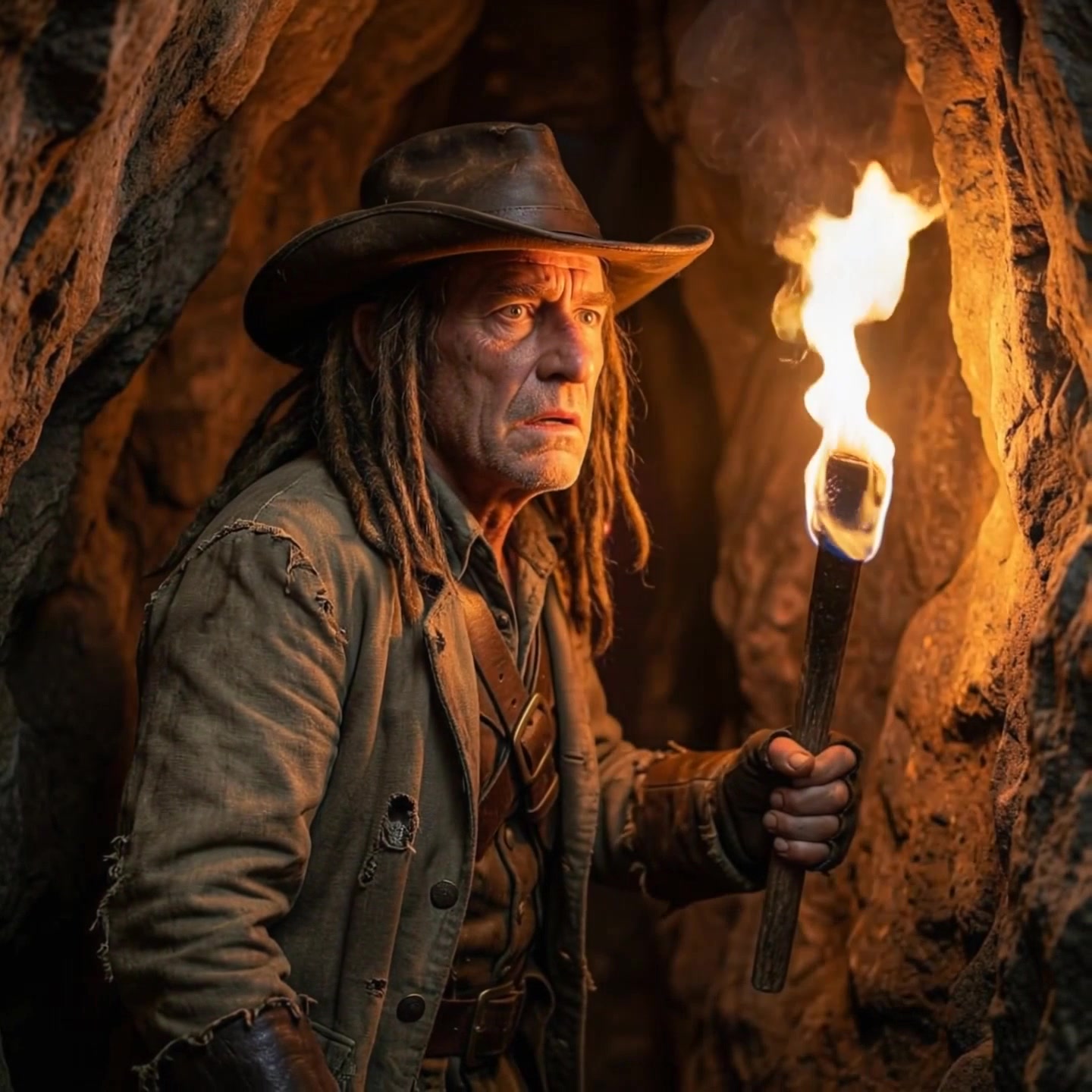
Wan 2.6 oferece suporte a vídeos de até 15 segundos, dando mais espaço para estabelecer uma cena, apresentar personagens, desenvolver a ação e completar um pequeno arco narrativo. Em comparação com modelos adequados apenas a clipes animados de poucos segundos, ele é melhor para conceitos de anúncio, storyboards, trailers sociais e cenas de ação contínua.
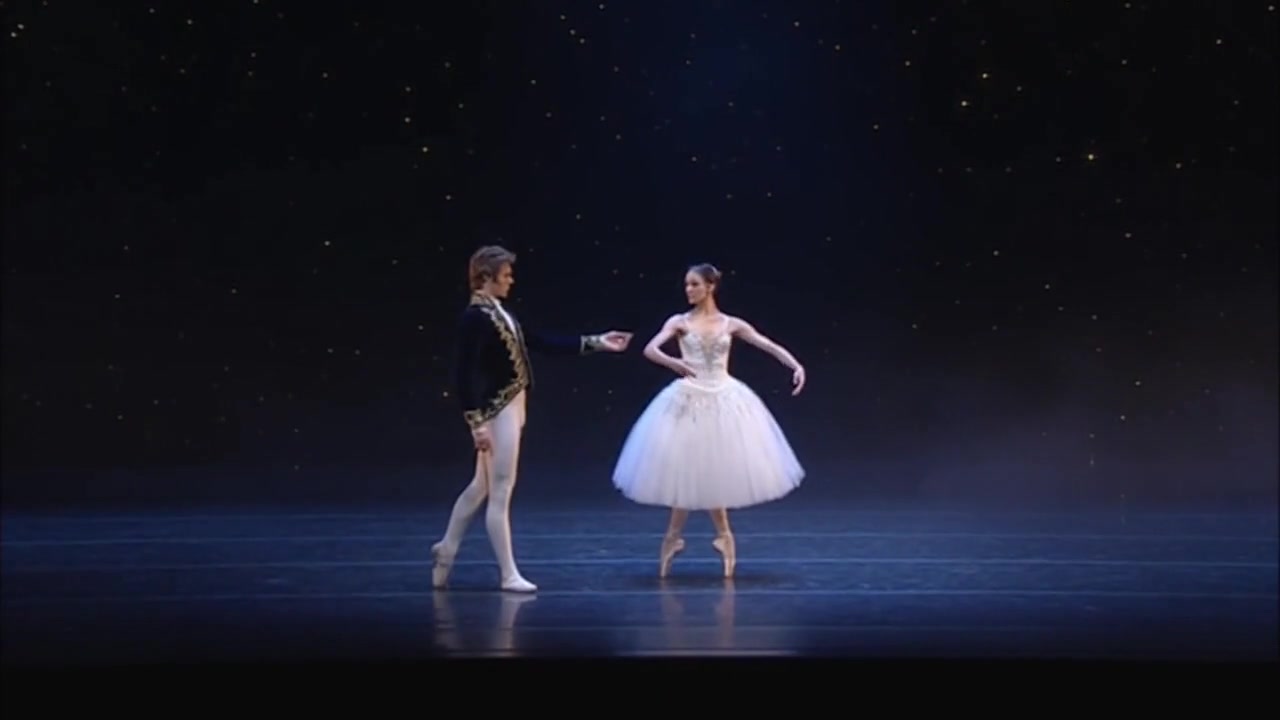
Use Wan 2.6 como um gerador de vídeo para storyboards. Defina primeiro seu material de entrada, descreva a ordem das cenas e o ritmo da ação, depois gere e refine o resultado.
Use texto para vídeo quando estiver criando uma cena do zero. Use imagem para vídeo quando quiser preservar um personagem, produto ou composição. Use referência em vídeo quando quiser reutilizar movimento, ritmo ou estilo de um clipe existente.
Descreva planos abertos, planos médios, closes, movimento de câmera, ação dos personagens, atmosfera de iluminação e mudanças emocionais no prompt. Wan 2.6 funciona melhor com uma ordem clara de eventos e é adequado para clipes narrativos contínuos de 10 a 15 segundos.
Depois da geração, revise aparência dos personagens, roupas, transições de cena, estilo e atmosfera sonora para garantir consistência. Para uma sensação de direção mais forte, refine a perspectiva, a ação e o ritmo de cada tomada.
Saiba mais sobre storytelling multi-shot, referência em vídeo, capacidade de áudio e casos de uso do Wan 2.6.
Wan 2.6 é um modelo de geração de vídeo Wan AI focado em storytelling cinematográfico mais longo e preciso. Ele oferece suporte a entradas multimodais, como texto, imagens e referência em vídeo, sendo adequado para curtas multi-shot, conceitos de anúncio, storyboards e vídeos sociais.
Escolha Wan 2.6 quando precisar de mais do que um clipe de uma única tomada e quiser storytelling visual contínuo com sensação de direção mais forte. Seu controle multi-shot, capacidade de referência em vídeo e suporte a maior duração ajudam a gerar vídeos mais completos e impactantes.
Você pode começar a experimentar Wan 2.6 pela página Wan 2.6 no AnyAIHub. Os limites reais de geração, custo em créditos e cota disponível dependem da sua conta atual e das regras de cobrança do site.
Wan 2.6 pode ser usado para realismo cinematográfico, visual fotorrealista, anime, animação 2D, efeitos visuais 3D, anúncios comerciais e concept art. Você pode usar prompts, imagens de referência ou vídeos de referência para reforçar a direção de arte pretendida.
Wan 2.6 oferece suporte a vídeos com diálogo, efeitos sonoros ou atmosfera de fundo. Ele também pode extrair ritmo sonoro, atmosfera e pistas de tom de vídeos de referência para uma renderização local de áudio mais precisa.
Escreva seu prompt como um roteiro claro de tomadas: especifique o enquadramento de cada cena, a ação do sujeito, o movimento de câmera, as mudanças de cena, o estilo de iluminação e o ritmo emocional. Para vídeos de 10 a 15 segundos, uma ordem de eventos e mudanças de perspectiva mais claras ajudam a produzir resultados mais estáveis e coerentes.
Use Wan 2.6 para transformar prompts, imagens ou vídeos de referência em curtas de IA multi-shot. É ideal para storyboards, conceitos de anúncio, vídeos sociais e ideias visuais cinematográficas.