Modèles
- Seedance 2.5PopulaireNouveau
- Seedance 2.0Populaire
- MiniMax H3Nouveau
- Veo 3.1 PremiumPopulaire
- GPT Image 2Nouveau
- Nano Banana 2
- Nano Banana ProPopulaire
- Seedream 5.0 Pro
- Grok Imagine Image 2.0
- Z-Image Turbo
Chargement...
Comprenez d’abord le positionnement des trois versions de Veo 3.1, puis ouvrez la page du modèle qui correspond le mieux à votre étape créative actuelle, à votre budget et à votre objectif final : Veo 3.1 est l’offre phare en qualité, Fast est l’option au meilleur rapport qualité-prix, et Lite est conçu pour la génération par lots à grande échelle.
Google Veo est une famille de modèles vidéo IA de Google DeepMind, conçue pour une meilleure compréhension des prompts, une qualité visuelle supérieure et des workflows flexibles de texte-vers-vidéo et d’image-vers-vidéo. Sur AnyAIHub, vous pouvez comparer les versions de Veo et choisir la bonne approche pour les vidéos courtes, les créations publicitaires, les concepts visuels, l’animation de produits et le storytelling de marque.
Cette page fonctionne au mieux comme vue d’ensemble de la famille de modèles Veo sur AnyAIHub. Le positionnement le plus fort repose sur la génération vidéo IA de haute qualité, une meilleure compréhension des prompts et des workflows image-vers-vidéo pratiques.
Veo est conçu pour produire des vidéos de meilleure qualité, ce qui en fait un meilleur choix pour les projets qui ont besoin d’un rendu visuel plus soigné, d’une meilleure mise en scène des plans et d’un résultat global plus abouti. Que vous créiez des films de marque, des concepts social-first ou des vidéos produit, la qualité du rendu est l’une des raisons les plus claires d’utiliser Veo sur AnyAIHub.
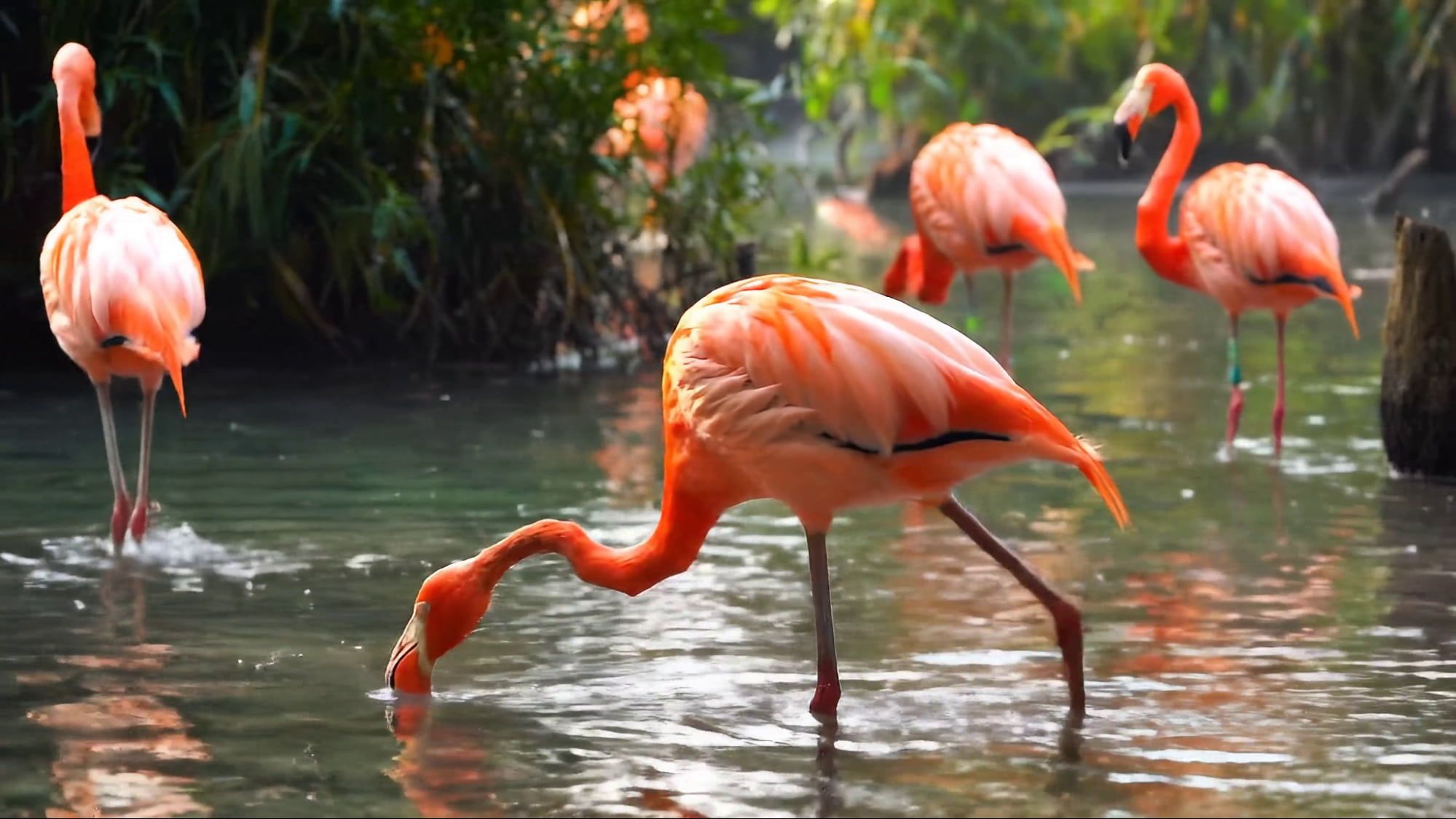
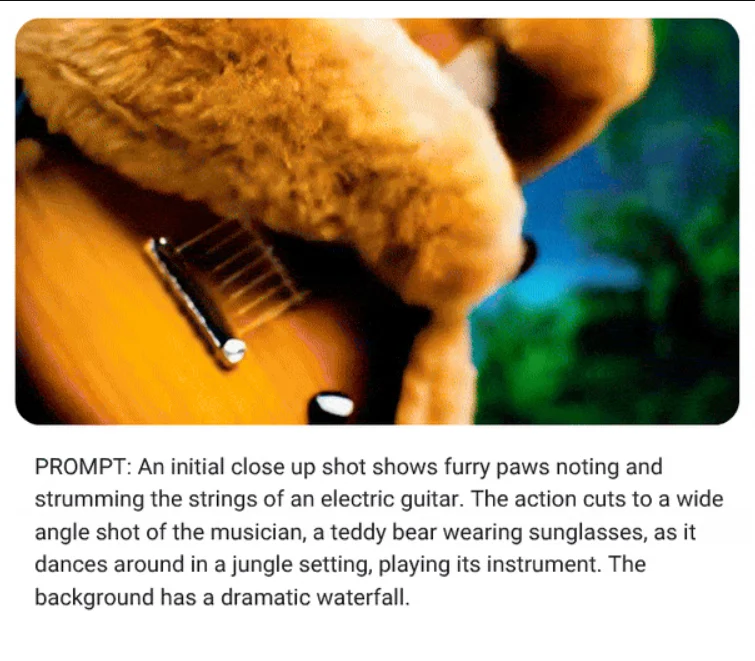
Veo traite mieux les prompts en langage naturel, ce qui le rend plus stable face à des descriptions de scènes complexes, des intentions de caméra, des séquences d’action et des tonalités émotionnelles. Pour les créateurs, cela signifie qu’il n’est pas nécessaire d’écrire des prompts rigides et surchargés de paramètres pour obtenir des résultats plus proches de l’intention d’origine.
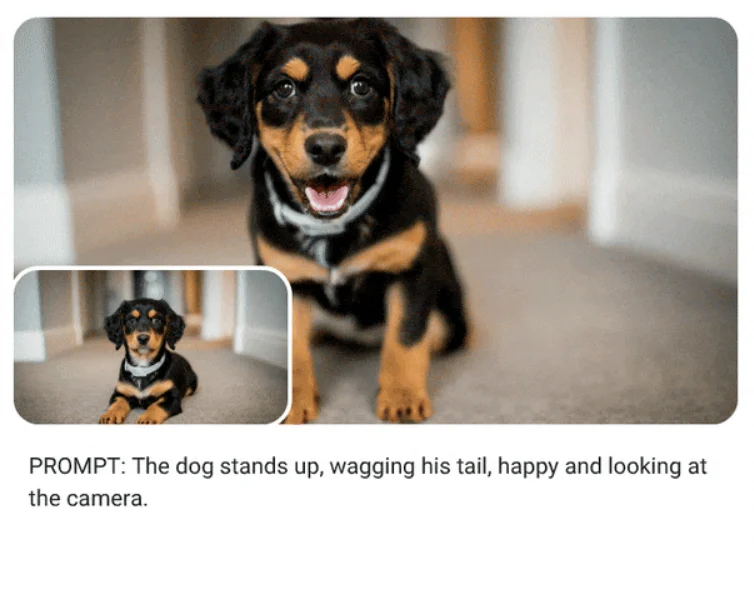
Veo s’adapte aussi très bien aux workflows image-vers-vidéo. Vous pouvez partir d’une image de personnage, d’une photo produit ou d’un key visual de campagne et transformer un asset statique en mouvement. Pour les projets qui ont besoin d’assets de marque animés, de variantes vidéo produit ou d’une cohérence visuelle plus forte, c’est souvent le workflow le plus pratique sur AnyAIHub.
Choisissez d’abord le bon modèle Veo, puis saisissez un prompt ou une image de référence, et enfin générez et examinez le résultat. Pour la plupart des utilisateurs sur AnyAIHub, choisir la bonne version dès le départ compte davantage que d’empiler trop tôt des descriptions d’effets.
Choisissez Lite, Fast ou le niveau phare de qualité selon votre objectif. Lite convient mieux à la génération par lots à grande échelle et aux tests à moindre coût, Fast est meilleur si vous cherchez un bon rapport qualité-prix avec une qualité visuelle solide pour itérer rapidement, et Veo 3.1 est le meilleur choix pour la livraison finale et la qualité visuelle maximale.
Vous pouvez écrire un prompt directement pour générer une vidéo, ou téléverser une image de référence dans un workflow image-vers-vidéo. Il est généralement plus utile de décrire clairement la scène, le sujet, l’action, la direction de caméra et l’ambiance générale plutôt que de s’appuyer uniquement sur des mots de style abstraits.
Après la génération, vérifiez d’abord si l’intention de caméra, le comportement du sujet et le rythme général fonctionnent, puis décidez s’il faut passer à une version de meilleure qualité ou affiner davantage le prompt. Valider la direction avant de chercher la finition finale est généralement le meilleur workflow de production.
Cette FAQ aide les utilisateurs à comprendre ce qu’est Google Veo, comment il se compare aux autres modèles vidéo IA, quels workflows il prend en charge et comment choisir la bonne version de Veo sur AnyAIHub.
Veo est la famille de modèles vidéo IA de Google DeepMind, dévoilée publiquement pour la première fois en mai 2024. Son positionnement central repose sur une qualité visuelle plus forte, une meilleure compréhension des prompts et une meilleure capacité image-vers-vidéo pour aider les utilisateurs à générer des vidéos plus efficacement à partir de texte ou d’images.
Par rapport à de nombreux modèles vidéo qui se concentrent surtout sur la vitesse d’une seule génération, Veo se distingue davantage par une meilleure qualité visuelle, une compréhension du langage naturel et une sortie plus proche de la logique réelle de la caméra. Cela le rend plus attractif pour les projets qui attachent de l’importance à la finition, à la cohérence et à une réponse plus fine au prompt.
Oui. Veo prend en charge à la fois la génération directe texte-vers-vidéo et les workflows image-vers-vidéo à partir d’une image fixe. Les méthodes d’entrée réellement disponibles dépendent toutefois de la page Veo concernée et des capacités de formulaire actuellement exposées sur AnyAIHub.
Parce que cette page fonctionne mieux comme point d’entrée vers la famille de modèles Veo. Elle aide d’abord les utilisateurs à comprendre le positionnement des différentes versions, puis les oriente vers des sous-pages Veo plus spécifiques sur AnyAIHub. C’est bien plus clair que de tenter de comprimer toutes les versions et toutes les capacités dans une seule page surchargée.
Il convient bien aux formats courts créatifs, aux concepts publicitaires, aux contenus visuels de marque, aux vidéos produit, aux contenus animés à partir d’images et aux prévisualisations de storyboard. Il est particulièrement utile quand un projet se soucie de la qualité visuelle finale tout en voulant utiliser l’IA pour accélérer l’exploration.
D’après le positionnement public de Google, Veo se concentre sur la génération vidéo de haute qualité et prend en charge une sortie HD. La durée réelle, la résolution et l’accès aux fonctions varient selon la plateforme, le mode d’intégration et la version du modèle. Les attentes finales doivent donc suivre la page Veo précise et le formulaire utilisé sur AnyAIHub.
Choisissez Lite si vous avez besoin de l’option la plus économique pour la génération par lots à grande échelle, la validation précoce de concepts et le tri large de brouillons. Choisissez Fast si vous voulez le meilleur rapport qualité-prix pour des itérations rapides et des tests de variantes tout en conservant une forte qualité visuelle. Choisissez Veo 3.1 lorsque le projet passe en livraison finale et que vous voulez le modèle phare avec la meilleure qualité visuelle. Choisir le bon niveau dès le départ est généralement plus efficace que de surcharger le prompt.
Une structure utile est scène + sujet + action + caméra + ambiance. Au lieu de s’appuyer uniquement sur des mots-clés de style abstraits, décrire plus clairement le sujet réel, les variations de mouvement, la direction du plan et la tonalité émotionnelle conduit généralement à des résultats plus stables sur AnyAIHub.
Comparez d’abord les versions de Veo, puis choisissez le workflow qui correspond à la phase actuelle de votre projet. Sur AnyAIHub, un positionnement de modèle plus clair et des prompts plus précis produisent généralement de meilleurs résultats que des promesses marketing génériques.